

First Impressions and Core Functionality
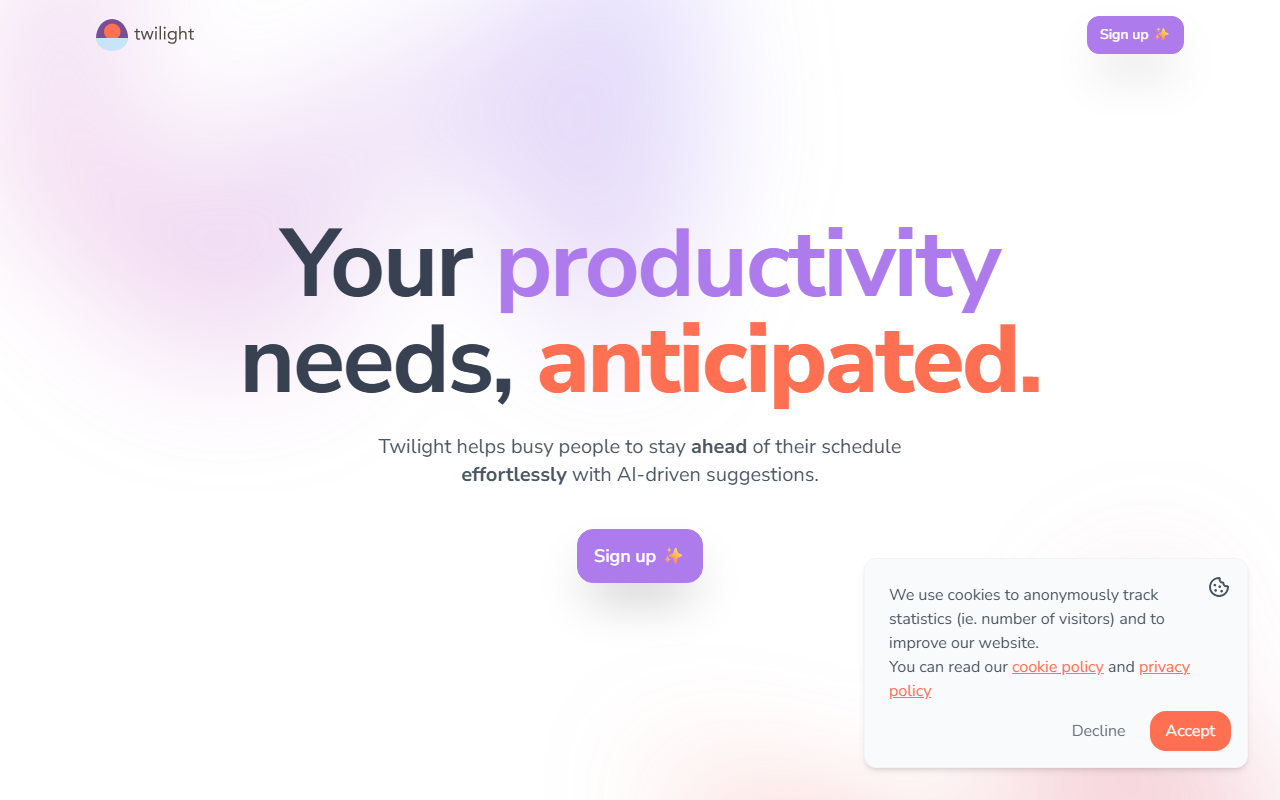
Upon visiting the Twilight landing page on Vercel, I was greeted with a clean, modern design. The tagline "Anticipating your productivity needs" immediately positions this tool as a proactive assistant. The dashboard is not shown live, but the feature list is clearly laid out: schedule and reschedule meetings, copy OTPs and open confirmation links, summarize and delay informational content, and automatic task rescheduling based on availability. The interface appears deliberately minimal — no overcomplicated settings, which aligns with the claim "Twilight prepares. You decide." For a first glance, the onboarding flow seems straightforward: a prominent "Sign up" button and a cookie consent banner that emphasizes anonymous tracking and privacy.
Key Features and How They Work
Twilight offers several productivity-enhancing features. The AI-driven suggestions for rescheduling automatically adjust tasks based on your calendar availability, which could help avoid overbooking and double-booking. The ability to delay low-priority tasks is another practical touch — it saves mental effort by deferring non-urgent items. The OTP auto-copy feature is a clever time-saver: instead of switching apps to retrieve a code, Twilight lets you copy it with one click and opens the confirmation link directly. Similarly, the summarization tool for informational content allows you to delay reading full messages while keeping the key points accessible. These workflows suggest a thoughtful design focused on reducing friction in daily routines.
Positioning, Pricing, and Comparisons
Twilight sits in the "AI Office" space as a personal assistant and scheduler. Unlike competitors such as Motion (which emphasizes project planning and time blocking) or Clara (an AI scheduling assistant with natural language email parsing), Twilight leans into simplicity and privacy. The site explicitly states "Privacy First" — your data is used to empower you, not to monetize — which is a fresh stance compared to many AI tools that rely on data mining. However, pricing is not publicly listed on the website. This lack of transparency could be a hurdle for potential users who need to budget for a tool. The platform also mentions upcoming third-party integrations, but no specific apps (like Google Calendar, Outlook, or Slack) are named yet, leaving integration depth uncertain. The user base is described as "thousands of users," but no specific numbers or testimonials are provided.
Strengths, Limitations, and Verdict
Twilight's main strength is its laser focus on reducing scheduling clutter and automating repetitive tasks. The feature set — OTP auto-copy, content summarization, and smart rescheduling — addresses genuine pain points for busy professionals. The privacy-first promise and simple interface are also strong selling points. That said, significant limitations remain: no concrete examples of integrations, no pricing details, and the AI model behind the suggestions is not disclosed. Without a free trial or demo, it's hard to evaluate how well the AI anticipates needs in practice. This tool is best suited for individuals who want a lightweight AI scheduler without a steep learning curve. Teams or power users requiring deep CRM hooks or complex calendar sharing should look at established alternatives like Calendly or Clara. Overall, Twilight shows promise but needs more transparency to earn full trust.
Visit Twilight at https://twilight-landing.vercel.app/ to explore it yourself.










Comments