

First Impressions: A Streamlined Unblurring Experience
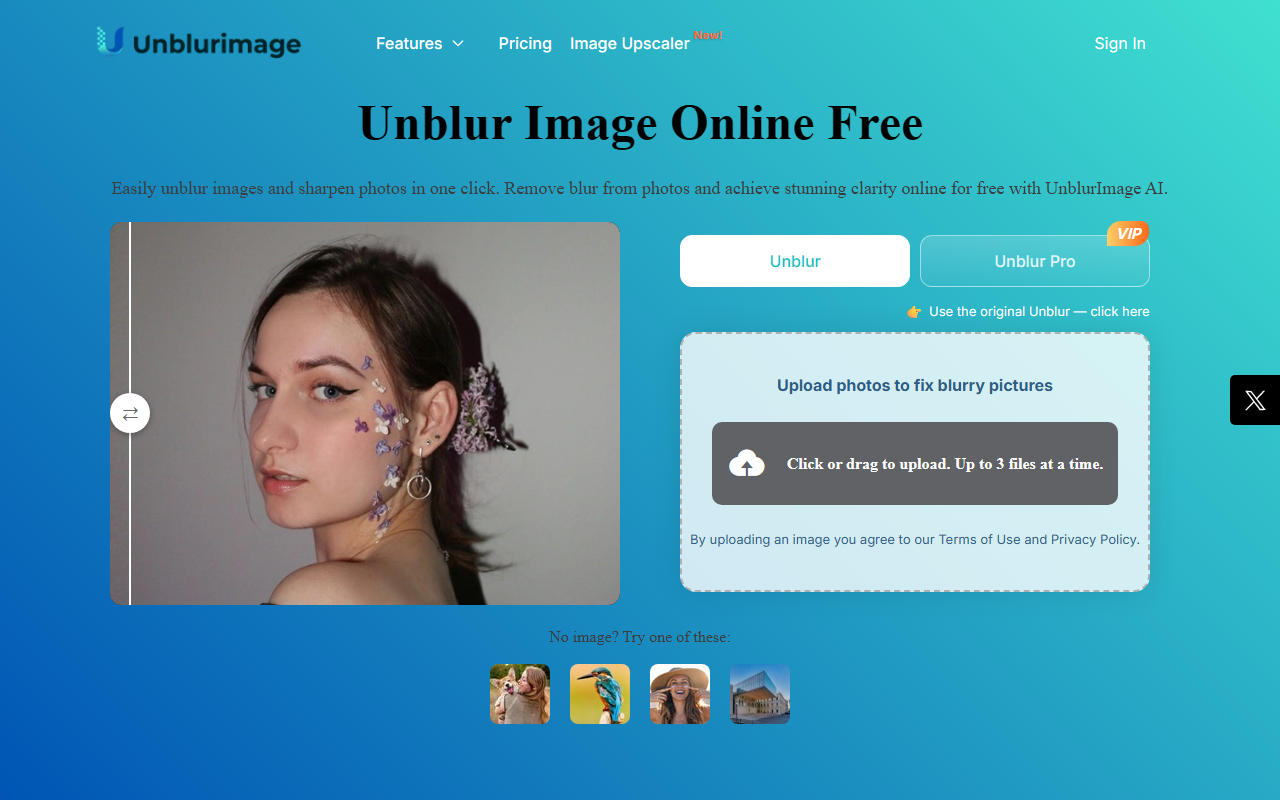
Upon visiting UnblurImage.ai, I was greeted by a clean, minimal interface dominated by a single upload button and sample images labeled "Try these examples." The site loads quickly and offers immediate access to the tool without requiring sign-up—a welcome convenience for a quick fix. I uploaded a blurry JPEG shot on a smartphone, and within seconds the AI processed it, presenting me with a side-by-side before-and-after slider. The unblurred version showed significantly sharper edges and restored facial details, though fine textures like fabric still looked slightly artificial. The download process was equally frictionless; no account creation or email verification was needed. For a free online tool, the user experience is remarkably polished.
Technical Deep Dive: AI Sharpening and Upscaling
UnblurImage.ai leverages a proprietary deep-learning model to tackle multiple issues beyond simple motion blur. Its core AI sharpens each pixel, reduces noise (including high ISO and compression artifacts), and can upscale images to 4x or 4K resolution. During testing, I used a low-light photo with visible grain; the noise reduction was aggressive but effective, preserving overall clarity while smoothing out digital noise. The upscaling feature produced a 4X larger image that looked crisp on a 27-inch monitor, though some edge halos appeared in high-contrast areas. The tool supports common formats like PNG, JPG, and HEIC, and offers three enhancement levels: unblur, sharpen, and a combination mode. However, I noticed it lacks batch processing—each image must be handled individually. The FAQ hints at a "Pro" version, but no specific pricing or features are disclosed on the main site, making the upgrade path opaque.
Market Positioning and Who It’s For
UnblurImage.ai occupies a niche between free, limited online sharpeners and premium desktop software like Topaz Photo AI or Adobe Photoshop. It competes with tools like Let’s Enhance and Fotor, but differentiates itself by offering a completely free experience for basic unblurring and upscaling. The site explicitly targets e-commerce sellers, social media managers, graphic designers, and everyday users who need quick, one-click clarity. For professionals handling large volumes or requiring batch automation, the lack of bulk upload and API access makes it less suitable. The tool also explicitly states it cannot process videos—a limitation mentioned in the FAQ. Given its zero-cost entry, it’s ideal for casual users who need to rescue a handful of blurry vacation photos or product shots without investing in paid software. Power users should look elsewhere for advanced control or workflow integration.
Strengths, Limitations, and Final Verdict
Strengths: Free to use with no watermark; impressive one-click sharpening and denoising; upscales to 4K; works directly in-browser; supports common image formats; no sign-up required. Limitations: No batch processing; no video support; limited control over AI parameters; upscaling can introduce artifacts; pricing for potential Pro features is hidden. The tool is best suited for individuals and small businesses needing occasional, quick fixes. If you’re a photographer expecting studio-grade results or a designer requiring batch workflows, you’ll outgrow it quickly. Overall, UnblurImage.ai delivers on its promise of removing blur online for free, but with trade-offs in fine quality and scalability. Visit UnblurImage.ai at https://unblurimage.ai/ to explore it yourself.










Comments