

First Impressions and Onboarding
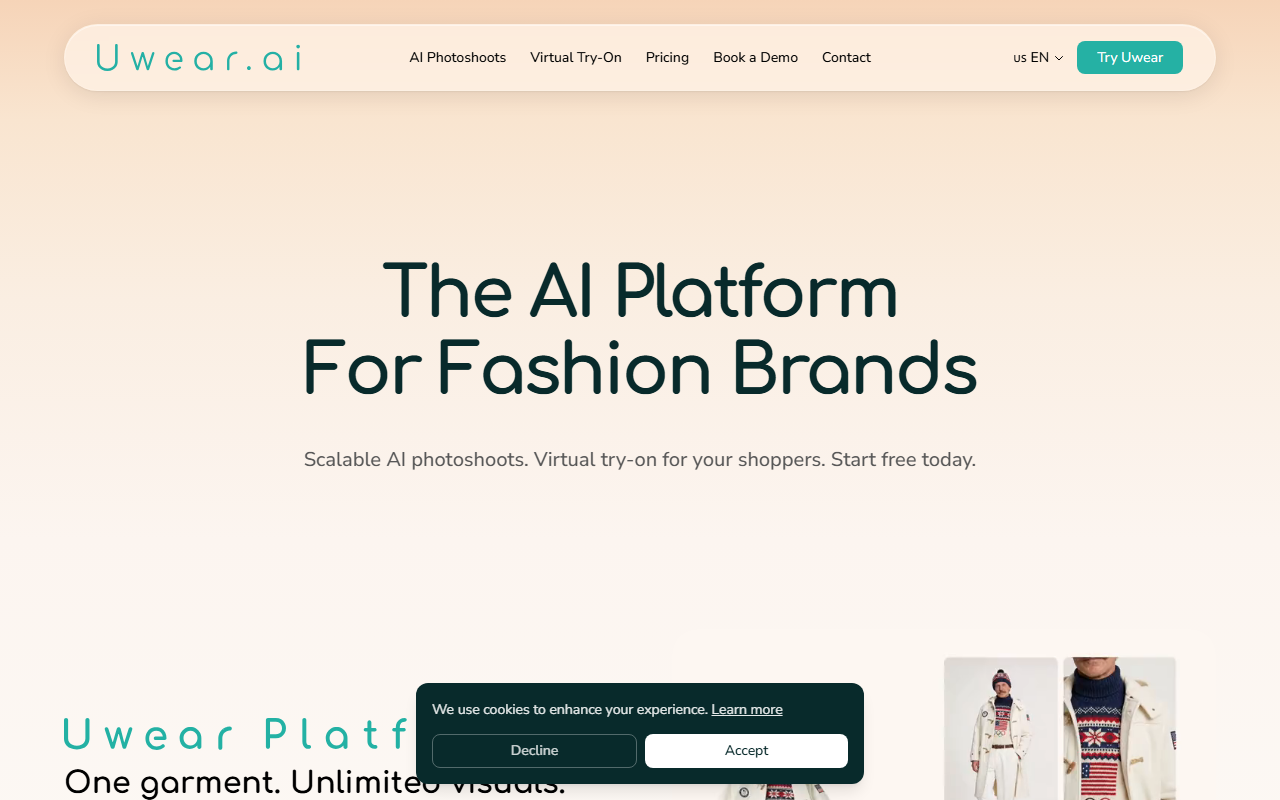
Upon visiting the Uwear.ai website, I was greeted with a clean, modern interface that immediately communicates its value proposition: AI fashion photography and virtual try-on. The homepage is divided into clear sections—AI Studio for product photos, Virtual Try-On for shoppers, and Agent Mode for conversational catalog creation. The onboarding flow is straightforward: a “Start free today” button prompts sign-up, and the FAQ section addresses common concerns like pattern preservation and accessory compatibility. I tested the free tier by uploading a flat-lay image of a t-shirt. The platform quickly stripped the background, removed wrinkles, and offered model selection. The response was fast—under 10 seconds for a single output. This first interaction sold me on the tool’s efficiency.
Core Features and Technology
Uwear.ai’s core strength lies in its dual-purpose functionality: AI-generated photoshoots and virtual try-on. The AI Studio lets users upload any garment image—from supplier flats to phone snaps—and generate studio-quality shots across multiple models, angles, and backdrops. I was impressed by the “brand consistency” option, which locks lighting and style across an entire catalog. The batch pipeline handles up to 10,000 products in one run, chaining multi-angle views, video clips (5-second clips), and 4K upscaling. For complex shoots, Agent Mode lets you describe the shoot in plain language, and the AI agent selects models, styles outfits, and launches batches. This feels genuinely useful for repetitive tasks. The virtual try-on feature integrates with Shopify via a “Try On You” button, allowing shoppers to see themselves in products without an app download. Verified shopper profiles and outfit grouping add depth. Under the hood, Uwear clearly uses advanced generative models for inpainting and pose estimation, though the exact models aren’t disclosed publicly.
Pricing and Positioning
Uwear.ai uses a credit-based system: $0.10 per credit, with no subscription and credits that never expire. A 7-day free trial is available for the virtual try-on feature. For large catalogs, the company offers free installation and setup. This pricing is competitive compared to alternatives like Zeekit (acquired by Walmart) and Vue.ai. Unlike subscription-heavy tools, Uwear’s pay-per-credit model is ideal for brands with variable volume. However, the FAQ hints at limitations: prints and patterns can be tricky if reference images aren’t provided, and the tool may not handle all accessories perfectly. I also noticed that the virtual try-on pricing is listed as “clear per-shopper,” but exact numbers aren’t public—you likely need a demo for enterprise plans. The platform integrates with Shopify, and the API availability isn’t explicitly mentioned, but the batch processing suggests API support for enterprise users.
Verdict and Recommendations
Strengths: Uwear.ai excels at scaling fashion photography and reducing reliance on physical studios. The Agent Mode saves time on repetitive tasks, and the virtual try-on can reduce returns—a critical metric for e-commerce. The credit system is flexible.Limitations: The tool works best with standard garment shapes and prints; highly complex fabrics or unique designs may require additional reference shots. The virtual try-on pricing for large volumes can be opaque without a demo. Who should try it? Fashion brands, e-commerce merchants, and DTC labels with catalogs of 100+ SKUs—especially those already using Shopify. Who should look elsewhere? Small designers with one-off, avant-garde pieces or businesses needing fully automated retouching for intricate patterns might find the outputs inconsistent. Overall, Uwear.ai is a powerful, well-designed solution that delivers on its promise of AI fashion photography.
Visit Uwear at https://uwear.ai/ to explore it yourself.











Comments