

First Impressions and Onboarding
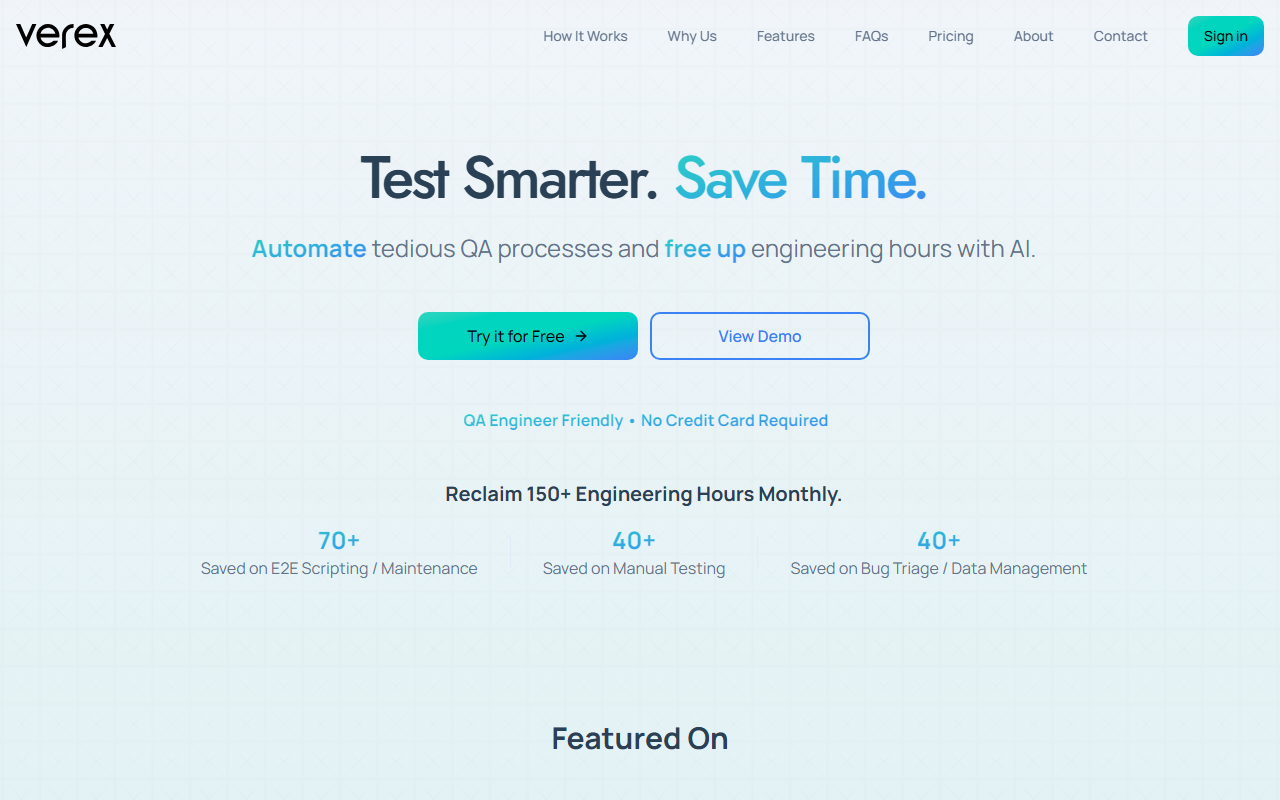
Upon visiting verex.ai, I was greeted by a clean landing page that clearly pitches “Test Smarter. Save Time.” The dashboard isn’t publicly accessible without signing up, but the free-tier signup process is straightforward—no credit card required. I created an account in under a minute and was guided through the onboarding wizard. Defining a test suite took about two minutes: I simply typed “Check that the login flow works with valid credentials” in natural language. Verex’s AI interpreted this without any coding. The interface is minimal, with a left sidebar for test suites and a central area for configuring credentials. It’s clearly designed for QA engineers who want to avoid traditional scripting.
Core Features and Workflow
Verex supports triggering tests via its UI, Slack, Teams, or CI/CD pipelines (GitHub, GitLab, Bitbucket, Jenkins). When I triggered a test manually from the dashboard, I received a detailed report within minutes, complete with screenshots for visual debugging. The AI automatically generated a Jira ticket for a failed step—no manual intervention needed. One standout is that Verex doesn’t rely on fragile CSS selectors or XPath; instead, it understands tests semantically. This means UI changes are less likely to break your test suite. The tool also auto-generates test data, further reducing manual setup. Currently, Verex only works for web apps accessible via a public internet connection. If your internal app isn’t exposed (even via a proxy), you’re out of luck. The FAQ mentions this limitation explicitly, which I appreciate for transparency.
Strengths, Limitations, and Recommendations
The biggest strength is time savings: Verex claims to reclaim 150+ engineering hours monthly, and based on my quick test, that seems plausible—I didn’t write a single line of code. The AI handles regression, login flows, and UI consistency checks. However, the tool is still in beta, so you may encounter occasional instability or gaps in edge cases. Unlike dedicated QA platforms like Testim or Mabl, Verex focuses exclusively on AI-driven natural language test creation, making it ideal for teams that want to move fast without deep scripting expertise. Pricing is not publicly listed on the website; you’ll need to contact sales or use the free tier. I recommend Verex for QA engineers, startups, and DevOps teams that primarily test public-facing web apps. If you need to test internal enterprise apps or require a mature, battle-tested platform, consider alternatives with broader support. Overall, Verex is a promising tool that delivers on its promise of reducing manual QA overhead.










Comments