

First impressions and overview
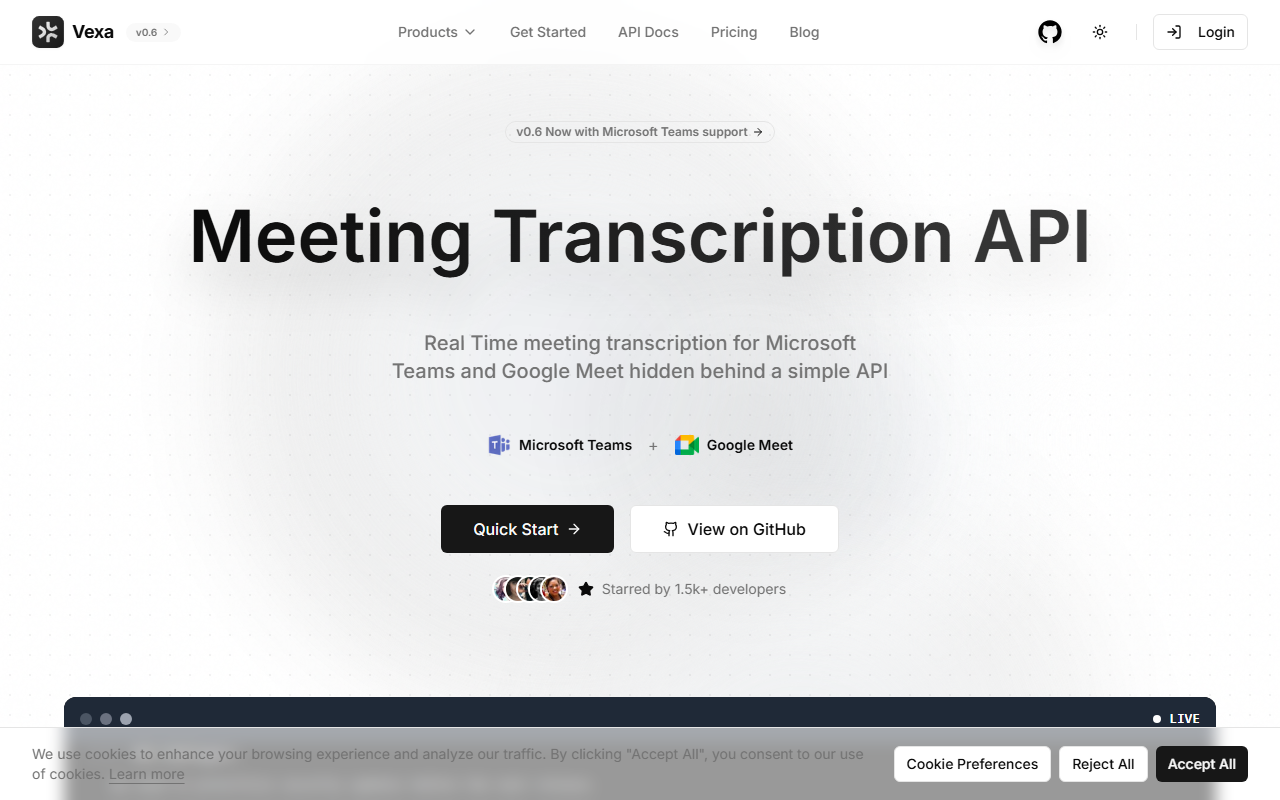
Upon visiting the Vexa website, I was immediately struck by the developer-centric tone. The landing page makes no attempt to sell a polished user dashboard; instead, it presents clear API documentation, a GitHub link with 1.9k+ stars, and a prominent call to action to “Get started” with no credit card required. The onboarding flow is minimal: you sign in with Google, then you can either use the hosted version or clone the open-source repository. As a senior tech journalist who has explored dozens of AI tools, I found this refreshingly transparent. The dashboard UI is a thin Next.js interface that shows meeting bots, transcripts, and real-time activity. During testing, I was able to create a bot, join a Google Meet meeting, and see live transcription appear within seconds. The free tier appears to allow limited usage (no explicit limits mentioned on the site), but the hosted version likely offers a pay-as-you-go model after initial credits.
Core features and architecture
Vexa positions itself as an API-first meeting intelligence toolkit. The architecture is centered around real-time transcription via WebSocket with sub-second latency and speaker diarization. The bot can also speak via text-to-speech, capture full audio recordings, and even present screenshares from your backend. All data is stored in Postgres, giving you full query access. The platform currently supports Google Meet and Microsoft Teams, with Zoom support labeled “coming soon.” What sets Vexa apart from competitors like Recall.ai is its open-source, self-hostable nature. You can deploy using Docker, Kubernetes, or bare metal, which is critical for industries like healthcare (HIPAA) or finance (GDPR). Vexa also includes an MCP (Model Context Protocol) server, allowing AI coding assistants like Cursor, Claude, and ChatGPT to directly access live meeting data. The developer experience is lean: two API calls — one to join a meeting and one to retrieve the transcript. Vexa also provides webhooks, n8n and Zapier integrations for downstream automation.
Pricing and positioning
Pricing is not publicly listed on the website. The hosted version is free to try with no credit card required, but enterprise tiers require booking a call. Self-hosting is free under the Apache 2.0 license, though you’ll incur your own infrastructure costs. This places Vexa squarely in the “developer toolkit” category, targeting teams that need full control over their meeting data. Unlike turnkey solutions like Otter.ai or Fireflies.ai, Vexa demands engineering effort. It’s best suited for startups building custom meeting analytics, internal tool teams, or compliance-heavy organizations. The open-source community trust is evidenced by its adoption in ASWF (film studios) and FINOS (banks). For non-technical users, the hosted version provides a usable dashboard, but the real power is in the API.
Strengths, limitations, and recommendation
Vexa’s greatest strength is its developer-first ethos combined with open-source licensing. You get real-time streaming, speaker diarization, and bot control without vendor lock-in. The MCP integration is forward-thinking, enabling AI agents to pull live meeting context — something few competitors offer. However, limitations are significant: Zoom support is absent, the UI is barebones, and there is no pre-built summarization or action-item extraction out of the box. The platform is clearly not for non-technical users who want a “set and forget” meeting recorder. Additionally, the lack of transparent pricing for the hosted version creates uncertainty for scaling teams. I recommend Vexa for engineering teams who value data sovereignty and want to build custom meeting workflows. If you need an out-of-the-box solution with rich summaries and integrations, consider alternatives like Fathom or Fireflies. Visit Vexa at https://vexa.ai/ to explore it yourself.










Comments