

First Impressions: Clean Interface and Fast Onboarding
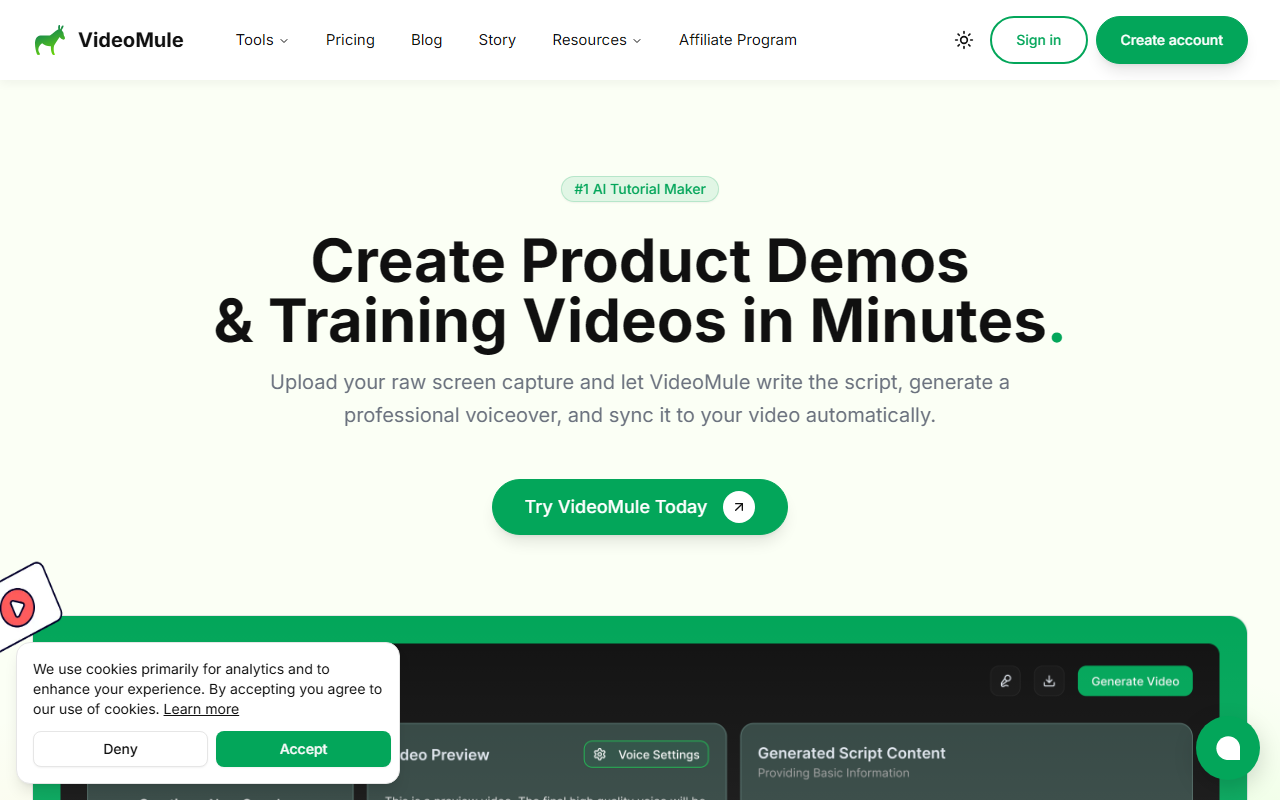
Upon visiting the VideoMule site, I was greeted by a clean, modern interface with a clear call-to-action: “Try for Free.” The landing page immediately explains the value proposition—turn raw screen captures into narrated tutorials in minutes. I signed up for the free trial, which costs $0.99 for the first month (a nominal fee), and was guided through a simple dashboard. The tool offers a Chrome extension for quick screen recording, which I installed. The extension allows you to record your screen, preview, and then instantly send the footage to the editor. The whole process from install to first recording took less than two minutes—impressive for a video tool.
Core Features: AI Script Generation, Voiceover, and Translation
VideoMule’s standout feature is its ability to automatically generate a script from your screen recording. After uploading a sample recording of a product walkthrough, I selected the “AI Script” option. The tool analyzed the footage and produced a step-by-step script within seconds. You can edit the script if needed, then choose from a variety of AI voice styles. I tested the high-quality voices (available on the Plus plan) and found them natural, with decent intonation. The AI then syncs the voiceover to the video timeline automatically, adding captions. Another notable feature is multi-language translation—you can produce versions of your video in different languages with AI-generated voice and captions. This is a strong asset for global teams. The editor includes a multi-track timeline (video, audio, captions) and auto-zoom/focus animations that highlight key actions. I also appreciated the built-in callouts and text overlays, which make tutorials clearer.
Pricing and Limitations: What You Get and What You Don’t
VideoMule offers a transparent pricing page. The “Trial” plan is $0.99/month and includes 5 minutes of video upload, 5 minutes of AI voice, 3 renders, and watermarked videos. The “Plus” plan for solo creators is on a launch offer: $19/month (regular $49), with 30 minutes upload, 40 minutes AI voice, 30 renders, no watermark, and high-quality voices. There’s also a “Teams” plan (pricing not fully listed but likely higher). A major limitation: the free trial is extremely limited—only 5 minutes of upload and 3 renders. For any real testing, you’ll need the Plus plan. Another limitation is that video uploads are capped per month; heavy users might hit limits quickly. Additionally, AI avatar integration is listed as “Coming Soon,” so you can’t use a digital presenter yet. The tool currently lacks advanced editing features like keyframe animations or custom transitions (basic animations exist but are automated). Compared to competitors like Descript or Synthesia, VideoMule is more focused on screen recordings and less on talking-head videos. It’s best suited for product demos, onboarding videos, and educational tutorials—not for cinematic storytelling.
Who Should Use VideoMule? Final Verdict
VideoMule is ideal for SaaS teams, customer success managers, technical writers, and educators who need to create quick, professional-looking tutorials without video editing expertise. It automates the most tedious parts: scriptwriting, voiceover recording, and captioning. However, if you need advanced editing or AI avatars, you may want to wait for updates or consider alternatives. The tool is fast and the output quality is solid for the price. I recommend starting with the trial to test your workflow, then upgrading to Plus if you produce regular content. It’s a time-saver that lives up to its promise of turning hours into minutes. Visit VideoMule at https://videomule.ai/ to explore it yourself.










Comments