

What Is Vidsembly and How Does It Work?
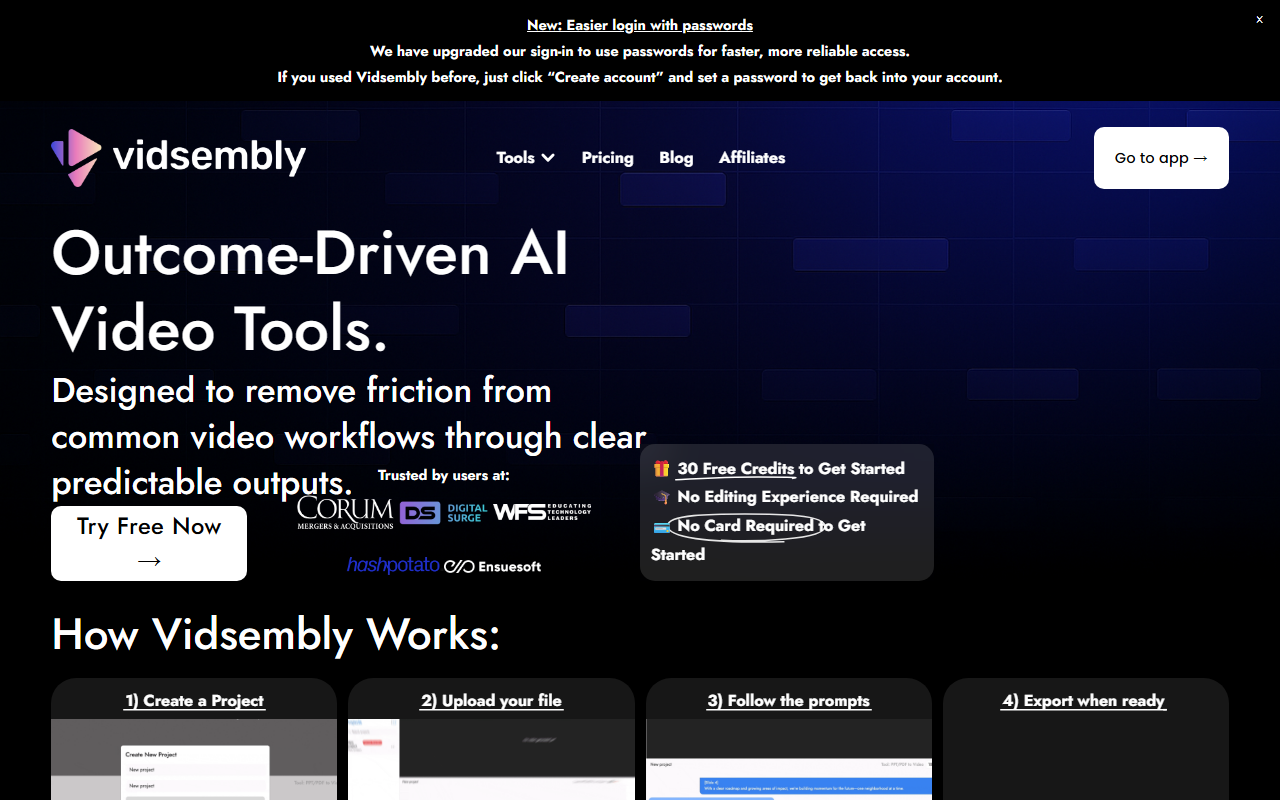
Vidsembly positions itself as a conversational AI video toolkit designed to remove friction from common video workflows. Upon visiting the site, the interface is clean and focuses on two core tools: PPT/PDF to Video and Video Music-Score. The first tool lets you upload a PDF or PowerPoint and generates a fully narrated video with optional background music—no microphone or editing required. The second tool generates custom, copyright-free music tracks that automatically fit your uploaded MP4 video, allowing you to choose a style, adjust volume, and preview before export.
The workflow is straightforward: create a project, upload your file (MP4, PowerPoint, or PDF), follow conversational prompts, and export the result. Vidsembly emphasizes that all tools share the same consistent interface, so once you learn one workflow, you can use them all. This simplicity is a huge advantage for non-technical users. The site also offers a demo project via Discord, letting you see results before committing.
Hands-On with the Vidsembly Platform
When testing the free tier, I was impressed by the onboarding flow. No credit card is required to start, and new users receive 30 free credits. The dashboard presents a clear project creation button and lists available tools. I uploaded a sample PDF, and the conversational prompts guided me through script editing, voice selection, and scene adjustments. The output was a polished narrated video with watermarked exports—a reasonable limitation for the free plan. The entire process took less than five minutes for a short deck.
Switching to the Video Music-Score tool, I uploaded a short MP4. The interface prompted me to choose a music genre (e.g., cinematic, corporate, upbeat), and the AI generated a track that dynamically matched the video length. I could adjust volume and fades before exporting. The music sounded original and professional, albeit with a limited library of styles. For content creators on a budget, this tool alone could replace expensive stock music subscriptions.
Pricing and Credit System
Vidsembly offers three pricing tiers. The Free plan gives 30 one-time credits with watermarked exports. The Pro plan costs $6.99 per month (or $69.99 yearly) for 300 credits per month, premium voices, and no watermarks. The Elite plan is $21.99 per month (or $219.99 yearly) for 1,200 credits and priority support. Credits are consumed per render: 1 credit per minute of video for PPT/PDF exports, and 5 credits per 15 seconds of generated music. Unused credits roll over if they exceed your plan limit, which is generous. Compared to competitors like Invideo AI or Synthesia, Vidsembly’s pricing is aggressive, especially for users who only need basic slide-to-video conversion or music scoring. However, the credit system can feel limiting for heavy users—a single 5-minute video costs 5 credits, so frequent producers might quickly hit the cap on the Pro plan.
Strengths, Limitations, and Recommendation
Vidsembly’s main strength is its simplicity. The conversational interface eliminates the learning curve of traditional video editors. The free tier is genuinely usable, and the paid plans are affordable. The tool also supports real use cases for sales teams (turning pitch decks into follow-up videos), HR (onboarding videos), and educators (flipping classrooms). A notable limitation is the narrow toolset—currently only two main tools. While the blog hints at future additions, users looking for advanced editing, avatars, or multi-scene animations may need to look elsewhere. Additionally, the watermarks on free exports and the credit cap per month may frustrate power users.
For whom is Vidsembly best suited? It’s ideal for individuals or small teams who need to quickly repurpose static content into engaging videos without technical skills. If you’re a sales rep creating video proposals, a teacher producing lesson summaries, or an HR professional digitizing training manuals, Vidsembly minimizes effort. People who need high-end cinematic effects or full video editing suites should consider alternatives like Descript or Clipchamp. Visit Vidsembly at https://vidsembly.com/ to explore it yourself.










Comments