

First Impressions and Onboarding
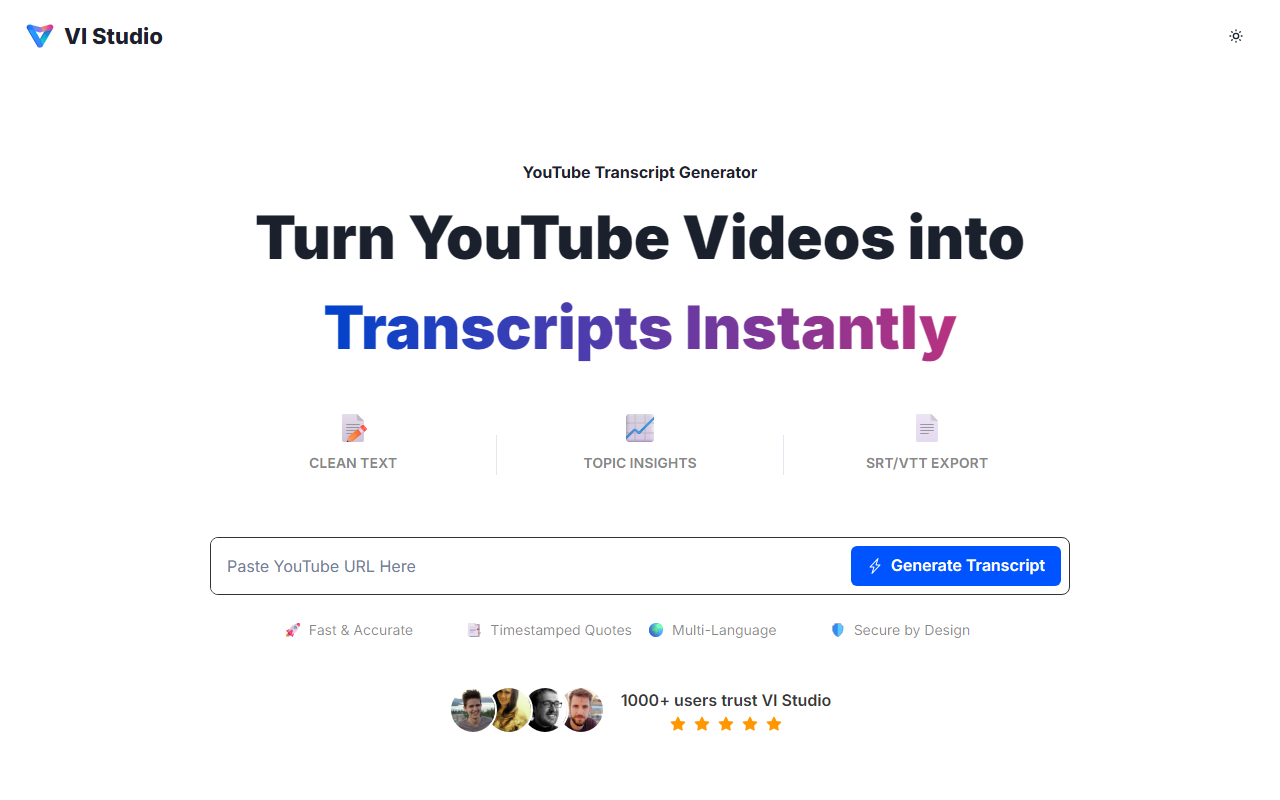
Upon visiting VI Studio's site, the interface is refreshingly minimal. There is no signup wall; you can paste a YouTube URL directly into the large input field and hit Generate. I tested with a 12-minute tech talk featuring moderate background music. Within seconds, a clean transcript appeared with timestamps at each paragraph. The dashboard also showed a panel labeled Topic Insights, listing three auto-detected themes and a handful of highlighted keywords. The free tier processed my request without any account, which is rare among modern transcription tools. The entire experience felt like using a lightweight web app rather than a bloated service.
Core Features and Workflow
Once the transcript loaded, I could edit the text inline—a small but crucial feature for correcting misheard terms. Below the transcript, an insights panel displayed clickable timestamps for every highlighted quote. I clicked a quote about latency issues, and the tool instantly jumped to that moment in the text. This workflow is ideal for journalists and researchers who need to cite exact statements. Export options include TXT, DOCX, PDF for documents, and SRT/VTT for subtitles. I exported an SRT file and imported it into YouTube Studio; it synced perfectly with the video. The tool also supports multi-language transcription, though I only tested English. For power users, VI Studio offers a paid upgrade with higher quotas and shared libraries, but pricing is not publicly listed on the website beyond mentioning a free tier with fair usage limits.
Accuracy, Privacy, and Market Position
I compared the transcript against the video’s original captions. VI Studio's AI handled clear speech well, but accuracy dipped slightly during rapid-fire dialogue and sections with overlapping voices—consistent with the website's own caution. The insights panel, however, compensates by letting you quickly navigate to key sections. On privacy, the site claims transcripts are not resold and can be deleted anytime. This makes it suitable for client work or newsrooms. In the market, VI Studio competes with tools like Otter.ai and Rev. Unlike Otter, which requires an account and focuses on meeting transcription, VI Studio is purpose-built for YouTube content and includes topic extraction. Rev offers human transcription but at a higher cost. VI Studio's free tier and clean design give it an edge for solo creators and students who need quick, citation-ready transcripts.
Who Should Use VI Studio?
This tool is best for content creators, journalists, and academics who regularly transcribe YouTube videos for show notes, blog posts, or research citations. The timestamped quotes and multi-format exports streamline repurposing. However, if you need high accuracy for heavily accented or noisy audio, you may need to edit extensively or consider a premium service. The free tier has usage limits—heavy users will need to upgrade, but the lack of transparent pricing could be a downside. A minor quirk: the site ends by recommending AI image generation tools, which feels out of place. Overall, VI Studio delivers on its promise of fast, insightful transcription. I recommend starting with the free tier; it's likely sufficient for most occasional users. Visit VI Studio at https://vistud.io/ to explore it yourself.













Comments