

First Impressions and Onboarding
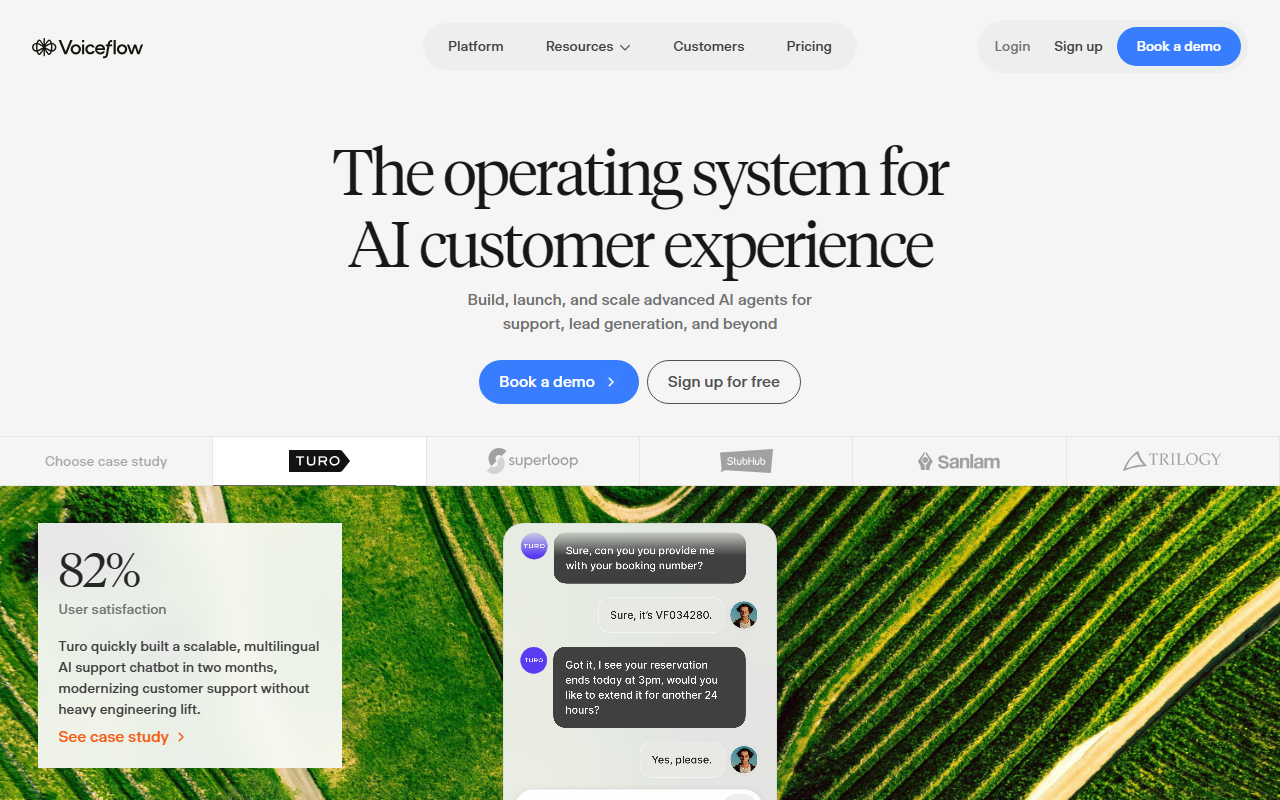
Upon visiting the Voiceflow website, the first thing I noticed is the clarity of the value proposition: "The operating system for AI customer experience." The hero section prominently features a "Sign up for free" button alongside a demo booking option. I signed up and was quickly guided through a short onboarding wizard that asks about the type of agent you want to build. The interface opens with a clean, drag-and-drop canvas. I found the workflow designer intuitive: you start with a trigger, add steps like user inputs, condition branches, API calls, and knowledge base lookups. The Designer and Developer views cater to both non-technical conversation designers and engineers. I tested the free tier by building a simple FAQ bot for a mock support scenario—the learning curve was gentle for anyone familiar with flowcharts.
Core Capabilities and Technology Behind the Tool
Voiceflow is a collaborative platform that lets you build, test, deploy, and iterate on conversational AI agents for text (chat) and voice channels. It supports both rule-based flows and generative AI responses. The platform relies on its own Agentic Context Engine, which maintains context across turns and can route complex conversations. The site claims 500 ms latency for voice and the capacity to handle 300,000 messages per minute—impressive numbers for production deployment. Under the hood, you can integrate NLU models from major providers (the site mentions custom and third-party models) and use built-in tools for intent and entity management. Voiceflow also offers a Function Editor for custom code (JavaScript) and a rich library of integrations (Zendesk, Salesforce, Twilio) plus API connectors. The platform shines in its support for both chat and voice, including telephony deployment with automatic speech recognition and text-to-speech.
Pricing and Market Positioning
Pricing is not publicly listed on the website. The absence of a pricing page forces prospective users to either sign up for a free account or book a demo to get a quote—a common tactic for enterprise-focused tools. Based on the scale testimonials (Turo, StubHub International, Trilogy), it’s clear Voiceflow targets medium to large organizations that are building production-grade customer support agents. G2 awarded it a 2026 Best Software Award, and the site notes over 4,000 customers worldwide. Compared to alternatives like Dialogflow CX (Google) or Rasa (open-source), Voiceflow differentiates by offering a visual, no-code-first approach with strong collaboration features for both designers and engineers. It is best suited for teams that need to rapidly prototype, test, and deploy AI agents across multiple channels without heavy engineering overhead. Individuals or small teams with very simple chatbot needs may find the platform overkill—but the free tier does allow basic exploration.
Strengths, Limitations, and Final Verdict
Voiceflow’s greatest strength is its visual workflow-centric design that empowers conversation designers to own agent logic without writing code. The collaboration features (workspaces, shared libraries) and real-time prototyping make it easy to iterate and get stakeholder buy-in. The scalability claims (500ms voice latency, 300k msg/min) are backed by customer case studies showing real-world impact: Trilogy automated 60% of support interactions, Sanlam Studios converted 45% of conversations into leads. However, there are limitations. Pricing opacity is a real barrier for small teams; you cannot evaluate cost without a sales conversation. Also, while the no-code interface is accessible, complex scenarios (multi-step API orchestration, custom model fine-tuning) still require engineering involvement. Finally, Voiceflow runs in the cloud—there is no self-hosted option, which may concern enterprises with strict data residency requirements. Overall, I recommend Voiceflow for any team that is serious about building and scaling conversational AI agents and is willing to invest in a platform that requires both design thinking and some technical know-how for advanced customizations. Start with the free tier to test core features, then upgrade as your agent scales.
Visit Voiceflow at https://voiceflow.com/ to explore it yourself.










Comments