

First impressions and interface
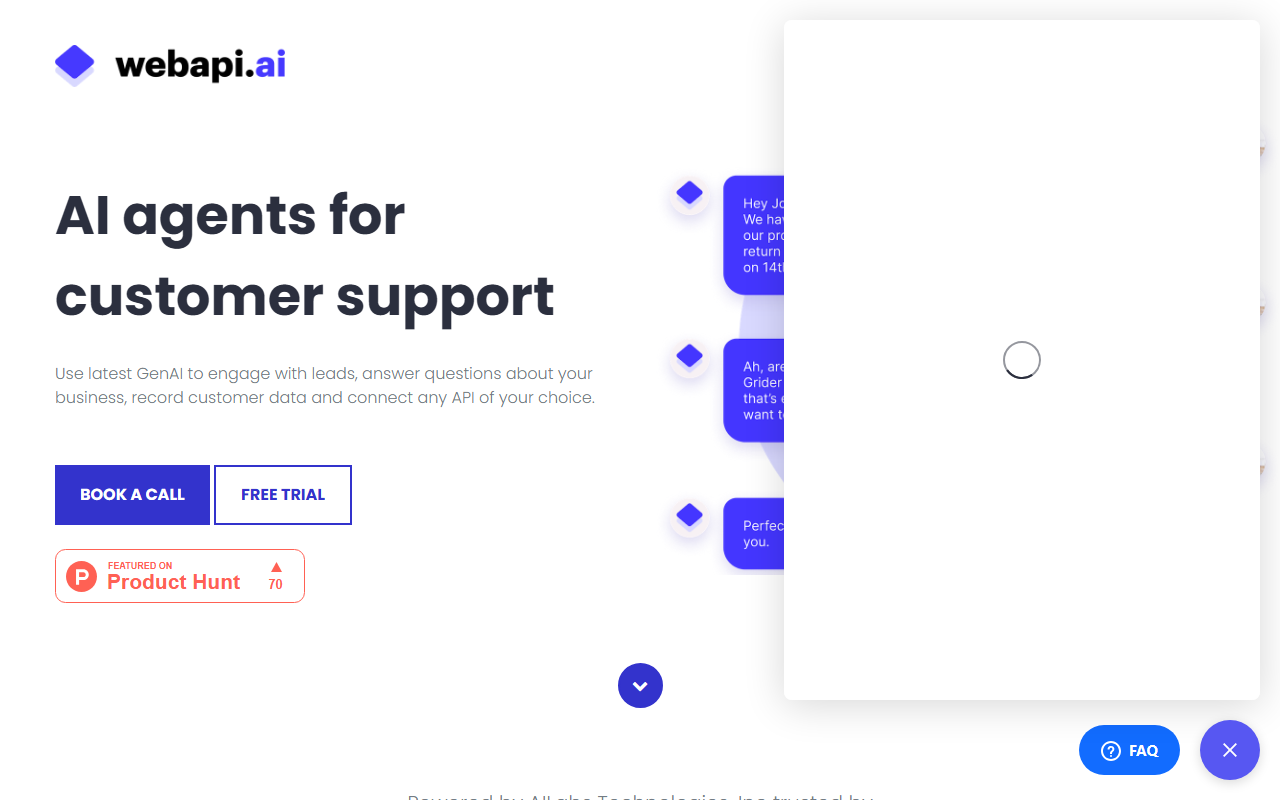
Upon visiting Webapi.ai, I was met with a clean landing page that immediately positions the tool as a full-stack solution for AI customer support. The sign-up flow for the free 14-day trial was straightforward: I provided an email and was dropped into a workspace with a clear left-hand navigation bar. The dashboard shows key modules: Domain Knowledge (for uploading documents), Dialogue Scenarios (for shaping conversation flows), Actions (for API calls), and Channels (for deployment). The UI feels modern but not cluttered—each section has tooltips and links to video tutorials, which I found helpful. I started by uploading a sample FAQ PDF; the system processed it instantly and allowed me to test queries in a built-in chat preview. The onboarding experience is above average for a developer-oriented tool, though complete beginners might need to watch the recommended tutorials.
Core features and capabilities
Webapi.ai’s strength lies in its layered approach to chatbot intelligence. The Domain Knowledge feature lets you feed documents (PDF, DOCX, CSV) or connect external knowledge bases like Intercom and Zendesk. The AI retrieves relevant information using a RAG (retrieval-augmented generation) pipeline—you can supply up to 500 documents with a 7,000-word limit per file in the Basic tier. Dialogue Scenarios allow you to script multi-step conversations by providing example exchanges; the AI learns from these samples to handle nuanced interactions, such as order cancellations or account management. I tested a simple scenario for a booking change—the bot successfully understood the context and triggered an API call via the built-in Actions module. Integrations are robust: besides webhook-based API calls, there are direct connectors for Zapier, Pabbly, Zendesk, and Calendly. You can also deploy the bot on Website, Instagram, Facebook Messenger, WhatsApp, Telegram, and Twilio SMS. A standout feature is the ability to bring your own AI pipeline—developers can host their own LLM and connect it to Webapi.ai’s infrastructure, retaining full control over models and data.
Pricing and positioning
Pricing is usage-based and clearly segmented. The Trial Plan is free for 14 days with 500 article views and one administrator. The Basic Plan costs $0.15–$4 per 100 bot responses (depending on the model: GPT-4o or Llama3.2). New users receive $5 in credits to start. This tier supports unlimited administrators/agents, 10,000 combined words for knowledge and scenarios, and 500 documents. It does not require AI model training—just upload and go. For enterprises, the Complete Care plan is $1,200/month and includes personalized RAG strategy, regular pipeline tuning, unlimited documents, and dedicated consultation. Compared to alternatives like Intercom’s Fin AI (which charges per resolution) or Zendesk AI (per ticket), Webapi.ai’s per-response model offers more granular cost control—but it can be unpredictable if your bot handles many quick queries. The tool is best suited for businesses that need deep customization (API calls, own pipeline) and multi-platform presence. It is less ideal for teams wanting a plug-and-play FAQ bot without any technical setup.
My verdict: strengths and limitations
Strengths: The flexibility to integrate custom APIs and bring your own AI pipeline sets Webapi.ai apart from most competitors. The Dialogue Scenarios feature effectively trains the AI on specific use cases without requiring fine-tuning. The documentation and tutorial library (eight detailed guides) are genuinely useful, and the multi-channel support covers all major messaging apps. Limitations: The basic tier’s 10,000-word cap for knowledge and scenarios may be restrictive for larger knowledge bases. While the interface is clean, the learning curve is steeper than drag-and-drop alternatives like Tidio or ManyChat; you’ll need some familiarity with APIs and conversational design. Pricing for the Basic plan can add up if you have high traffic—$4 per 100 responses with GPT-4o means $0.04 per response, which is competitive but not the cheapest. Additionally, the “Complete Care” tier’s $1,200/month lacks a mid-range option between Basic and full enterprise. Overall, I recommend Webapi.ai for tech-savvy support teams and developers who want a highly customizable AI agent that can connect to internal systems. If you need a quick bot with no-customization and fixed monthly pricing, look at simpler solutions. Visit Webapi.ai at https://webapi.ai/ to explore it yourself.













Comments