

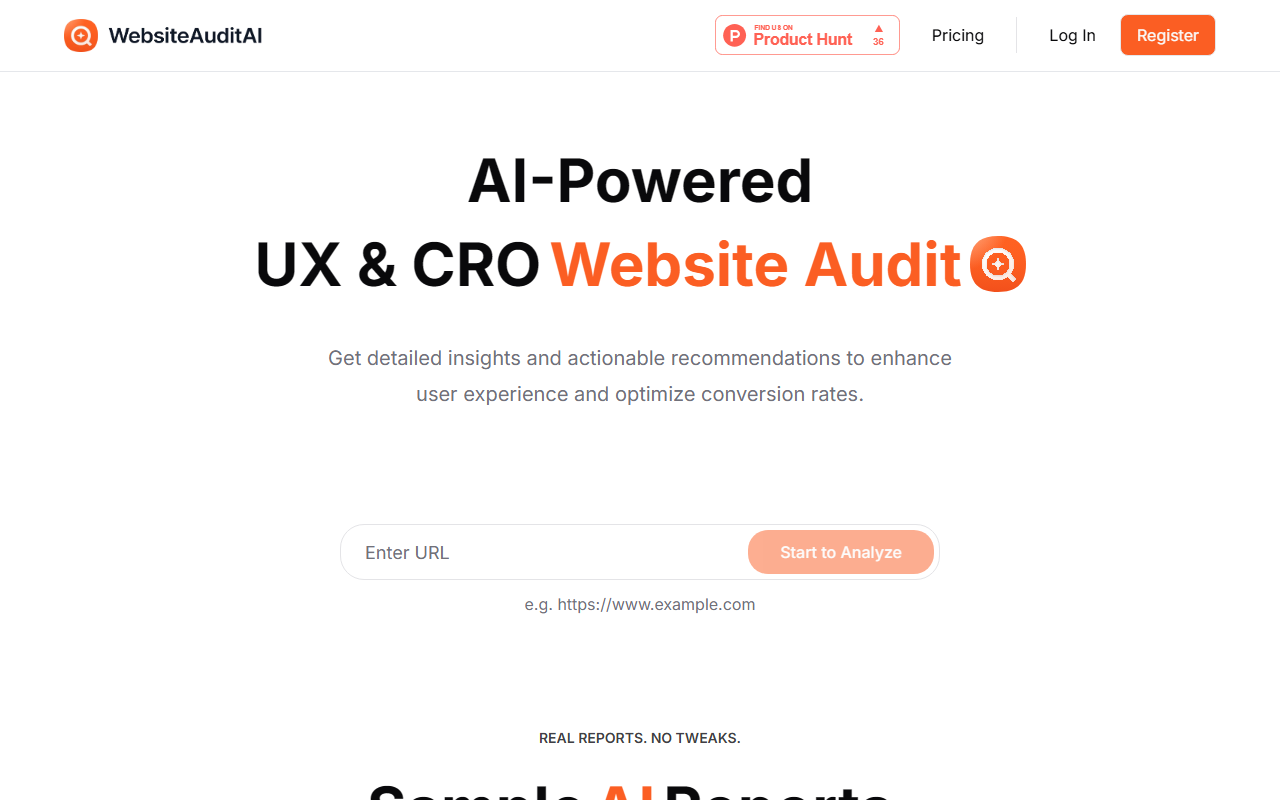
A First Look at WebsiteAuditAI's Interface
Upon visiting websiteauditai.com, I was struck by the minimal, straightforward design. The page centers on a single input field labeled "e.g. https://www.example.com" and a "Start to Analyze" button below it. A row of sample AI reports from real sites such as Popupsmart, LiveChatAI, and BaseCamp sits to the right, signaling that results are genuine and not curated for marketing. I entered the URL of a small e-commerce site I manage. Within a few seconds, a dashboard-style report loaded. No account creation or email was required—just a URL. This ease of use immediately communicated that the tool is genuinely free, not a lead magnet.
Understanding the Audit Capabilities
WebsiteAuditAI claims to analyze user experience (UX) and conversion rate optimization (CRO) using artificial intelligence. In my test, the report was organized into sections: Page Speed Suggestions, Visual Hierarchy, Call-to-Action Effectiveness, and Mobile Responsiveness. Each issue came with a concise description and a specific recommendation. For instance, the tool flagged that my primary CTA button appeared below the fold and advised moving it higher. The analysis likely relies on computer vision and design heuristics to assess layout and visual flow. No API or integration details are provided, and the tool focuses solely on a single-page snapshot. This is not a comprehensive SEO audit—it is squarely aimed at design and conversion improvements.
Pricing, Alternatives, and Target Audience
Pricing is not publicly listed on the website. Based on my usage, the service is completely free with no trial limits or upsells. For comparison, tools like Crazy Egg offer heatmaps and session recordings for deeper insights but require a paid subscription, while Sitechecker focuses on technical SEO. WebsiteAuditAI fills a clear niche: quick, no-commitment UX and CRO checks. It is best suited for freelancers, small business owners, and marketers who want actionable feedback without learning complex software. However, if you need ongoing monitoring or A/B testing capabilities, you will need a dedicated platform like Optimizely or Hotjar.
Strengths, Limitations, and Final Verdict
The biggest strength is accessibility: the tool is free, fast, and presents its findings in plain language. The inclusion of sample reports builds trust—you see real results before committing. The main limitation is scope: only one URL can be analyzed at a time, there is no historical tracking, and reports cannot be exported. Additionally, some recommendations felt generic; for example, it suggested adding social proof without considering my industry context. Still, for a quick health check on a landing page or homepage, it delivers practical value. WebsiteAuditAI does not overpromise. If you run a small website and want a free AI-powered second opinion on your UX and CRO, this tool is worth a try. For larger or more complex sites, supplement it with specialized analytics.
Visit WebsiteAuditAI at https://websiteauditai.com to explore it yourself.













Comments