

First Impressions and Onboarding
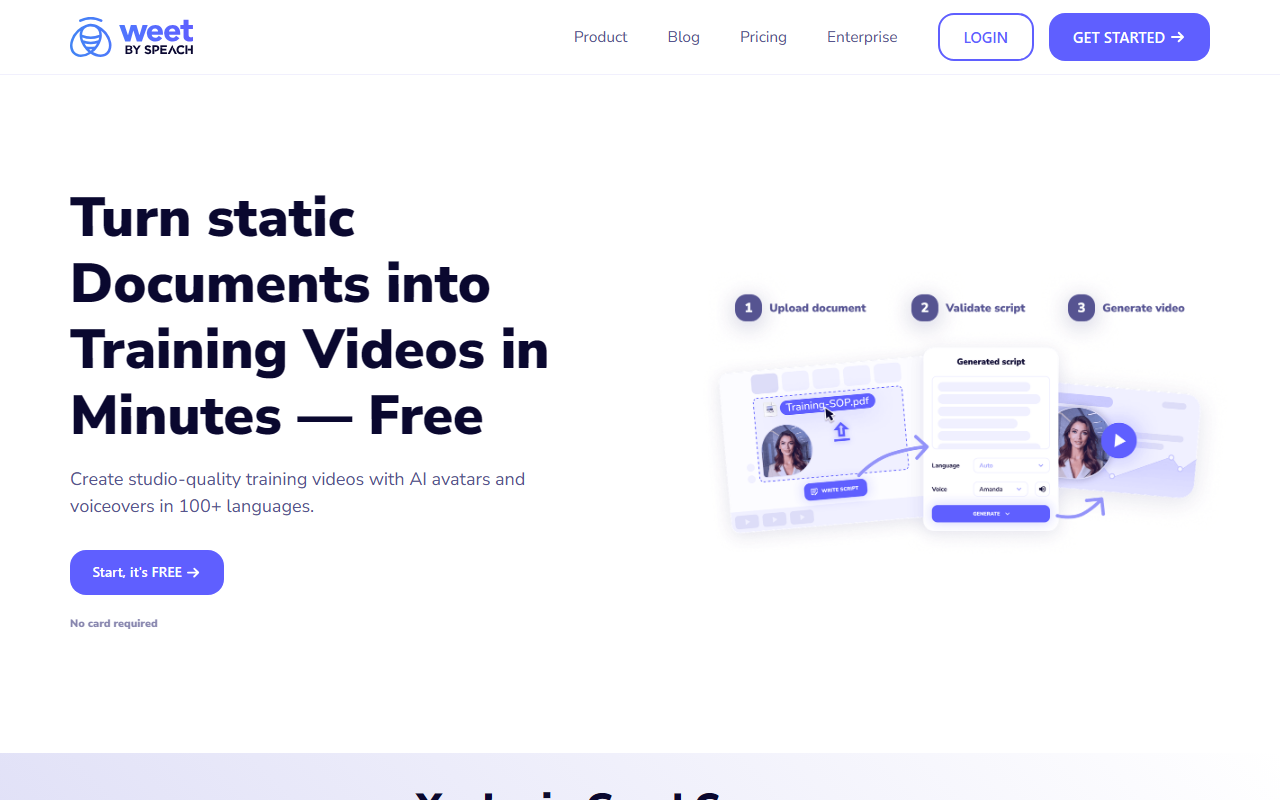
Upon visiting Weet at weet.co, I was greeted with a clean, modern landing page that immediately highlights the core promise: “Turn static documents into Training Videos in Minutes — Free.” The call-to-action button, “Start, it's FREE,” is prominent, and the note that no credit card is required lowers the barrier to entry. I clicked through to test the free tier. The dashboard is intuitive, with a left sidebar offering quick access to creation tools, projects, and templates. The onboarding flow walks you through selecting a document (PDF, Word, or text) and choosing an AI avatar. I uploaded a sample training PDF, and within seconds, the tool generated a storyboard with slides and suggested narration. The interface is responsive and well-organized, making it easy for a first-time user to navigate without confusion.
Core Features and Performance
Weet’s standout feature is its ability to convert static documents into training videos. The AI automatically extracts key points, creates slides, and pairs them with a choice of avatars. I tested the AI Avatar Video option: after uploading a PDF, I selected a realistic avatar from a library of about 20+ options. The voiceover quality is impressive—natural intonation and clear pronunciation in English. The platform also supports cartoon avatars for a more casual tone. One of the strengths I observed is the subtitling and translation engine. You can generate subtitles automatically, edit timing manually, and translate both subtitles and audio into over 100 languages. During my test, I translated an English training video into Spanish and French; the synchronization was accurate, and the audio dubbing maintained the original pace.
Beyond creation, Weet offers robust editing tools: you can trim clips, remove background noise with one click, and add interactive elements like links, buttons, and chapters. The screen recorder captures both screen and webcam, which is useful for software demos. After publishing, you get detailed analytics on who watched, for how long, and drop-off points. The platform also supports real-time team collaboration with comments tied to specific video timestamps—a thoughtful feature for instructional designers.
Technically, Weet appears to use its own AI models for speech synthesis and natural language processing, though the website does not specify the underlying model. The video rendering speed is fast: a 5-minute video generated in about 3 minutes on the free tier. There is no API listed publicly, but enterprise plans may include custom integrations.
Pricing and Positioning
Weet offers a free tier that includes limited video creation (likely up to 5 minutes or a set number of projects). For more advanced needs, the website mentions Pricing and Enterprise options, but exact tiers and costs are not publicly listed—you must contact sales. This suggests Weet targets teams and organizations with flexible budgets. Compared to alternatives like Synthesia, which focuses heavily on photorealistic avatars and starts at $30/month for a basic plan, Weet differentiates itself by emphasizing document-to-video conversion, interactivity, and analytics. Lumen5 is another competitor, but it lacks AI avatars and multi-language support at the same level. Weet is best suited for corporate training teams, L&D professionals, and content creators who need to quickly repurpose existing manuals or SOPs into engaging video content. Individuals looking for a high-quality talking-head avatar generator may find Synthesia more polished, but Weet’s all-in-one approach (recording, editing, tracking, translation) is more comprehensive for training workflows.
Final Verdict
Weet’s genuine strength lies in its end-to-end video training pipeline: you can go from PDF to publishable interactive video with analytics in under 30 minutes. The free tier is generous enough to evaluate the core workflow. The translation feature is particularly robust, offering a rare combination of subtitle and audio translation in one platform. However, there are limitations: the avatar quality, while good, is not yet at the level of deepfake realism seen in some competitors. The avatars can also appear slightly stiff in longer videos. Additionally, the lack of transparent pricing on the website may frustrate budget-conscious users. The platform is occasionally slower when handling very large documents (over 50 pages).
I recommend Weet to training managers and instructional designers who need to quickly turn legacy documents into interactive video courses. If your primary need is ultra-realistic avatars for marketing videos, look elsewhere. But for internal training, e-learning, and compliance, Weet is a powerful, cost-effective choice. Visit Weet at https://weet.co/ to explore it yourself.













Comments