

What Is Workik and What Problem Does It Solve?
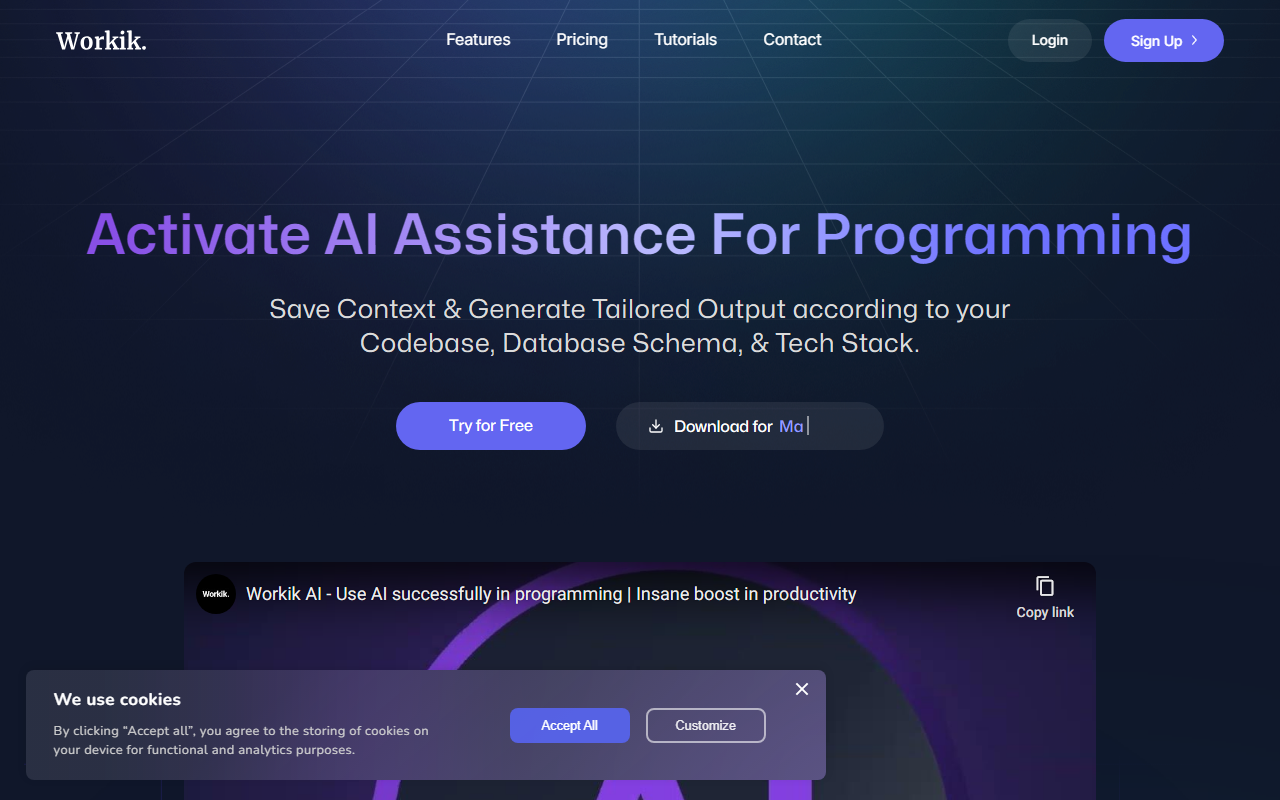
Workik is an AI-powered development platform that focuses on context-aware code generation. Unlike generic coding assistants, Workik lets developers define and save the exact context of their project—including code repositories, database schemas, API blueprints, and tech stack—so the AI produces outputs that align with existing architecture and standards. I visited the website and immediately noticed the clean dashboard organized around features like AI Assistance, AI Bots, AI Workflows, and AI-Powered Documentation. The platform supports both frontend and backend development, covering all major languages from Python and JavaScript to Rust and Go. Workik positions itself as a team-oriented tool, aiming to boost collaboration and maintain consistency across development workflows. Think of it as a context engine that remembers your project’s specifics, reducing the constant back-and-forth of explaining requirements.
Key Features I Explored
Upon signing up for the free tier, I started by connecting a GitHub repository and a PostgreSQL schema. The onboarding walked me through adding context: first the codebase, then database tables, and finally a few custom rules about coding style. The AI then used this setup to generate backend API endpoints. I tested a query to generate a Node.js POST route with validation, and the output matched my schema’s foreign keys and data types—a clear improvement over generic completions. The AI Bots feature lets you create specialized agents for Slack or Discord. I created a bot named “Code Reviewer” and added it to a test Slack channel. It could fetch the latest pull request summaries and flag potential issues. The AI Workflows allow automated pipelines for tasks like deployment checks or log analysis. While I didn’t set up a full pipeline, the interface looked straightforward: trigger conditions, AI steps, and outputs. Another highlight is the Database Tools. When I uploaded a MongoDB schema, Workik generated an ER diagram and suggested index optimizations. The mock data generator also worked well, producing realistic sample records based on my table structure.
However, I noticed a few gaps. The website doesn’t specify the underlying AI model (likely GPT-4 or a fine-tuned variant, but it’s not confirmed). The free tier seems to cap the number of context files and queries. Also, setting up detailed context for a large monorepo could take time. Unlike GitHub Copilot, which offers instant inline suggestions, Workik requires upfront configuration to shine.
Who Should Use Workik?
Workik is best for development teams that want a tailored AI assistant integrated into their existing tools. It excels when you need consistent code generation across multiple languages and databases, especially in collaborative environments where code standards and documentation matter. The Slack and Discord bots are a strong plus for teams already using those platforms. Individual developers working on side projects may find the context setup overhead unnecessary and might prefer simpler tools like Tabnine or Cursor. Workik also emphasizes data safety: it offers user management, scheduled reports on data usage, and compliance protocols, making it suitable for enterprises with strict governance requirements. The biggest drawback is the lack of transparent pricing. I clicked the Pricing link and found only a “Schedule a demo” option, suggesting the platform is heavily enterprise-focused. If you’re a freelancer or small startup, you’ll need to contact sales for quotes.
Pricing and Final Verdict
Pricing is not publicly listed on the website. There is a free tier with limited usage, and advanced features require a paid plan—likely based on team size and context storage. You can try for free, but for full access, you’ll need to schedule a demo. In terms of value, Workik competes with tools like GitHub Copilot and Sourcegraph Cody, but its unique advantage is the combination of context persistence, database visualization, and bot integration. If your team regularly juggles multiple databases, microservices, and needs a single AI that understands all of them, Workik is worth a serious trial. For quick code completions alone, it might be overkill. Strengths include deep integration with databases and Git repos, AI bots for instant team assistance, and a strong focus on data compliance. Limitations are the unclear pricing model, the manual context setup, and the lack of disclosed AI model details. Overall, Workik is a powerful but specialized tool—try the free tier to see if its context-first approach fits your workflow.
Visit Workik at https://workik.com/ to explore it yourself.










Comments