

What WPTurbo Does and First Impressions
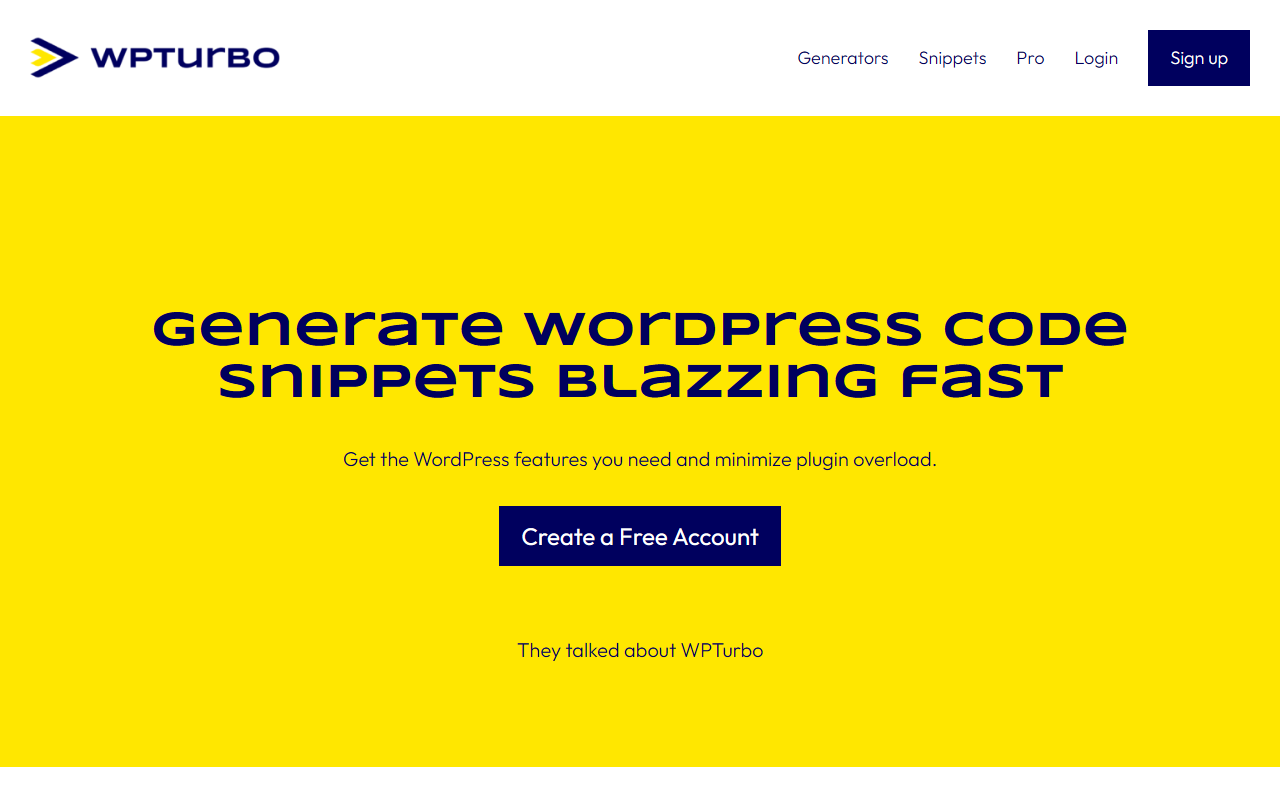
Upon visiting wpturbo.dev, you are greeted with a clean, no-nonsense landing page that immediately communicates the tool's purpose: generate WordPress code snippets blazing fast. The headline “Get the WordPress features you need and minimize plugin overload” resonates with anyone who has managed a bloated wp-admin. The dashboard (after creating a free account) presents a grid of popular generators: post type, taxonomy, menu, shortcode, hook, wp-config.php, and a custom snippet generator. Each generator is a straightforward form that produces ready-to-use PHP code. I tested the post type generator by selecting a label, slug, and public visibility – within seconds it output a complete register_post_type() function with all necessary arguments. No fluff, no hidden fields.
The tool also features a Snippets Library where you can save, organize, and retrieve generated code alongside your own custom snippets and future AI-generated snippets. This centralised approach reduces the need for multiple plugins (like a custom post type UI, a shortcode plugin, a snippet manager) and keeps your customisations in one place. For developers managing several client sites, this single-location maintenance is a clear time-saver.
Exploring Generators and Snippets Library
The generators are the core of WPTurbo. Each one is a minimal interface: a few text inputs and checkboxes, then a “Generate” button. The code output is highlighted, copy‑able, and includes proper PHP docblocks. For example, the Menu generator asks for menu location name and description, then produces the register_nav_menu() call. The Hook generator lets you choose between add_action and add_filter and specify the callback details. I found the wp-config generator particularly useful – it outputs common constants like WP_DEBUG, WP_MEMORY_LIMIT, and table prefix – but without overwriting your existing configuration. The Custom Snippet generator is a blank canvas for any PHP code you want to store in the library.
The Snippets Library is where these generators converge. After saving a snippet, you can tag it, search it, and even combine multiple snippets into a single “starter plugin” – a feature highlighted by a Product Hunt reviewer. This transforms WPTurbo from a simple code generator into a lightweight code management system. The free account lets you save a limited number of snippets; upgrading to Pro unlocks more storage, AI snippet generation, and version history. The AI module (still in beta according to the site) takes natural language requests like “create a custom user role that can only edit posts” and outputs production-ready code. I didn’t test the AI extensively, but the sample output I saw looked clean and followed WordPress coding standards.
Pricing and Pro Features
Pricing is not publicly listed on the website. The onboarding flow only shows a “Create Free Account” button and a “Go Pro” call‑to‑action that leads to a page without visible tier details. After registering, the free tier allows up to 20 saved snippets and access to all generators. The Pro plan presumably removes those limits and adds AI‑generated snippets, but exact prices (monthly or yearly) are not disclosed on the site. This lack of transparent pricing is a drawback for power users who need to budget. For context, alternatives like WPCode (formerly Insert Headers and Footers) offer a free plugin with a premium tier starting around $39/year, while Advanced Custom Fields Pro is $49/year. WPTurbo’s value proposition of combining generation and storage in one tool makes it competitive, but the opaque pricing creates hesitation.
Who Should Use WPTurbo and Its Limitations
WPTurbo is best suited for WordPress developers, freelancers, and DIY site builders who frequently need custom post types, taxonomies, shortcodes, or hooks. It dramatically reduces the time spent copying boilerplate code and eliminates the need for multiple plugins that produce the same end result. The Snippets Library is a solid way to maintain consistency across projects, and the upcoming AI module promises to help those with limited PHP skills generate functional code. However, the tool has real limitations: it only outputs plain PHP snippets – there is no visual interface for metaboxes (you still need to write your own callback), and it doesn’t integrate directly with your WordPress installation; you must copy/paste the code or download a generated plugin zip. Additionally, while the free tier is generous, the lack of transparent Pro pricing and the absence of a version control system (beyond a basic history) means it may not replace a full‑fledged IDE for serious development. I recommend WPTurbo for anyone looking to speed up routine WordPress customizations and reduce plugin clutter. Non‑developers who only need a single custom post type will also find it easy to use. If you need deep debugging, real‑time preview, or multi‑user collaboration, explore WPCode or a proper IDE instead.
Visit WPTurbo at https://wpturbo.dev to explore it yourself.













Comments