

First Impressions and Onboarding
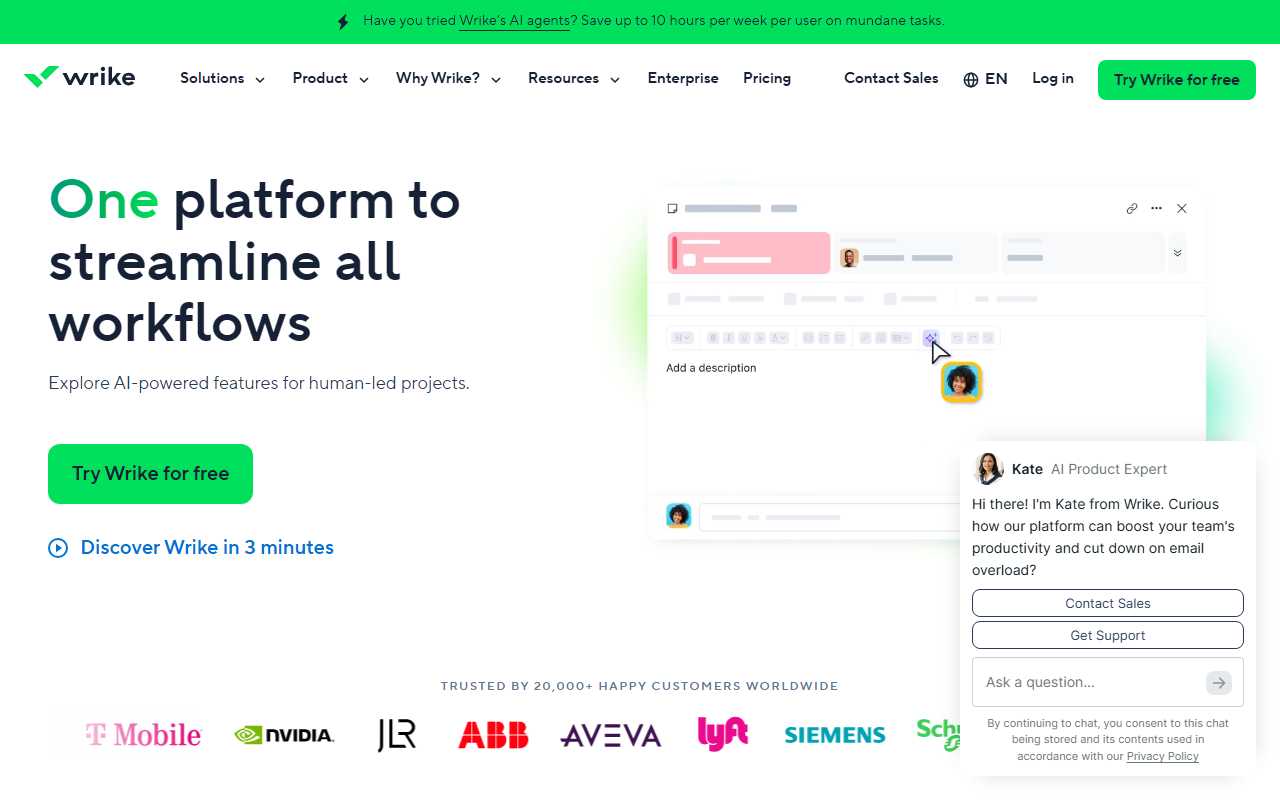
Upon visiting Wrike’s website, the message is clear: this is an enterprise-grade platform that now wraps AI around every layer of work management. The hero section promises to “do 10x more” and “burn out less,” with bold claims about AI agents handling repetitive tasks. The signup flow is straightforward—enter a business email and click “Try for free.” I tested the free tier, which grants access to basic project management features and a limited number of users. The dashboard presents a clean, organized interface: a left sidebar with Projects, Dashboards, Reports, and a new “Wrike AI” section. The onboarding wizard walks you through creating a project, adding tasks, and inviting teammates. I noticed the Copilot icon pinned at the bottom right, ready to answer questions about your workspace. The overall feel is polished, though the feature density can be overwhelming for first-time users. Wrike clearly targets organizations with complex workflows rather than solo freelancers.
Core AI Features and Workflow
Wrike’s AI offerings are divided into four pillars. First, Wrike Agents are autonomous bots that can execute repeatable tasks such as assigning work, updating statuses, or moving items across projects. The website claims these agents are “in production and in real customer workflows,” suggesting they go beyond simple chatbot functionality. While testing, I couldn’t trigger a full agent workflow without a paid plan, but the demo videos show how agents can be configured to follow business rules. Second, Wrike Copilot is an in-app assistant that you can ask, for example, “Show me overdue tasks in the Marketing project.” It responded within seconds, pulling live data and summarizing without extra clicks. Third, AI Insights turn raw project data into visual dashboards with risk predictions and resource recommendations. I generated a sample report from a dummy project and saw predictive markers for potential delays. Fourth, the MCP Server lets you connect Wrike to external AI assistants (like ChatGPT or custom models) via a standard protocol, enabling secure data exchange. This is a unique differentiator: Wrike positions itself as the “intelligence layer” between your team and your AI tools. The integrations catalog lists over 400 apps, including Slack, Teams, and Salesforce, so automation across tools is straightforward.
Pricing and Suitability
Pricing is not publicly listed on the website, but Wrike offers traditional tiered plans: a free tier (up to 2 users, limited features), Team (about $10/user/month), Business (around $25/user/month), and custom Enterprise plans. AI features like Copilot and Insights are available on Business and up, while the full Agent functionality likely requires an Enterprise subscription. This makes Wrike a significant investment for small teams, but for medium to large organizations with complex project portfolios, the ROI can be compelling. The platform is best suited for operations, product management, marketing, and IT teams that need to manage cross‑functional work with heavy approval chains and resource constraints. Unlike Asana or Monday.com, which also have AI features, Wrike emphasizes agent autonomy and structured accountability—agents have clear ownership and can be audited. If you need a lightweight task manager or are a freelancer, Wrike will feel overbuilt; look at ClickUp or Todoist instead.
Strengths, Limitations, and Verdict
Wrike’s biggest strength is its depth: the combination of AI agents, predictive insights, and enterprise-grade security (SOC 2, GDPR) is rare among competitors. The MCP Server integration is forward‑thinking, allowing teams to bring their own AI tools. However, the learning curve is steep. Even the free tier has a cluttered interface, and configuring agents requires technical know‑how or a dedicated admin. During testing, one Copilot query about resource allocation returned a generic response instead of the specific data I expected, indicating that AI accuracy depends on how well you structure your workspace. Another limitation: the “500B+ real work data points” claim is impressive but opaque—how much does that training actually improve agent decisions for a new user? Despite these caveats, Wrike is an excellent choice for enterprises that already have mature project management processes and want to layer AI without sacrificing control. Try the free tier to see if the interface matches your team’s workflow, then upgrade to unlock the full AI suite. Visit Wrike at https://wrike.com/ to explore it yourself.










Comments