

First Impressions and Interface
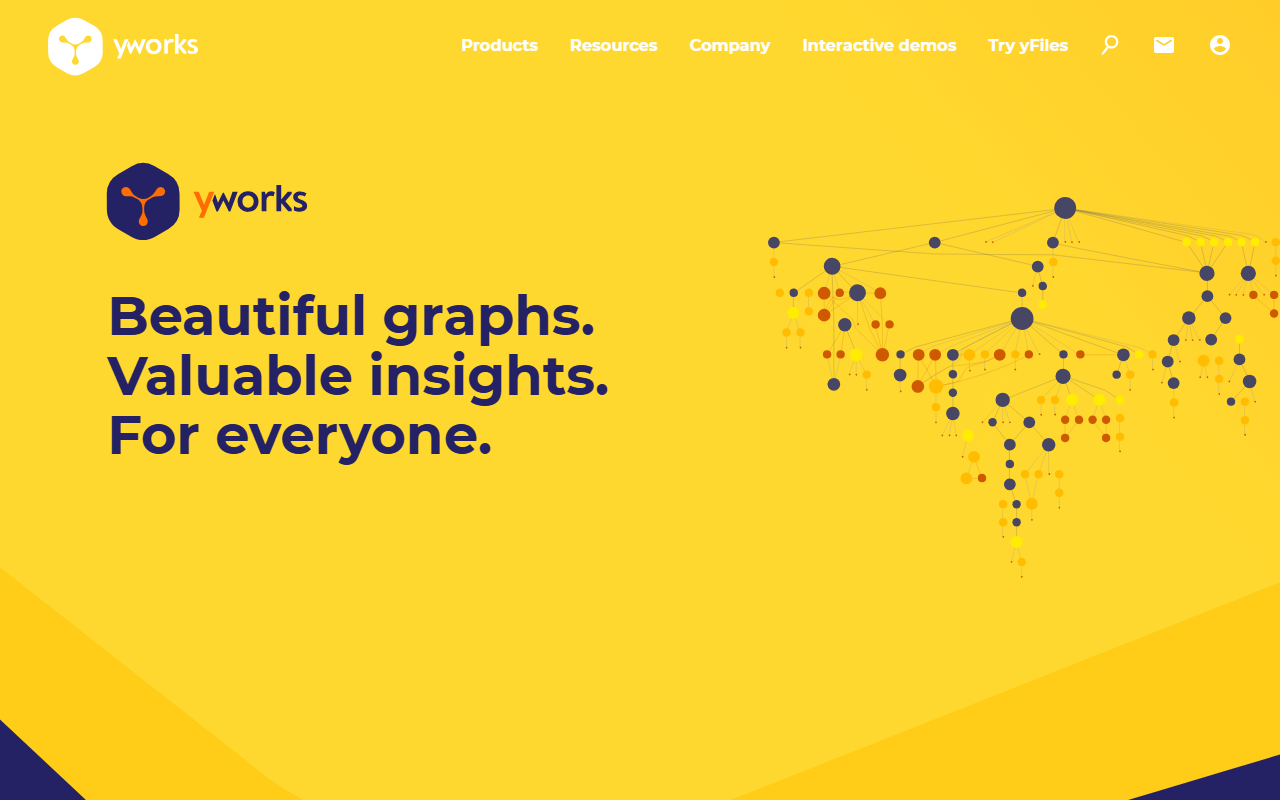
Upon visiting yworks.com, the first thing I noticed is that the entire site requires JavaScript to render any content—a popup message confirms this the moment the page loads. The homepage is visually clean and centered on a single message: “Beautiful graphs. Valuable insights. For everyone.” The navigation leads to product families—yFiles SDK, diagram editors (yEd, yEd Live, Graphity for Confluence), and a set of tools for tools like Jupyter and Neo4j. The emphasis is on “graph visualization” rather than typical AI image generation, so the tagline “Image AI > AI Design” feels like a stretch. However, the tooling does help users create data-driven diagrams automatically using intelligent layout algorithms—a form of algorithmic design. When I tested the free desktop editor yEd, I was able to import sample data (spreadsheet or CSV) and generate a network graph with one click. The automatic layout engine arranged nodes and edges neatly without manual tweaking. The dashboard is minimal: a toolbar, a canvas, and a properties panel. Onboarding is straightforward—no account required for yEd. The site also highlights a new webinar for “yFiles 2026” and an early access program for yFiles for Avalonia (a cross-platform .NET framework). It’s clearly targeting developers and enterprise teams, not casual designers.
Capabilities and Technical Depth
yWorks provides two main product categories: a developer SDK called yFiles and a family of diagram editors. The yFiles SDK is the core offering—a software library for graph visualization, editing, and analysis. It supports HTML/JavaScript, Java, .NET, and now Avalonia for cross-platform desktop apps. Under the hood, yFiles uses proprietary graph drawing algorithms (hierarchical, organic, orthogonal, circular layouts, etc.) and includes analysis tools like pathfinding, centrality, and clustering. The library is not based on any specific AI model; instead, it’s a deterministic layout engine that automatically arranges connected data. For developers, the documentation is extensive, with hundreds of demos live on yfiles.com. The diagram editor family includes yEd (free desktop), yEd Live (free online), and Graphity (commercial, integrated with Confluence). Graphity supports real-time multi-user editing and user rights management, making it suitable for team collaboration. When testing yEd Live in the browser, I could load a sample graph of a corporate network and apply “Organic Layout” that clustered related nodes. The interaction felt smooth, and the auto-layout rearranged the graph in under a second. For developers, yFiles integrates with popular ecosystems: Jupyter Notebook (to visualize graph networks in Python), Neo4j database explorer, and Cytoscape for bioinformatics networks. This places yWorks in a niche between pure data visualization libraries like D3.js and enterprise graph databases like Neo4j, but with a focus on diagramming rather than raw charting. Unlike Canva or Adobe Illustrator (general design tools), yWorks is purpose-built for graph-like structures: nodes, edges, and hierarchies.
Pricing and Positioning
Pricing is not publicly listed on the website. yWorks markets itself through “Discover more” links that lead to contact forms or demo requests. From industry knowledge, yFiles SDK is a commercial product with per-developer licensing or enterprise subscription fees. The free editors (yEd and yEd Live) are fully functional but limited to manual diagram creation—they don’t include the programmable SDK. Competitors include Graphviz (free, open-source), Cytoscape (open-source for biology), and commercial libraries like GoJS or mxGraph (used in draw.io). However, yWorks’ differentiation lies in its long track record—over 20 years, 1 million+ users across 60+ countries—and its comprehensive algorithm suite. It also offers direct support from core developers, which is rare. The tool is best suited for software engineers building custom graph applications (e.g., network monitoring, knowledge graphs, organizational charts) and for enterprise teams needing collaborative diagramming inside Confluence. Casual users or designers looking for AI-generated imagery should look elsewhere—yWorks is about visualizing structured data, not creating freeform art. The company is based in southern Germany and counts many world-renowned companies and universities among its clients, though the website does not disclose names without further inquiry.
Strengths, Limitations, and Verdict
The primary strength of yWorks is its sheer depth and maturity in graph visualization. The automatic layout algorithms are second to none—hierarchical, organic, circular, and orthogonal layouts all produce professional results out of the box. The cross-platform SDK coverage (HTML, JavaScript, Java, .NET, Avalonia) is impressive, and the integration with Jupyter and Neo4j makes it highly practical for data science workflows. The real-time collaboration in Graphity is a modern addition that competes with tools like Miro or Lucidchart. On the other hand, there are notable limitations. First, the learning curve for yFiles SDK is steep—developers need to understand graph theory and the library’s event model. Second, the lack of transparent pricing means potential users must engage in sales discussions before evaluating cost, which can be a barrier for small teams or indie developers. Third, despite the “Image AI” category on 345tool, yWorks is not an AI design tool in the generative sense (e.g., DALL-E or Midjourney). It automates diagram layout using deterministic algorithms, not machine learning. Users expecting AI-generated visuals may be disappointed. My recommendation: If you are a developer building a custom graph visualization application or an enterprise team needing collaborative diagramming with automatic layout, yWorks is a top-tier choice. Try the free yEd or yEd Live first to understand the output quality. If you need simple, one-off diagrams, free tools like draw.io or Graphviz might be simpler. For AI-powered design (e.g., generating images from text), skip yWorks. Visit yWorks at https://yworks.com/ to explore it yourself.










Comments