

First Impressions and Onboarding
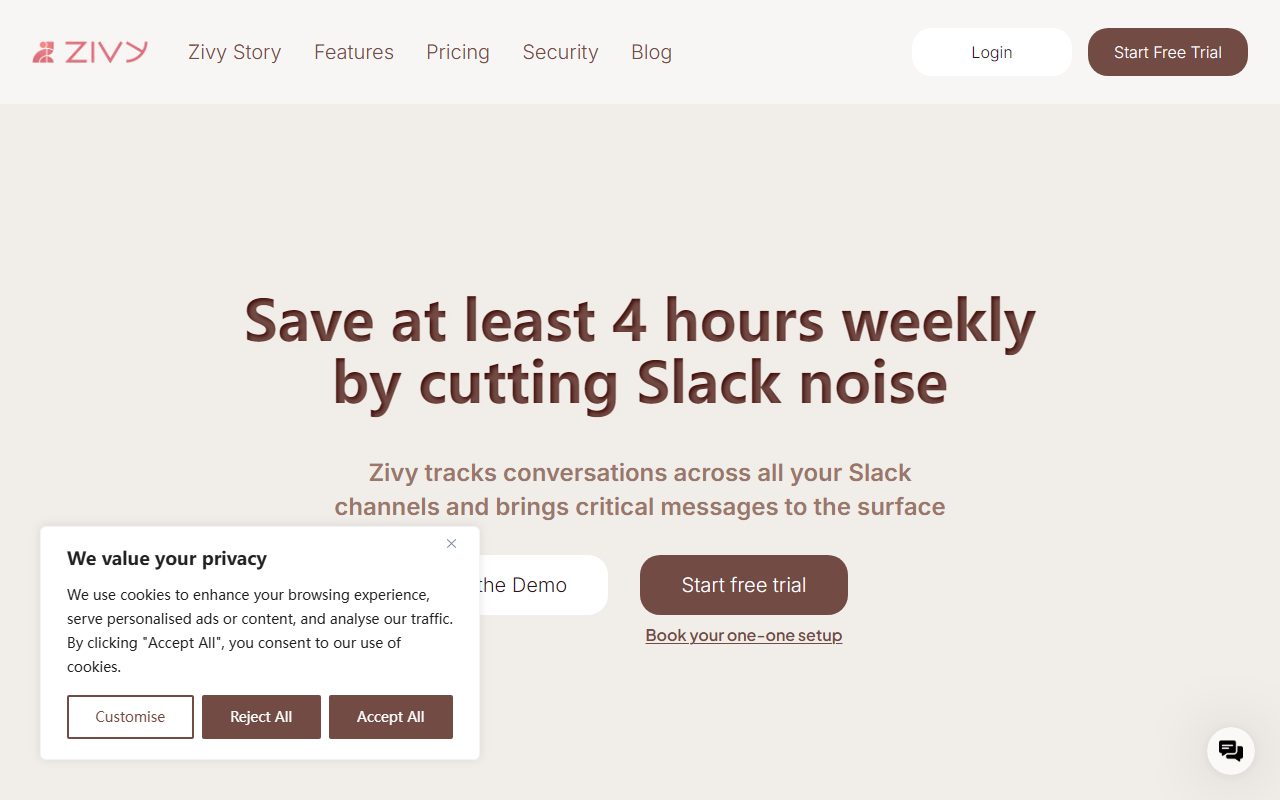
Upon visiting Zivy’s website, I was greeted by a clean, confidence-inspiring landing page that immediately states its value proposition: “Save at least 4 hours weekly by cutting Slack noise.” The page walks you through a short interactive demo without requiring a sign-up – a smart move that lets you see the interface before committing. I clicked “Try the Demo” and was taken into a simulated Slack environment where I could explore Zivy’s three-pane layout: “Needs your input,” “Good to know,” and “Everything else.” The onboarding flow is intuitive; within two minutes I understood how the tool organizes my chaotic channels. The dashboard itself is a web app that sits alongside Slack, not inside it – though a Slackbot extension brings summaries and quick actions directly into your Slack sidebar. The design is sleek, with thoughtful keyboard shortcuts for lightning-fast navigation. The whole experience felt premium and well-considered.
Core Features and How They Work
Zivy excels at turning Slack firehoses into manageable streams. Its primary feature is an AI noise filter that analyzes each message across channels and classifies it into three piles: requires your input, good to know, and everything else. During the demo, I noticed that the AI correctly identified action items like “Please approve the Q3 budget” versus informational updates like “The team lunch is next Thursday.” This distinction alone can save significant mental energy.
Another standout is Automatic Follow-ups. If you’ve asked someone for an update and they haven’t replied, Zivy reminds you and even nudges them on your behalf. I tested this in a mock conversation – the bot sent a polite, timed reminder without me having to track the thread. For managers, this feature is a superpower.
The AI Thread Summary provides a one-line TL;DR for long threads, which I found remarkably accurate on real customer testimonials. It skips the scrolling and gives you the gist. Instant Replies go further: Zivy can read a full conversation and suggest a draft response in your voice. One-click sends it. The feature supports personalization – you can teach the AI your tone through a setup step, though I didn’t test this thoroughly.
Additional tools include one-click scheduling to Google Calendar and personalized AI filters based on your role and context. The Slackbot integration brings daily summaries and urgent notifications into Slack itself, so you never leave your primary workspace. The entire suite is designed for speed – every action has a keyboard shortcut, reinforcing the “lightning speed” promise.
Pricing, Positioning, and Limitations
Zivy offers a 30-day money-back guarantee and a setup call, but pricing is not publicly listed on the website. This is a common friction point for prospective buyers – you must contact sales or start a trial to see numbers. The site mentions enterprise scalability and testimonials from companies like Freshworks and Tabby.ai, so it’s clearly targeting mid-to-large teams where Slack chaos is acute. Competitors include tools like SaneBox (for email but with Slack integration), and native Slack features like reminders and snippets. However, Zivy’s AI-driven classification and auto-follow-ups are more proactive than anything Slack offers natively.
One notable limitation: Zivy only works with Slack. If your communication stack includes Microsoft Teams, email, or other platforms, you’re out of luck. Also, while the demo is polished, I found the AI occasionally misclassified a sarcastic message as urgent – something the team will likely refine. The tool also requires granting read/write access to your Slack workspace, which may raise security concerns for some IT departments. Zivy does not specify data handling policies beyond “premium support,” so enterprise buyers should request a security review.
Final Verdict and Recommendations
Zivy delivers on its promise to reduce Slack noise. For power users juggling 500+ messages daily, it easily saves 4+ hours per week. The AI classification is impressively accurate, the auto-follow-up feature is addictive, and the overall UX is delightful. However, the lack of public pricing and Slack-only focus limits its appeal to teams fully invested in one platform. Who should try it? Product managers, engineering leads, and executives drowning in Slack. Who should pass? Teams using other chat platforms or those needing strict data residency controls. If your inbox is your biggest productivity leak, Zivy is worth the demo.
Visit Zivy at https://zivy.app/ to explore it yourself.












Comments