

First Impressions and Onboarding
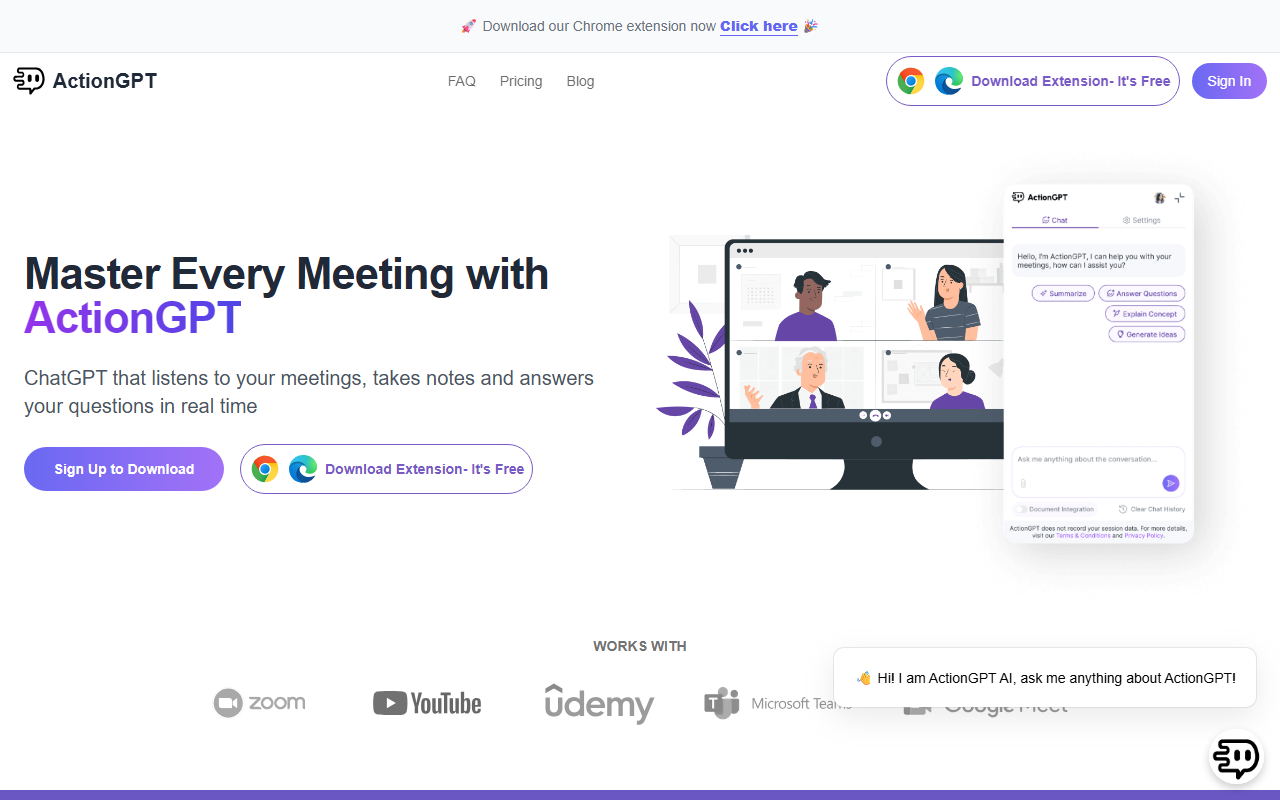
Upon visiting ActionGPT's site, I was greeted with a clean, modern dashboard that immediately highlights the core value proposition: "ChatGPT that listens to your meetings, takes notes and answers your questions in real time." The layout is straightforward, with a left sidebar linking to Meetings, My Documents, Settings, Billing, and Referrals. I downloaded the Chrome extension (it's the only browser supported) and installed it in seconds. Pinning it to the toolbar revealed a simple pop-up interface. The onboarding flow guided me to customize language and response length in the Settings tab—a nice touch that lets you tailor the AI's tone to your preference. I tested the free tier, which allows up to 5 prompts per day. I uploaded a sample PDF file (a company policy document) into the My Documents section. The upload was instant, and the system confirmed it was ready for context-aware queries.
Core Features and Technical Details
ActionGPT positions itself as a real-time meeting assistant that goes beyond passive transcription. It uses an underlying AI model (likely GPT-based, though the site doesn't specify) to listen to meeting audio via your browser (works with Google Meet, Zoom, and other web-based platforms). Key capabilities include: answering questions based on live conversation and uploaded documents, generating instant summaries and action items delivered to your inbox, and a "Meeting Memory" that keeps context across sessions. The document integration is limited to PDF files on the free plan (1 source); paid tiers allow up to 3 (Starter) or 10 (Pro). During testing, I asked the AI a question about my uploaded PDF while in a mock meeting, and the response referenced the document accurately. The email summaries format includes bullet points and deadlines, which I found useful for follow-ups. However, I noticed no API access is mentioned, and there is no native integration with calendar apps or CRM tools—a limitation compared to competitors like Otter.ai or Fireflies.ai, which offer broader integrations.
Pricing and Plans
ActionGPT offers a generous free plan ($0 forever) with 5 prompts per day, instant answers, real-time idea generation, email summaries with action items, 1 PDF data source, and priority support. The Starter plan is $5/month (billed yearly at 50% off the first year, effectively ~$2.50/month for year one?)—though the site displays "$5 /Month" with a tagline "50% off for the first year". It bumps prompts to 30/day and up to 3 PDF sources. The Professional plan at $15/month gives 60 prompts/day and 10 PDF sources. Enterprise is custom. Note that "prompts" count includes all queries to ActionGPT, including those made during meetings. For heavy meeting users, the free tier may feel restrictive. The pricing is competitive: Otter.ai's Pro plan costs $16.99/month for unlimited recording, but ActionGPT's real-time Q&A focus differentiates it. Still, the lack of audio file upload or non-PDF document support (no Word, Google Docs, or Notion imports) is a notable gap.
Strengths, Limitations, and Verdict
Strengths: ActionGPT excels in real-time, context-aware Q&A during live meetings, which is a clear differentiator from standard transcription tools. The document grounding means answers aren't generic—they reflect your company's policies or product specs. The free plan is genuinely usable, and the low cost of paid tiers makes it accessible for solopreneurs and small teams. The email summary feature is reliable and tidy.
Limitations: The tool is Chrome-only, with no Firefox or desktop app. It cannot ingest audio recordings after the meeting—you must be live in a browser-based meeting. The prompt cap (even on Pro) may frustrate power users. Integration depth is shallow: no Slack, Notion, or calendar sync. Document support is limited to PDFs, leaving out common formats. Also, I observed that the testimonials on the site appear duplicated, which slightly undermines trust.
Who should try it: This is best for remote workers who attend frequent Google Meet or Zoom calls and need quick answers backed by company docs. It is less suited for large enterprises needing full recording, transcription, and CRM integrations. If you value real-time intelligence over passive recording, give ActionGPT a shot.
Visit ActionGPT at https://actiongpt.app/ to explore it yourself.













Comments