

First Impressions and Onboarding
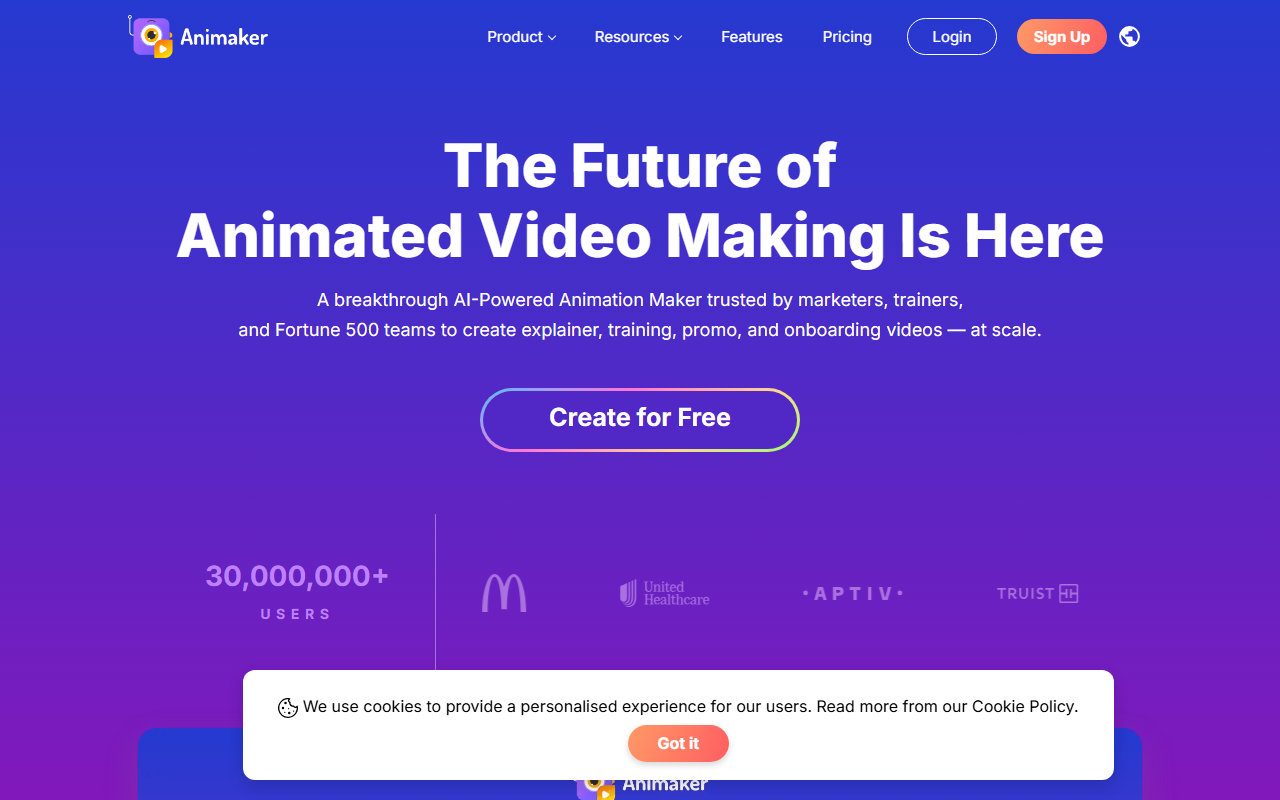
Upon visiting Animaker’s homepage, I was greeted by a clean, modern dashboard that immediately highlights the core value: AI-powered animation. The site prominently displays a call-to-action button labeled “Create for Free,” which took me through a straightforward sign-up flow requiring only an email or Google account. Within two minutes, I landed on the main editor workspace. The left panel offers a library of templates, assets, and AI tools. I tested the text-to-animation feature by entering a short prompt: “Explain how cloud storage works.” The AI generated a rough storyboard with animated characters and voiceover in about 30 seconds. While the output was not final-quality, it gave me a solid starting point that I could refine using the Advanced Edit mode. The drag-and-drop interface felt responsive, though the sheer number of options—25+ editing tools—can overwhelm a first-time user.
Core Features and Technology
Animaker positions itself as a complete animation and video-making tool for non-designers. Its standout feature is the AI text-to-animation engine, which converts written scripts into animated videos complete with characters, props, and voiceovers. The platform also includes a powerful character builder that lets you customize billions of unique avatars—a feature I found genuinely impressive when I created a bespoke corporate spokesperson in under three minutes. Behind the scenes, Animaker uses its own AI models for voice synthesis and animation generation, though the site does not specify the exact technology stack. The asset library is massive: 100M+ stock media items, 70K+ icons, and 30K+ music tracks. For teams, integration with popular tools like Google Drive and Dropbox is available, and an API is offered on the Enterprise plan. The platform also bundles separate products: a video editor (Animaker Video), an AI presentation maker, a subtitle generator, and a voiceover tool. This ecosystem makes it a one-stop shop for video production, but it also means navigating multiple products within the same account.
Pricing and Market Position
Animaker offers a free plan that lets you create and export videos with watermarks and limited premium assets. For advanced features, there are four paid tiers: Basic (around $10/month billed annually), Starter (around $19/month), Pro (around $39/month), and Enterprise (custom pricing). Exact prices may vary by region, and the website does not list them on the homepage—you must visit the separate Pricing page. Compared to competitors like Vyond and Powtoon, Animaker’s AI-first approach lowers the barrier to entry for beginners. Vyond focuses more on character animations for corporate training, while Powtoon emphasizes slides-to-video conversion. Animaker differentiates by offering both a rich template library (1000+ templates) and AI generation, making it suitable for rapid content creation. The platform claims 30 million users and partnerships with Fortune 500 companies like GSK. Testimonials on the site highlight cost savings and efficiency gains, but independent user reviews on third-party sites are mixed regarding customer support responsiveness.
Strengths and Limitations
Animaker’s greatest strength is its breadth of features for the price. The AI text-to-video workflow genuinely saves time for simple explainer videos, and the character builder is best-in-class for creating branded avatars without hiring a designer. The free tier is generous enough for small projects, and the template variety covers marketing, HR, L&D, and personal use cases. On the downside, the AI-generated output often requires manual tweaking—the voiceover can sound robotic, and the scene transitions may feel generic. The learning curve is steeper than promised because the interface is packed with tools; first-timers may feel lost. Additionally, the official website lacks detailed security certifications beyond claiming “all the security you will ever need,” which is vague. For enterprise buyers, this might raise concerns. I also noticed that the free plan watermarks are large and cannot be removed without upgrading. Finally, the platform’s reliance on Adobe Flash for some legacy templates has been deprecated, though modern assets use HTML5. Overall, Animaker is best suited for marketing teams, L&D professionals, and internal comms managers who need to produce high volumes of animated content quickly. Individual creators or those seeking polished, cinematic animation should look at Vyond or professional tools like After Effects—but at a much higher cost and skill requirement.
Visit Animaker at https://animaker.com/ to explore it yourself.













Comments