

First Impressions: A Clean, Creator-Focused Onboarding
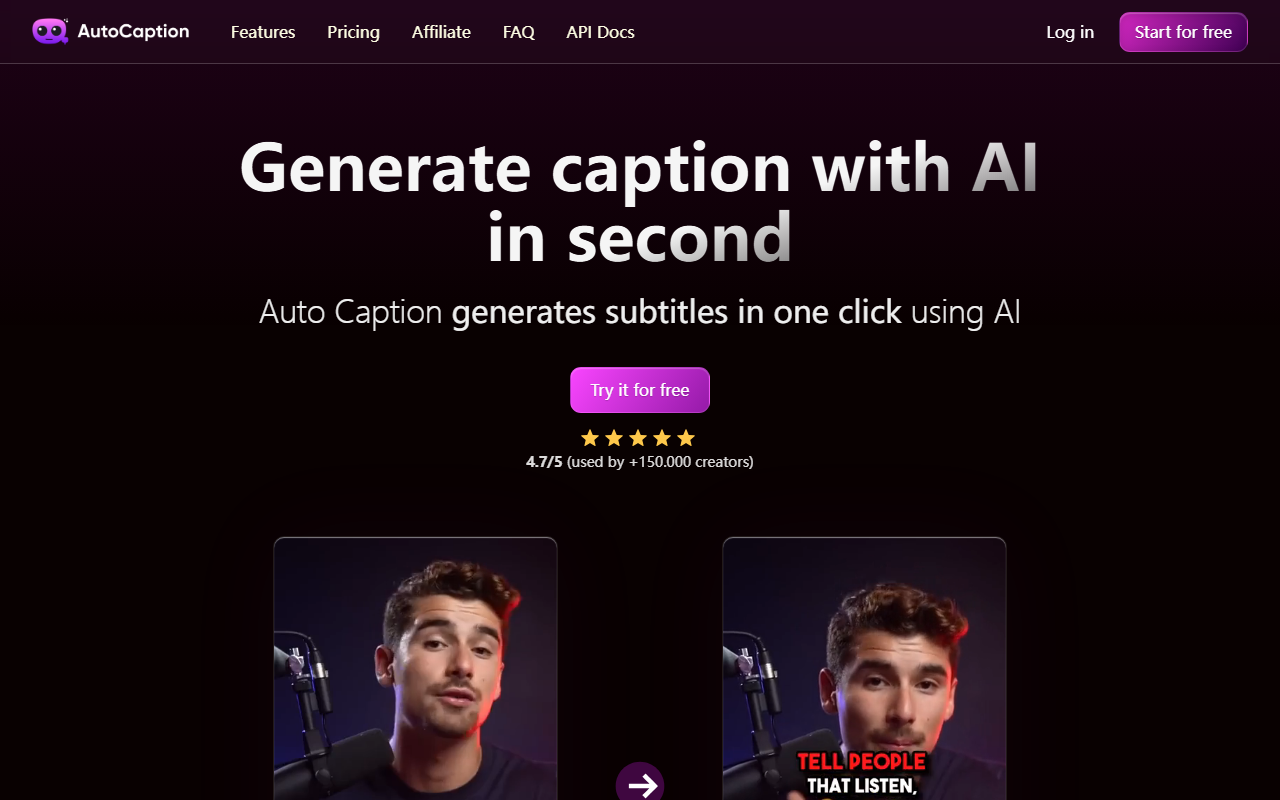
Upon visiting the Auto Caption website, I was immediately struck by the minimalist design and clear call-to-action. The headline promises to “Generate caption with AI in second” — a bold claim that aligns with the tool’s core value proposition. The onboarding flow is straightforward: a prominent “Start for free” button and a “Try it for free” CTA encourage immediate testing. I clicked through and was prompted to upload a short video file. Within seconds, the AI generated a subtitle track with timestamps — no account required for the trial. The interface displays a simple editor where you can tweak text, adjust timing, and apply styling. The whole experience feels designed for speed, just as advertised.
Features and Performance: AI That Actually Delivers
Auto Caption leverages AI to analyze audio and produce captions in over 100 languages. During my test with a 30-second English clip, the transcription was accurate, catching most words correctly — only a minor filler word was missing. The platform claims to use “Extremely fast” rendering, and my test file was processed in under 10 seconds. Once generated, you can fully edit the subtitles: change fonts, colors, add animations, and even insert animated emojis with a single click. Templates are available to save your custom styles, which is a huge time-saver for batch processing.
The output quality is impressive: Full HD resolution at 60 FPS, optimized for vertical formats like TikTok, Reels, and Shorts. This focus on mobile-first content makes it particularly relevant for today’s social media landscape. I also noticed a language dropdown listing German, Spanish, French, and English prominently, with over 99 languages available via the FAQ. The tool doesn’t just transcribe — it also allows you to adjust subtitle positioning, making it flexible for different video layouts. No API documentation was visible on the site, so developers may need to look elsewhere for integration options.
Pricing and Target Audience
Auto Caption offers a free tier that lets you test the basics. The website prominently displays a Black Friday offer — “63% off on annual plan” — though specific monthly or yearly prices aren’t listed on the landing page. The free tier likely limits video length or exports, but the trial was enough to assess the core functionality. With 150,000 creators already using the service, it’s clear the tool has gained significant traction. This is especially helpful for solo creators, small businesses, and social media managers who need quick, polished captions without hiring an editor.
In terms of market positioning, Auto Caption competes with tools like Descript and Kapwing. Unlike Descript, which offers full video editing and transcription, Auto Caption focuses purely on subtitle generation and styling — making it simpler and faster for the specific use case. Kapwing provides similar features but can be complex to navigate; Auto Caption’s minimal interface wins on ease of use. The tool is best suited for creators who prioritize speed and aesthetic customization over advanced video editing. Those needing a full video suite should look at Descript or Adobe Premiere with auto-captioning.
Strengths, Limitations, and Final Verdict
Strengths: The primary advantage is speed — one-click captioning in seconds, with a user-friendly editor. The animated emojis and customizable templates are unique touches that help captions stand out. Support for over 100 languages and full HD output ensures high-quality results for global audiences. The 4.7/5 rating from 150,000 users adds social proof.
Limitations: The free tier appears quite limited (only one test video allowed during my trial). Pricing details are vague — you have to sign up to see exact costs. The tool lacks advanced video editing features, so you’ll still need another app to trim or add effects. Additionally, I didn’t find any API for developers, which limits automation possibilities.
Final recommendation: If you’re a content creator, social media manager, or educator who needs fast, stylish captions without learning complex software, Auto Caption is an excellent choice. The free tier lets you evaluate the core quality, and the annual plan (especially with the current discount) offers good value. For developers seeking API integration or full video editing, you’ll want to supplement with other tools. Visit Auto Caption at https://autocaption.io/ to explore it yourself.













Comments