

First Impressions and Onboarding
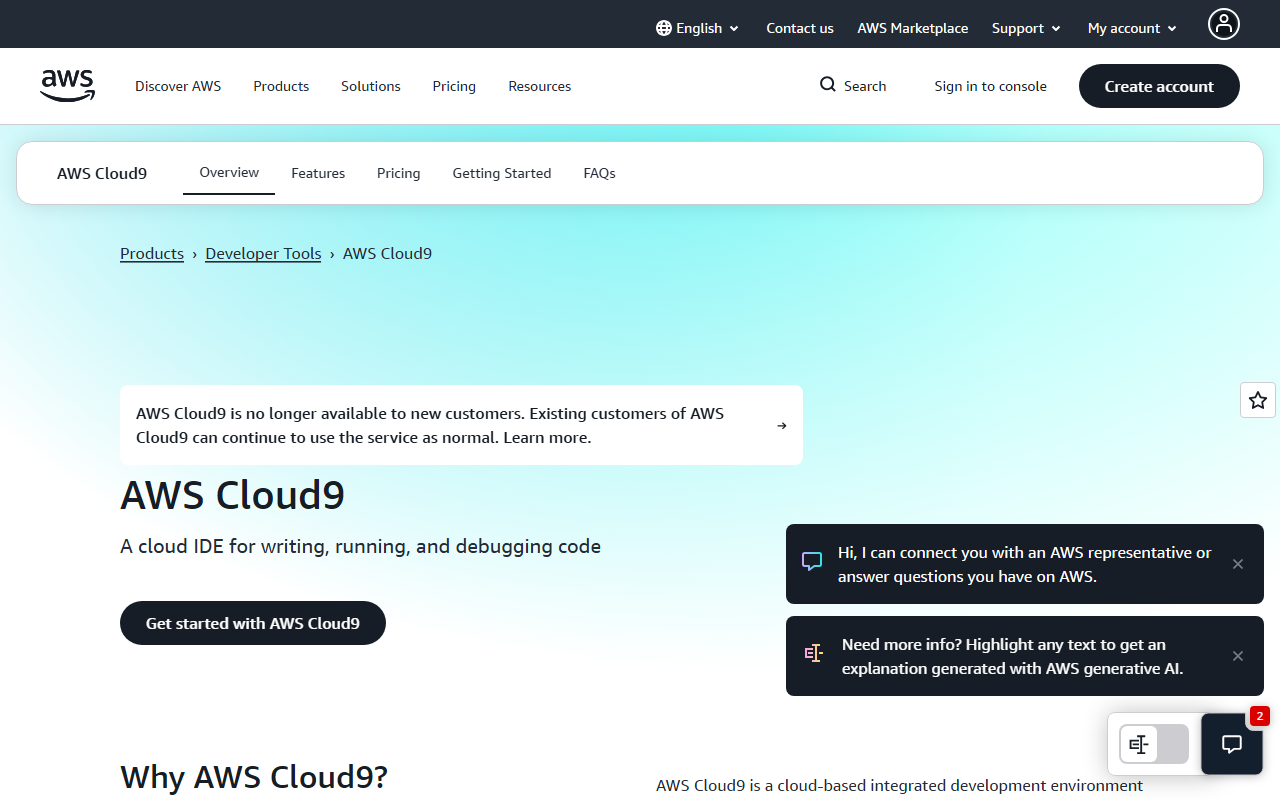
Upon visiting the AWS Cloud9 console, I was redirected through the AWS Management Console. The setup requires an AWS account, which might be a barrier for newcomers. Once inside, the dashboard greeted me with options to create a new environment. The interface is clean and functional, with a left sidebar for files, a central editor, and a bottom terminal. I chose the quickest path: launching a fresh EC2 instance with the default settings. Within minutes, a full-fledged Linux environment was ready, complete with Python, Node.js, and Git preinstalled. The terminal opened beneath the editor, and I immediately ran a quick python --version to verify the setup. The experience felt like working on a remote machine, but entirely through the browser.
Key Features and Real-World Workflow
Cloud9 shines when you need a workspace that follows you anywhere. I tested the real-time collaboration by sharing my environment with a colleague via a simple email invitation. We could see each other’s cursors, make edits simultaneously, and chat within the IDE—no extra plugins required. For AI programming specifically, the environment is well-suited: you can install TensorFlow or PyTorch via pip, and the terminal has sudo access, which gave me full control for installing other dependencies. The built-in debugger allowed step-through debugging of a simple Python script, but it felt slightly less polished than VS Code’s debugger. The biggest differentiator is the tight integration with AWS Lambda. I coded a basic Lambda function, tested it locally with the provided emulator, and deployed it directly from the editor—a streamlined serverless workflow.
Pricing and Market Position
AWS Cloud9 itself is free; you only pay for the underlying resources (EC2, EBS). The free tier offers 750 hours per month of a t2.micro instance for the first year—enough for light use. Compared to alternatives like Gitpod or Replit, Cloud9 is more enterprise-oriented and tightly coupled with the AWS ecosystem. It lacks the AI code suggestions seen in tools like GitHub Copilot, but you can integrate them via extensions. Pricing beyond the free tier depends on your instance size and storage; a small dev environment might cost around $5–10/month.
Who Should Use AWS Cloud9?
This IDE is ideal for developers who already live in AWS and want a zero-setup environment for coding and debugging serverless apps. It’s also great for teams that need real-time pair programming without installing local tools. However, if you’re looking for an AI-powered code assistant, Cloud9 isn’t that. It’s a robust cloud IDE, not an AI programming tool. The reliance on an AWS account and the learning curve of the console may frustrate casual users. For AI/ML projects, the environment works, but you’ll need to bring your own models and tools. Overall, it’s a solid choice for AWS-centric teams, but beginners might prefer a simpler, cheaper alternative like Replit.
Visit AWS Cloud9 at https://c9.io/ to explore it yourself.













Comments