

First Impressions and Onboarding
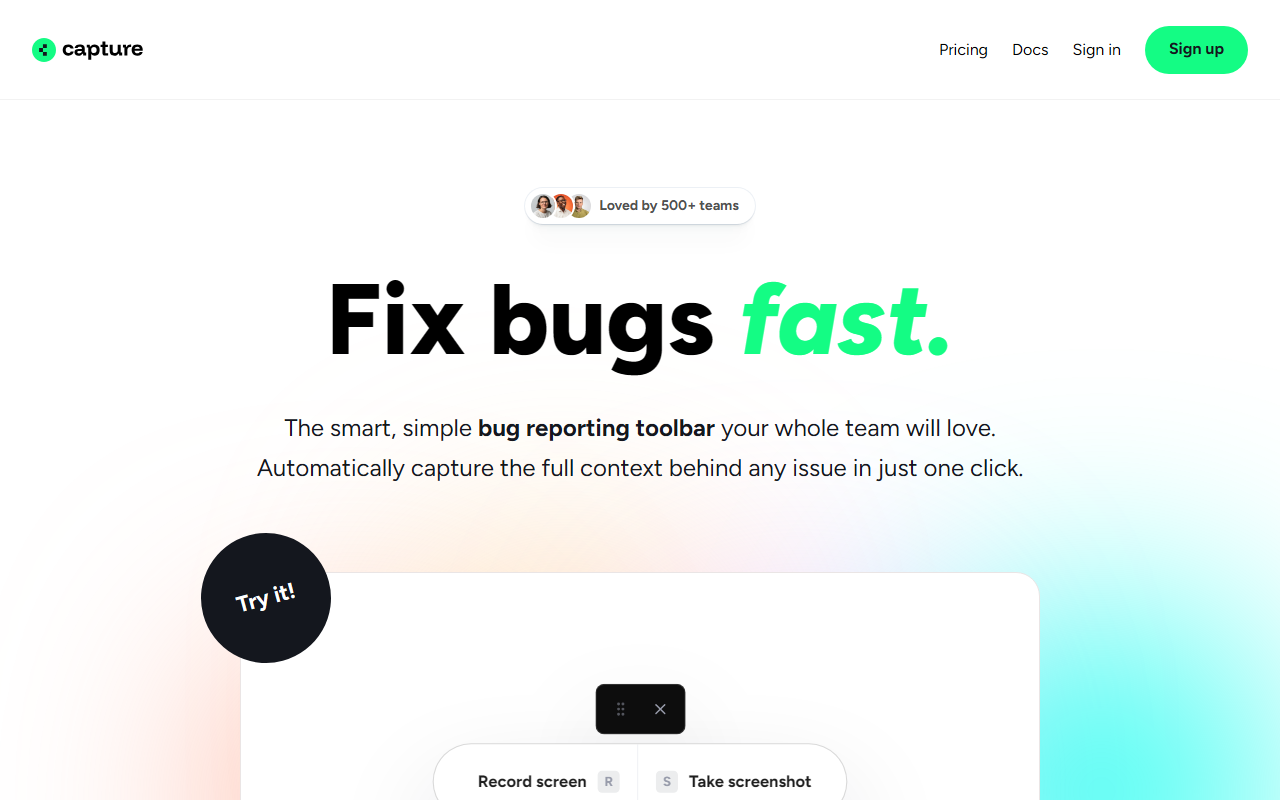
Upon visiting Capture.dev, the landing page immediately highlights a clean, developer-focused interface. The demo is accessible without signing up—a smart move that lowers friction. I clicked the "Try it" button and was taken to a live sandbox where I could test the bug reporting toolbar on a sample website. A banner warns that demo captures are automatically removed after one hour, which is honest but also a bit restrictive for thorough evaluation. The installation workflow is straightforward: the site claims you can add Capture to any website with just a few lines of code. For a non-technical user, the promise of "no technical know-how required" is appealing, but the actual setup does require a developer to embed the snippet—so it's truly aimed at teams with some engineering support.
Core Features and AI Capabilities
Capture.dev excels at automatic context capture. When I tested the toolbar, a single click grabbed the screen, user info, browser inspector, console logs, and network requests. This level of detail is rare even among dedicated bug tracking tools. The AI-powered features stood out: an auto-history feature provides a step-by-step playback of user actions before the bug occurred, and an auto-summary generates a concise, prioritizable description of each issue. These summaries save engineering teams from digging through raw logs. The tool also lets users annotate directly on the website, which eliminates the back-and-forth of description. The inspector integration means developers can see DOM state and console errors without asking for screenshots.
Integrations and Workflow Fit
Capture.dev syncs with Slack, Linear, Jira, Trello, ClickUp, Asana, and Zapier—covering most modern project management ecosystems. I tested the Slack integration by sending a bug report directly to a channel; the message included a summary and a link to the full capture. This reduces context-switching. The tool automatically writes tickets for you, which means your support team can stay in the tools they already use. However, the reliance on webhooks and Zapier for some integrations might require additional setup for less technical teams. Compared to alternatives like Bugherd (which focuses mainly on visual feedback) or Marker.io (better for QA teams), Capture.dev differentiates itself by offering deep technical context—network requests and console logs—making it especially valuable for frontend-heavy applications.
Pricing, Limitations, and Final Verdict
Pricing is not publicly listed on the website; the only offer is a 14-day free trial with no credit card required. The free trial includes unlimited bug reports and integrations, which is generous, but without transparent pricing, long-term planning is difficult. A notable limitation is that demo captures expire after one hour—this makes it hard for teams to evaluate the tool thoroughly without committing to the trial. Additionally, the tool requires a code snippet on your website, so it's not a drop-in solution for static or third-party-hosted sites. Strengths include a near-zero learning curve for reporters, AI summaries that reduce manual triage, and full developer context capture. Capture.dev is best suited for product and engineering teams that want to close the feedback loop quickly without forcing reporters to fill out forms. For individual developers or very small projects, the overhead might not be justified. Overall, it's a genuinely useful tool that bridges the gap between user reporting and technical debugging.
Visit Capture.dev at https://capture.dev/ to explore it yourself.













Comments