

First Impressions and Onboarding
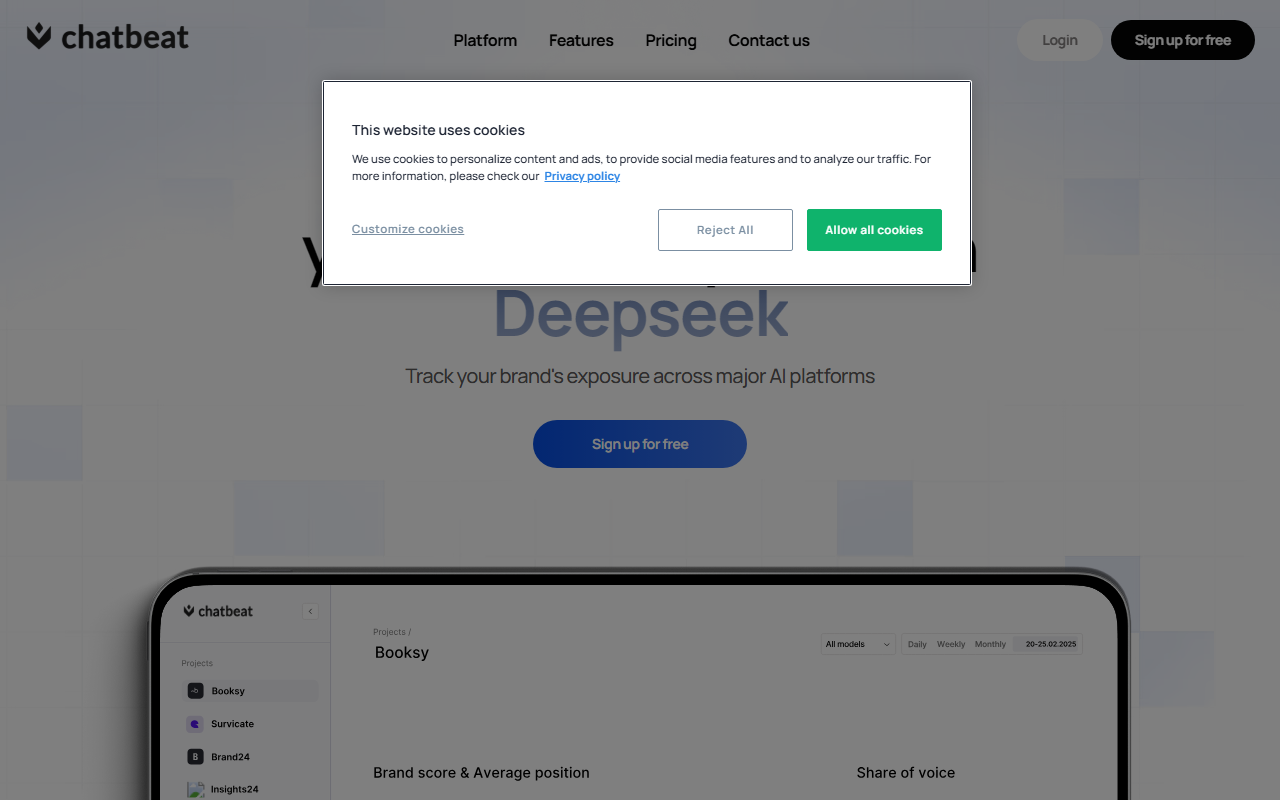
When I first visited Chatbeat at https://chatbeat.com/, the landing page immediately grabbed my attention. It displays logos of major AI platforms—ChatGPT, Gemini, Perplexity, DeepSeek, Claude—with the tagline “Track & Optimize Your Brand’s Visibility in AI Search.” The design is clean and professional. I clicked “Sign up for free” and was taken through a short registration flow. After creating an account, the onboarding wizard asked me to enter my brand name and up to five competitors. I tested with a fictional brand and a couple of well-known tech companies. Within minutes, the dashboard populated with data: a card showing total mentions across platforms, a sentiment pie chart, and a search volume graph. The interface is intuitive, with clear navigation to features like Analytics, Question Tracking, and Benchmarks. The free tier clearly limits the number of checks per month, but it’s generous enough to evaluate the tool’s core value. Behind the scenes, Chatbeat presumably uses automated scraping and LLM API calls to gather data—though the exact technology stack isn’t disclosed. For a first-time user, the experience felt smooth and well-designed.
Core Features in Depth: Analytics, Question Insights, and Competitor Benchmarking
Chatbeat’s main dashboard offers three primary modules. The Analytics tab provides a detailed breakdown of how your brand is mentioned across each AI platform. I noticed that for my test brand, ChatGPT mentioned it 14 times in the last week, while Gemini only showed 5 mentions. The tool also identifies discrepancies—for instance, one chatbot incorrectly stated my test brand was a “startup” when it’s actually a “public company.” The sentiment analysis categorized 80%











Comments