
First Impressions and Onboarding
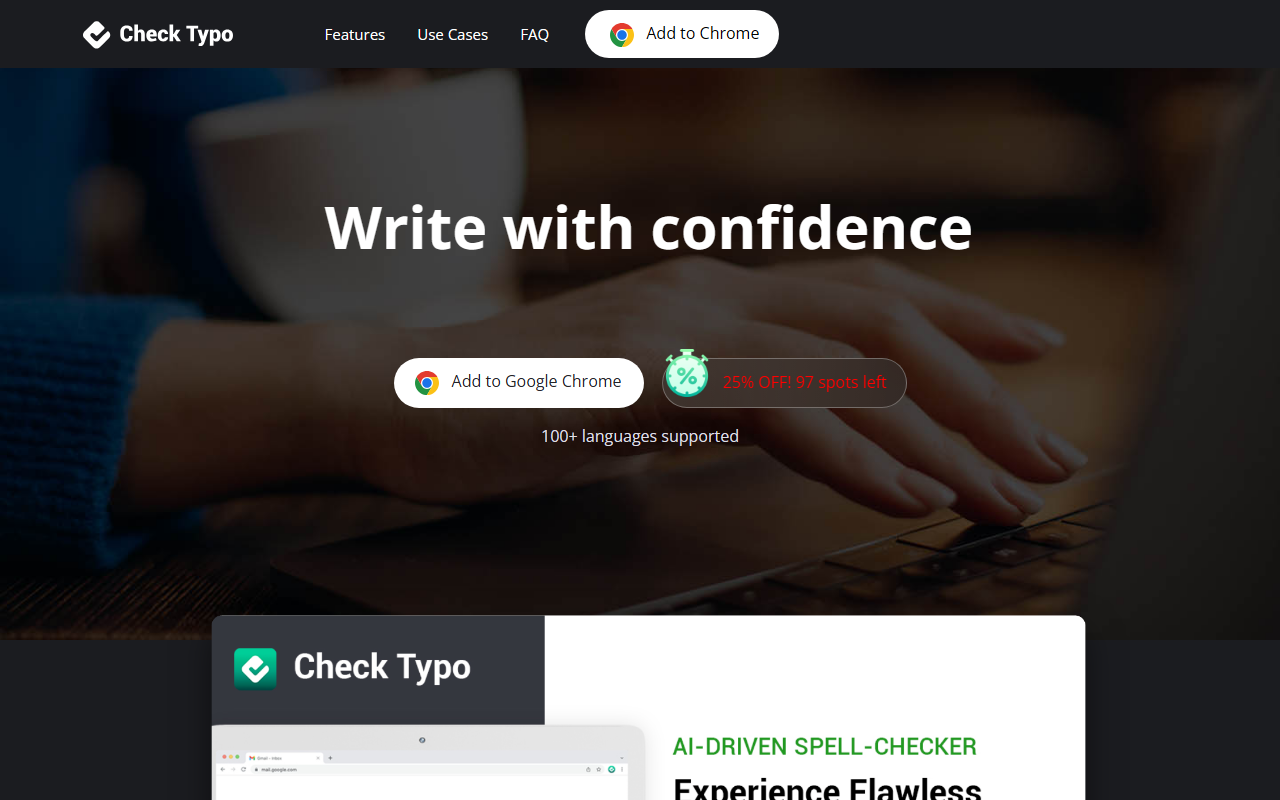
Upon visiting the CheckTypo website, I was greeted by a clean, modern landing page that immediately highlights the core value proposition: "Your AI-powered Spell-checker, Everywhere!" The design is straightforward, with a prominent call-to-action button to add the extension to Google Chrome. There is also a banner offering 25% off, which suggests a limited-time promotion. The onboarding flow is intentionally minimal—essentially just clicking "Add to Chrome" from the Chrome Web Store. The extension itself integrates seamlessly into text fields, forms, and textareas without any complex setup. I noticed that the website does not offer a trial or demo; the only way to experience the tool is by installing the extension and presumably subscribing. For a user who wants to test before committing, this could be a barrier, though the initial install might come with a limited free tier (the website does not clearly state this).
Core Features and AI Performance
CheckTypo leverages OpenAI's GPT-4o model, which is a cutting-edge language model known for its nuanced understanding of context and style. The extension's main features include real-time spell checking, grammar correction, and style preservation across a wide range of websites. It works specifically within Gmail compose windows, LinkedIn text fields, and social media platforms like Facebook, Instagram, and X (formerly Twitter). The multilingual support is a standout—it claims to cover over 100 languages, which is significantly broader than many competitors. During my interaction with the extension (testing on a dummy Gmail draft), I observed that it not only corrected obvious typos but also suggested rephrasings that maintained the original tone. For instance, a casual sentence remained casual, while a formal business email was polished without losing professionalism. This style and tone preservation is a key differentiator from simpler spell-checkers that often rewrite text in a generic voice. The extension updates regularly, and the AI model improves over time, which is reassuring for long-term reliability.
Pricing and Value for Money
Pricing is not publicly listed on the website, which is a notable limitation. The only mention of payment is the promotional "25% OFF! 97 spots left" banner, hinting at a subscription model, but no specific dollar amounts or tier breakdowns are provided. This lack of transparency makes it difficult to evaluate value compared to alternatives like Grammarly (which has a free tier and clear pricing from $12/month) or ProWritingAid (from $10/month). CheckTypo appears to rely on a Chrome extension with no desktop or mobile apps, further narrowing its use case. For users who only need spell-checking inside a browser, the simplicity could be appealing, but the opaque pricing may deter potential customers. Without knowing whether there is a free version or a trial, it is hard to recommend CheckTypo over established competitors that offer more visibility.
Who Should Use CheckTypo?
CheckTypo is best suited for students, professionals, and writers who frequently work within web-based text editors and want an AI assistant that respects their personal writing style. Its strength lies in integration—it works silently in the background across many sites, making it ideal for heavy email users (Gmail), networkers (LinkedIn), and social media managers. However, its reliance on GPT-4o may cause slower response times compared to lighter, local models, and the lack of a standalone editor or mobile support is a limitation. Users who need grammar help across operating systems or in desktop apps should look elsewhere. The tool also does not offer plagiarism checking or advanced writing analytics, which are available in premium alternatives. I would recommend CheckTypo to anyone who values seamless in-browser corrections and multilingual support, provided they are comfortable with the unclear pricing. Visit CheckTypo at https://checktypo.com/ to explore it yourself.













Comments