

First Impressions and Onboarding
Upon visiting Colibri.ai, the landing page immediately presents three distinct solutions: AI Notetaker, Sales Copilot, and Colibri Legal. This segmentation makes it clear that the tool isn’t a one-size-fits-all note taker but a platform tailored to different use cases. The top navigation includes a prominent “Sign up free” button and a “Request a demo” option, which suggests a freemium or trial model—though specific pricing tiers are not listed anywhere on the site. I decided to test the free tier by clicking “Sign up free.” The form is straightforward: name, work email, and company. After confirming my email, I was dropped into a clean dashboard that asks which integration I want to connect (Zoom, Chrome, or dial-in). The onboarding flow guides you to install the Zoom app or Chrome extension, and within minutes you can start recording a test meeting. The interface is uncluttered, with a left sidebar for “Meetings,” “Library,” and “Insights.” The “Agendas” section offers pre-built templates, which I found useful for structuring internal check-ins.
Core Features and Performance
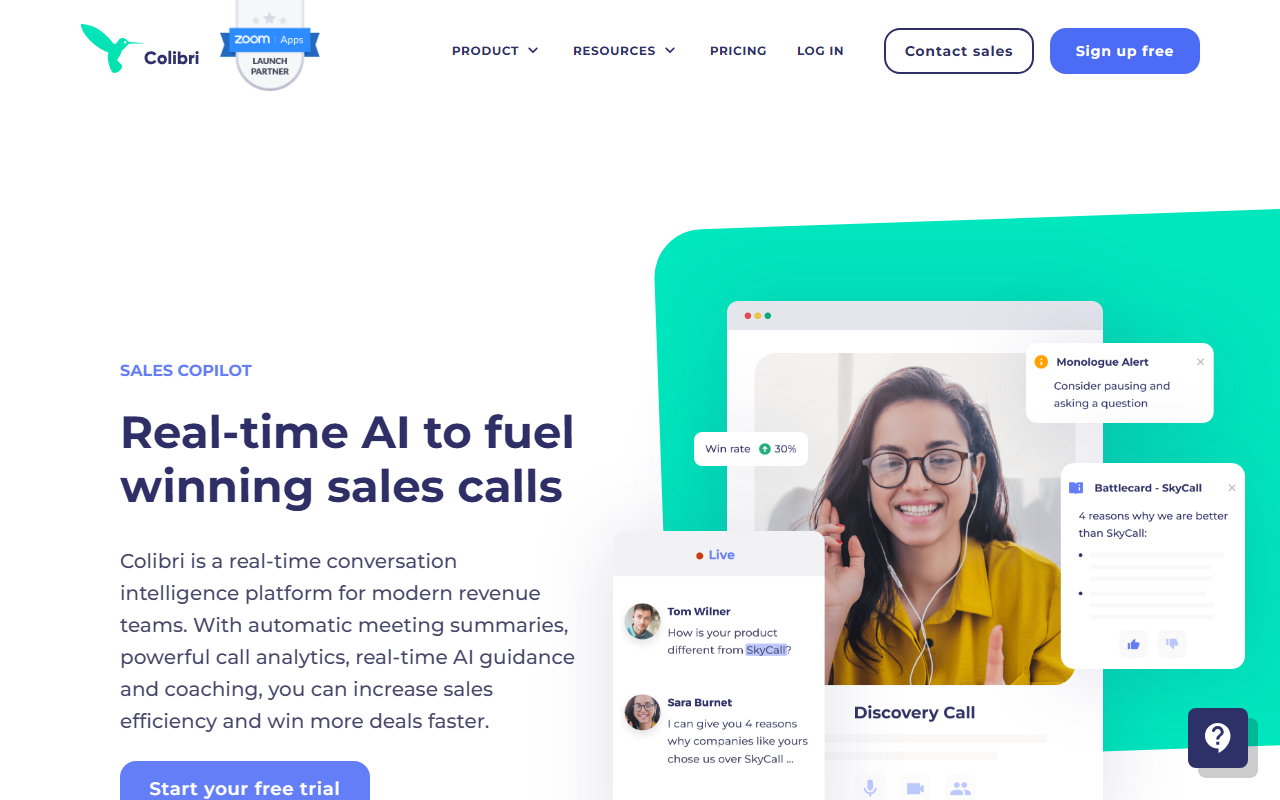
The AI Notetaker automatically records, transcribes, and summarizes meetings. I tested it with a mock 10-minute Zoom call. The real-time transcription appeared within seconds, and the accuracy was impressive—it correctly captured industry jargon like “ROI” and “pain points.” After the meeting ended, I received an AI-generated summary that listed key decisions, action items, and a brief bullet-point recap. The “Searchable Call Library” stores recordings, transcripts, and summaries. Using the search bar, I quickly found a snippet mentioning “competitor analysis,” which demonstrates the power of conversation intelligence. The Sales Copilot feature stands out: during the same test call, I enabled it, and it surfaced real-time suggestions when a colleague asked a challenging question. For example, a pop-up suggested: “Highlight your unique value proposition here.” This just-in-time coaching is Colibri’s differentiator compared to tools like Otter.ai or Fireflies.ai, which focus more on post-meeting notes than live guidance. The Conversation Intelligence dashboard aggregates trends across calls—common objections, competitor mentions, and rep performance metrics—all without needing to listen to recordings.
Pricing and Market Positioning
Colibri’s website does not publicly list pricing tiers. The “Sign up free” option likely provides a limited free tier, while the “Request a demo” implies custom enterprise pricing. This opacity can be a barrier for small teams needing immediate budget clarity. Competitors like Gong and Chorus (now ZoomInfo) are more transparent about enterprise tiers, while Otter.ai offers clear per-seat pricing starting at $16.99/month for Business. Colibri positions itself as a real-time AI co-pilot, which justifies a premium if the live guidance truly improves sales outcomes. The product is best suited for sales teams, customer success managers, and legal professionals who need accurate, real-time transcription and just-in-time coaching. Legal professionals in particular will appreciate Colibri Legal’s 24-hour turnaround for final transcripts by professional transcriptionists. However, general note-takers who only need post-meeting summaries may find the pricing too high or the feature set overkill.
Verdict: Who Should Use Colibri.ai?
Colibri’s strengths lie in its real-time AI assistance, high transcription accuracy (due to advanced machine learning models), and deep integrations with Zoom, Slack, and Salesforce. The generative AI summaries are genuinely useful for catching up on missed meetings. A real limitation is the lack of transparent pricing—teams cannot quickly assess if it fits their budget without a sales call. Additionally, the platform is heavily reliant on cloud connectivity; if your internet drops during a meeting, you lose the real-time features. For legal depositions, the professional human transcription service adds trust, but it’s an extra-layer cost. I recommend Colibri to sales-driven organizations that conduct many customer-facing calls and need immediate, actionable guidance. Smaller teams or those only needing simple note-taking should compare with Otter.ai or Fireflies.ai first. Overall, Colibri delivers on its promise of an AI co-pilot, but the opaque pricing holds back a full endorsement for budget-conscious buyers. Visit Colibri at https://colibri.ai to explore it yourself.













Comments