

First Impressions and Onboarding
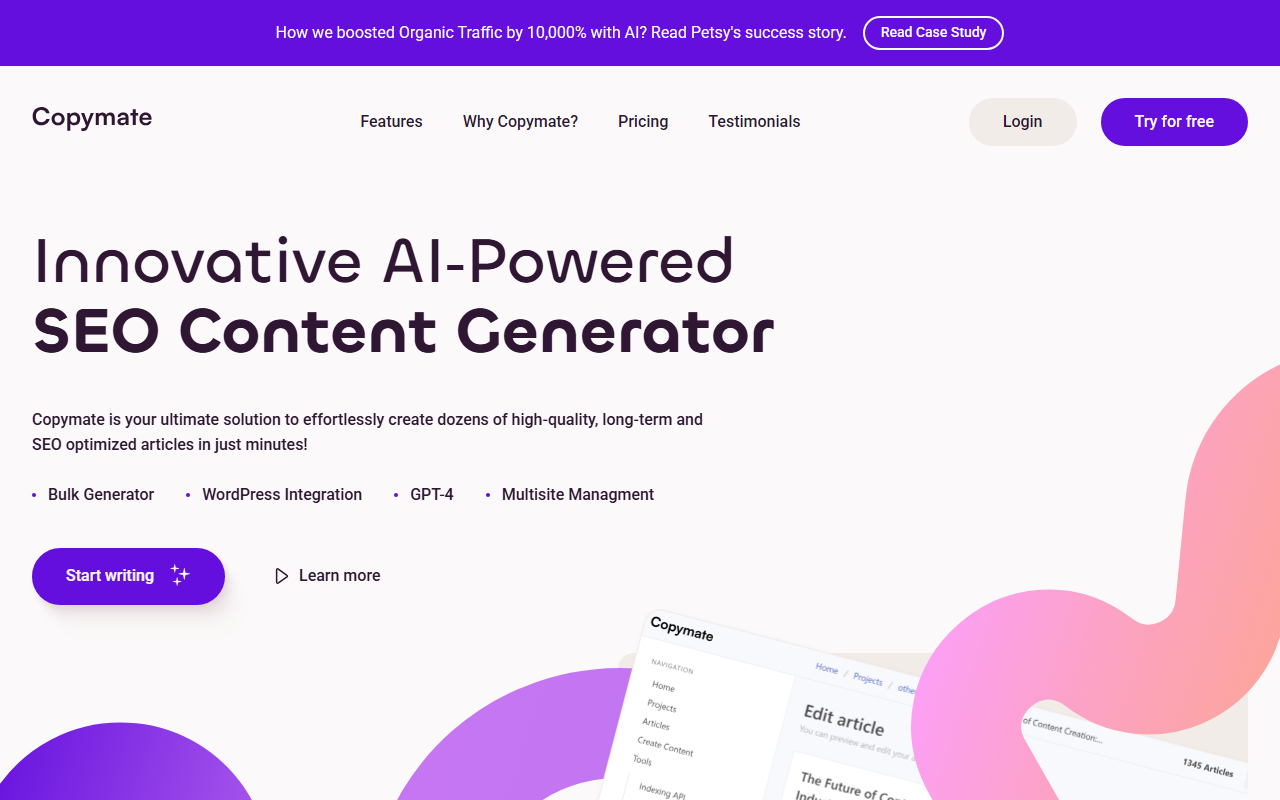
Upon visiting the Copymate website, I was greeted by a clean, modern landing page that immediately highlights its core value proposition: creating dozens of high-quality, SEO-optimized articles in minutes. The top navigation bar features a prominent “Try for free” button, which led me to a straightforward sign-up process requiring only an email and password. No credit card is required for the Free Plan, which is refreshing.
The dashboard opens to a simple interface with a left sidebar listing key features: Dashboard, Projects, Bulk Generator, WordPress Integration, and Settings. The layout is intuitive, even for someone new to AI writing tools. I quickly created a new project, selected my target language (English, but Spanish, French, German, and more are available), and entered a topic: “Benefits of local SEO for small businesses.” The AI then prompted me to choose article length, tone, and keywords for optimization. Within about 90 seconds, it generated a 1,200-word article that was coherent and included a table of contents, headings, and meta description suggestions.
The onboarding flow includes a short video tutorial and a sample article preview, which helped me understand the workflow without feeling overwhelmed. Overall, the first experience was smooth and efficient.
Features and Technology
Copymate leverages the latest GPT-4 model from OpenAI for text generation, which I confirmed by checking the feature list on their site and by observing the quality of output. The AI produced well-structured content with minimal repetition, a significant improvement over older models. The platform also supports bulk generation: you can input multiple keywords or topics in a CSV or simply list them, and it will generate dozens of articles simultaneously. During my test, I queued five topics and all were completed within five minutes.
Key features include:
- WordPress Integration: One-click publishing directly to your WordPress site. The plugin connects securely and allows you to map categories, tags, and featured images.
- Multilingual Support: The tool claims to create content in any language. I tested German and got a passable article, though native speakers might spot subtle awkwardness.
- SEO Optimization: The generated content includes keyword density control, meta titles/descriptions, and internal linking suggestions. It also integrates with NeuronWriter for deeper SERP analysis.
- Multisite Management: You can manage an unlimited number of websites from one Copymate account, which is a huge time-saver for agencies.
The AI also offers an image generator (likely via DALL-E integration), though I didn't test this extensively. The free tier gives you 3 one-time articles, while the Pro plan offers 10 articles per month with unlimited projects.
Pricing and Value
Copymate’s pricing is clearly laid out on the site. The Free Plan costs $0/month and provides 3 one-time articles, unlimited projects, WordPress integration, GPT-4 access, and the image generator. The Pro Plan is $29/month for 10 articles per month (rollover not specified). Additional article packs are available for purchase: 10 articles for $29 ($2.90/article), 36 articles for $99 ($2.75/article), and 100 articles for $250 ($2.50/article). This makes it cost-effective for high-volume content needs compared to competitors like Jasper (which starts at $49/month for 20k words) or Writesonic (which charges per word).
For a small business publishing 10–20 articles a month, the Pro plan plus one add-on pack would run around $58/month—reasonable for AI-generated SEO content. However, the lack of a monthly subscription for unlimited articles (only packs) may deter heavy users. Also, note that “articles” here likely means one generated piece, not word count, so a 500-word article costs the same as a 2,000-word one—something to keep in mind.
Strengths, Limitations, and Verdict
Copymate’s greatest strength is its focus on bulk generation and WordPress integration. Unlike generic AI writers, it’s built for SEO professionals who need to scale content production without sacrificing optimization. The 4.8/5 user rating and a case study claiming a 10,000% traffic boost (for a pet site called Petsy) suggest real-world results, though such numbers are exceptional and likely require strong implementation.
On the downside, the Free Plan is quite limited (only 3 articles, one-time). The tool would benefit from a free trial with more usage to let users fully evaluate the quality. Additionally, while the AI output is good, it still requires human editing for nuance, especially for complex topics. The multilingual support is decent but not flawless. Finally, Copymate does not offer a native YouTube script or ad copy generator, so it’s narrowly focused on blog/article content.
This tool is best suited for content marketers, SEO agencies, and website owners managing multiple sites who need to produce SEO-optimized articles at scale. If you need creative long-form sales copy or social media content, look elsewhere. But for bulk blog generation with WordPress direct publishing, Copymate is a strong contender.
Visit Copymate at https://copymate.app/ to explore it yourself.













Comments