

What Is Deepsheet and What Problem Does It Solve?
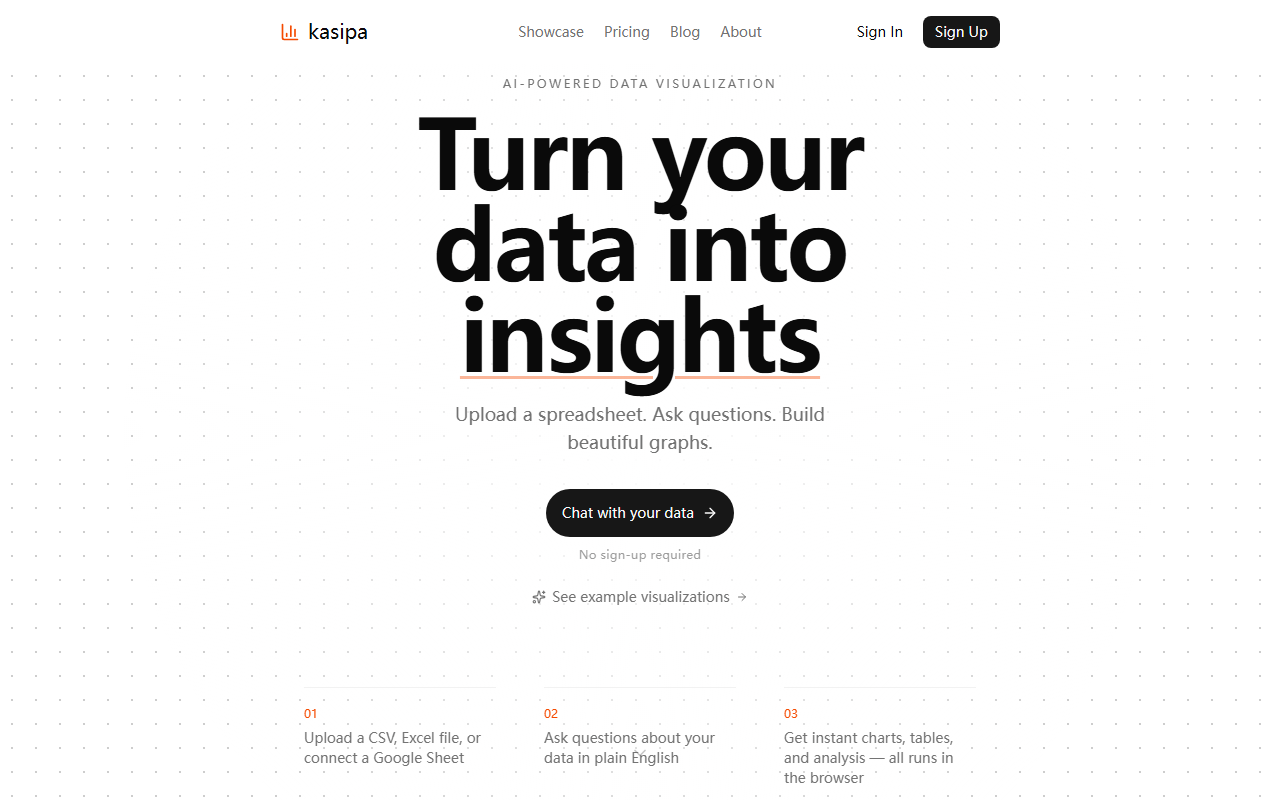
Deepsheet is an AI-powered data visualization tool that lets you upload a spreadsheet — CSV, Excel file, or a Google Sheet — and then ask questions about your data in plain English. It instantly generates charts, tables, and basic analysis, all running inside your browser. This solves a real pain point for non-technical users who need to extract insights from data without learning SQL, Python, or complex BI tools. Unlike dedicated platforms like Tableau or the ChatGPT Code Interpreter plugin, Deepsheet focuses on simplicity, privacy, and zero setup. It’s essentially a chat interface for your spreadsheets.
First Impressions and Onboarding
Upon visiting the site, you’re greeted by a minimalistic landing page with a short description and a prominent file upload area. There is no sign-up form, no email required — you literally drag a file or connect a Google Sheet, and you’re in. The dashboard shows a single chat window where you can type questions like “What were the top-selling products?” or “Show me sales by region as a bar chart.” I tested the free tier (the only tier) with a sample CSV containing about 1,000 rows and a few columns. The upload took less than a second, and the interface immediately presented a natural language input box. It’s refreshingly straightforward — no onboarding flow to click through.
Core Features and User Experience
The core workflow is elegantly simple: upload your data, then start chatting. Deepsheet interprets your questions and responds with a chart, a table, or a textual summary. For example, when I asked “Show a pie chart of customer segments,” it generated a clean pie chart within seconds. The charts are interactive — you can hover over slices to see values. The tool appears to use a local processing engine that never sends your data to a server, which is a major privacy advantage. There’s no API listed on the website, so this seems purely a front-end tool. The analysis includes basic aggregations — counts, sums, averages — but more advanced statistical operations (regression, forecasting) are absent. For quick exploratory work, it works well, but power users will hit limits quickly.
Strengths and Limitations
Deepsheet’s greatest strengths are its ease of use, instant setup, and privacy. Because everything runs in your browser, you don’t have to trust a third party with sensitive spreadsheets. It’s also completely free — pricing is not publicly listed on the website, and there are no usage caps visible during testing. However, the tool has clear limitations: it struggles with very large datasets (I noticed slight lag with 10,000+ rows), it offers no collaboration features, and the natural language understanding can misinterpret complex questions. For instance, “Show the trend of monthly revenue for the last two years” returned a chart without proper date formatting. There’s also no way to customize chart colors, export high-resolution images, or save sessions. It’s a lightweight helper, not a full-fledged BI platform.
Who Should Use Deepsheet?
Deepsheet is best suited for individuals, freelancers, or small teams who need to quickly visualize a dataset without any setup. It’s perfect for one-off analysis, ad-hoc reports, or checking a hypothesis during a meeting. If you regularly need advanced analytics, real-time dashboards, or collaborative editing, look elsewhere — tools like Google Data Studio or Tableau Public would be more appropriate. For educators teaching basic data literacy, Deepsheet’s simplicity is a huge plus. The lack of sign-up also makes it ideal for privacy-conscious users. In short, if you just want to see what your data says in a few seconds, try Deepsheet. If you need an enterprise solution, keep looking.
Final Verdict
Deepsheet delivers exactly what it promises: instant, AI-driven charting without friction. It’s not a replacement for serious data tools, but it fills a gap for quick, conversational analysis. Given that it’s free and runs locally, it’s a no-risk tool to add to your workflow. I recommend it for anyone who occasionally needs to turn a spreadsheet into a visual insight — just don’t expect advanced features. Visit Deepsheet at https://deepsheet.dylancastillo.co/ to explore it yourself.













Comments