

First Impressions and Onboarding
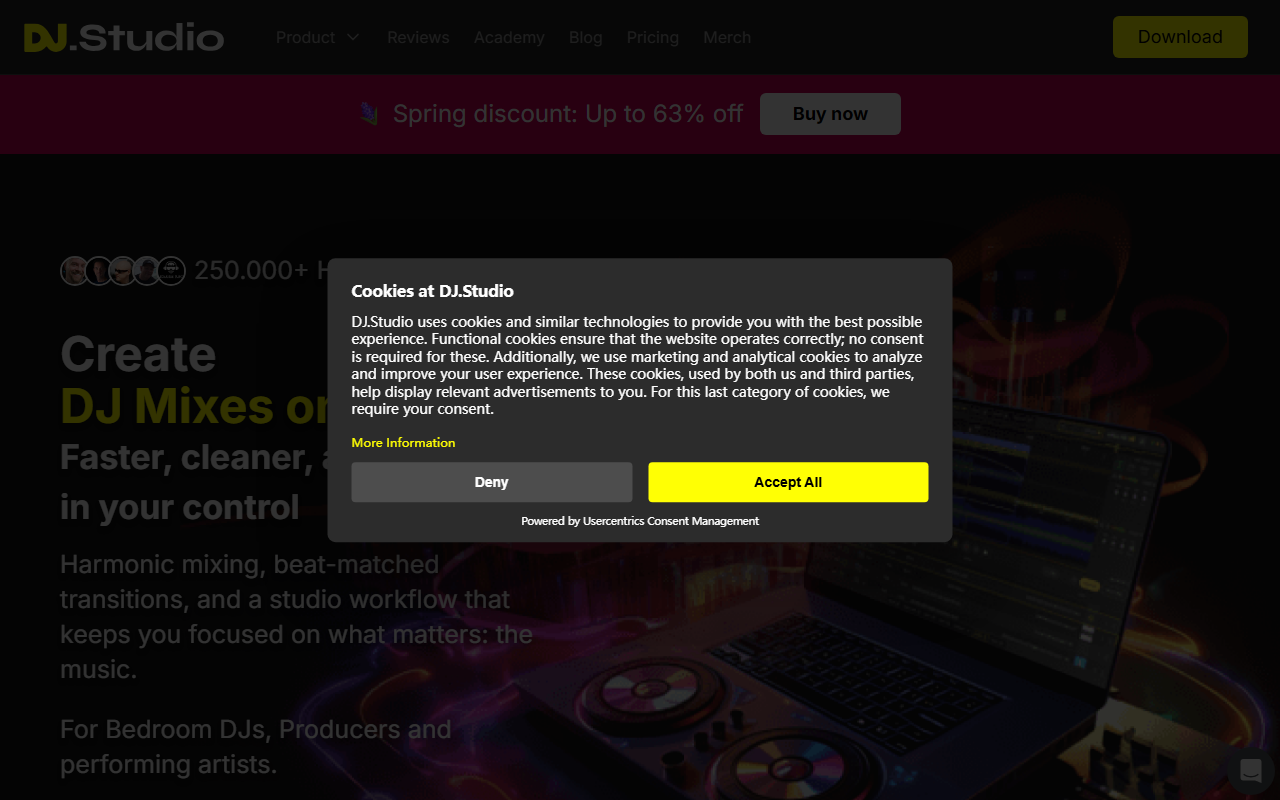
Upon visiting the DJ.Studio website, the first thing I noticed was the bold claim of 250,000+ happy users and a prominent spring discount banner promising up to 63% off. The homepage immediately positions the tool as the Ultimate DAW for DJs, targeting both bedroom DJs and performing artists. The interface shown in screenshots is a clean timeline-based editor, reminiscent of traditional DAWs like Ableton Live but focused specifically on DJ mixes. I downloaded the free trial (available on the site, though not elaborately advertised) and imported a few tracks from my local library. The onboarding process is smooth: the software detects BPM and key automatically, and the Harmonize feature quickly reorders the playlist to ensure harmonic compatibility. Within minutes, I had a basic mix preview playing – no manual beatmatching required. The tool also offers stem separation and a music visualizer for video exports, which I tested by exporting a short mix as MP4.
Core Features and Technology
DJ.Studio solves a specific problem: creating polished DJ mixes, mashups, and radio shows faster than traditional DJ software. The core technology relies on millions of calculations to auto-order tracks based on tempo and the Camelot Wheel harmonic system. You can then fine-tune transitions, adjust track lengths, and apply effects like reverb and echo. The software integrates deeply with Mixed In Key for energy levels and cue points, and it imports libraries from rekordbox, Serato, VirtualDJ, TRAKTOR, and Engine DJ. Exports are versatile: MP3, WAV, direct upload to Mixcloud with auto-generated tracklists, or MP4 via the built-in music visualizer. One standout technical detail is the ability to record at 5x normal speed without quality loss – a huge time-saver for long mixes. I found the transition editor especially powerful; you can customize every parameter per transition and save presets for your signature sound. The timeline-based workflow feels more like production than live mixing, which is precisely the niche DJ.Studio fills.
Pricing and Market Position
DJ.Studio won the NAMM TEC Award for Best DJ Tool in 2025, beating established hardware and software from AlphaTheta and Rane. This recognition signals strong industry validation. Pricing is not publicly listed on the website – only a spring discount of “up to 63% off” appears, suggesting annual subscription or one-time purchase options that vary. Users likely need to click through to see exact tiers. The tool competes with traditional DJ software like Serato DJ Pro and Rekordbox, which focus more on live performance, and with DAWs like Ableton Live, which require more manual mixing. DJ.Studio occupies a unique middle ground: it automates tedious aspects of mix creation while still offering enough manual control for creative producers. It is best suited for bedroom DJs, podcasters, radio hosts, and content creators who want to produce mixes quickly for upload to Mixcloud or YouTube. Live performers who need real-time beatmatching and scratching may find the timeline-centric workflow too rigid.
Strengths and Limitations
The genuine strengths of DJ.Studio include its speed and automation: harmonize, auto-transitions, and 5x export speed dramatically reduce production time. The integration ecosystem with Mixed In Key, major DJ software, and Ableton Live makes it a versatile hub. The music visualizer is a nice bonus for video creators. However, there are real limitations. The tool is not designed for live performance – there is no real-time mixing interface with waveforms and cue juggling. The dependency on pre-analyzed tracks means you need a clean library with accurate key/BPM tags. During my testing, I noticed that very short overlapping loops can sound unnatural if the algorithm misjudges phrasing. Additionally, the free tier appears limited (likely a time- or feature-restricted trial), and the lack of transparent pricing on the website may frustrate potential buyers. Despite these drawbacks, DJ.Studio is a powerful addition to any producer’s toolkit, especially for creating polished mixes without hours of manual recording.
Who should try it? If you need to produce a professional-sounding DJ mix every week – for a radio show, YouTube channel, or social media – this tool will save you significant time. Who should look elsewhere? Live performers who rely on improvisation and turntablism will miss the hands-on control of traditional DJ software.
Visit DJ.Studio at https://dj.studio/ to explore it yourself.













Comments