

First Impressions: Download, Setup, and Interface
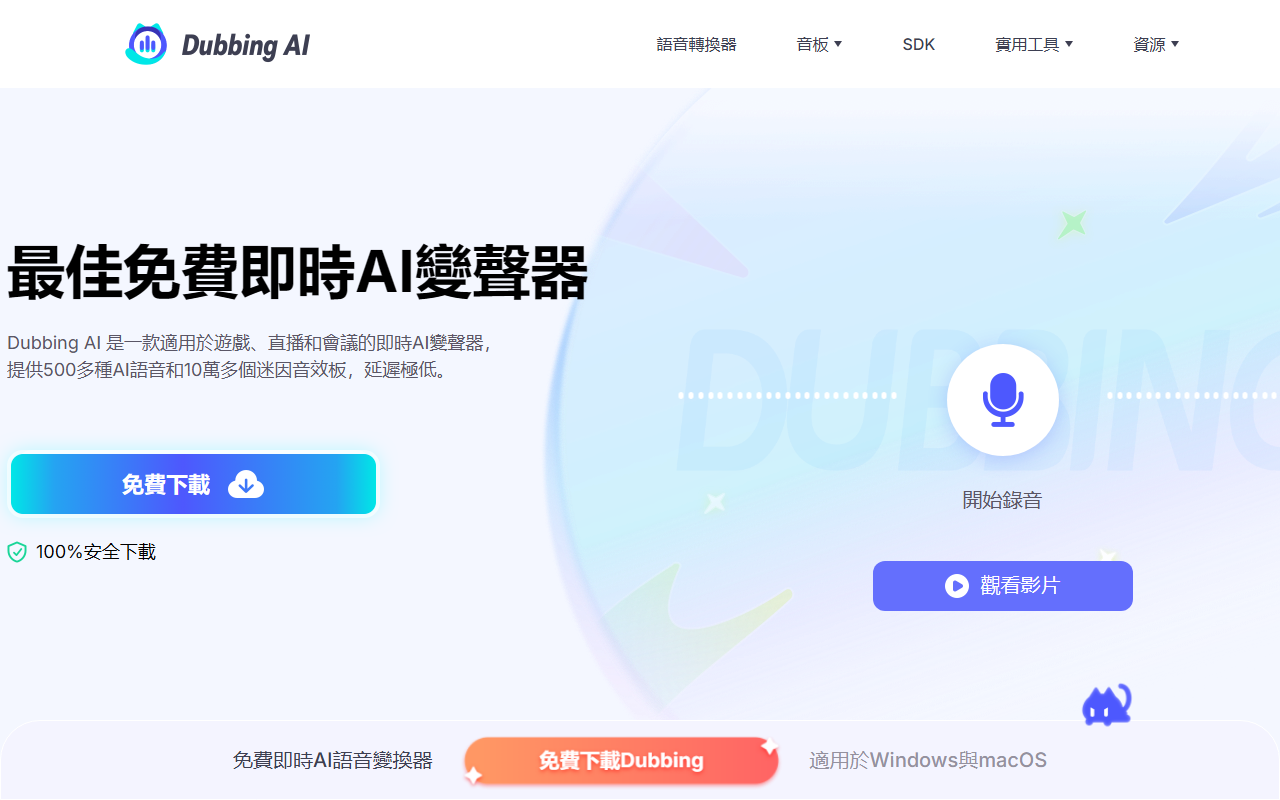
Upon visiting the Dubbing AI website, the first thing I noticed is its laser focus on gamers, streamers, and content creators. The homepage immediately pushes a free download for a real-time voice changer and soundboard. The onboarding flow is straightforward: download the desktop client (Windows only as of now, though mobile plans are teased), install it in under five minutes, and select your microphone as the input device. The dashboard shows a clean layout with a voice box selection panel, a toggle for the voice changer, and a dedicated ‘Hear Myself’ button to preview your new voice in real time. I tested the free tier, which rotates ten voices daily — a generous offering that lets you get a feel for the tool without paying anything upfront. The setup process is simple; the guide walks you through selecting “Microphone (Dubbing Virtual Device)” in Discord or OBS, and within minutes I was speaking as a cartoon character.
What Makes Dubbing AI Different? Features and Technology
Dubbing AI’s core strength is its real-time voice transformation with under 30ms latency — practically imperceptible during live conversations or gaming. The tool supports over 500 AI voices, including characters from League of Legends, Valorant, CS2, Jujutsu Kaisen, and more. It also includes a massive library of 100,000+ meme soundboards that you can trigger on the fly, which is a killer feature for streamers looking to spice up their broadcasts. Beyond the voice changer, Dubbing AI offers several useful side tools: an accent converter that smooths non-native English, an online voice changer for browsers, a vocal/instrumental remover, voice cloning via uploaded audio, and a sound effect generator. The technology behind the scenes is not explicitly disclosed, but real-time performance suggests a lightweight neural network optimized for low CPU usage (claimed 5% usage). The free tier rotates voices daily, while a subscription unlocks all voices and soundboards. Pricing is not publicly listed on the website beyond the free option; there is no clear pricing page, though a subscription model is implied. For exact costs, you need to download the software or contact support. Compared to competitors like Voicemod (which also offers a free tier with fewer voices) and Elgato’s Wave Link (more studio-focused), Dubbing AI excels in quantity of voices and meme soundboards, but it lacks the deep audio mixing controls that pro streamers might want.
Performance, Use Cases, and Limitations
During my testing, the voice changer worked reliably in Discord and OBS with no noticeable lag. I tried the ‘Jett’ voice from Valorant, and it sounded crisp, with good intonation and minimal robotic artifacts. The soundboard feature is easy to trigger with hotkeys, though the free tier limits your library. For gamers, Dubbing AI shines in role-playing situations on VRchat or online RPGs — it adds a layer of immersion that standard voice changers often miss. Streamers can boost engagement by dropping meme sounds while commentating. However, there are real limitations: the free tier only gives ten daily voices, and the full library requires a subscription (cost not disclosed). Also, the software is only available for Windows, so Mac and Linux users are left out. The accent conversion tool, while interesting, didn’t handle heavy accents perfectly in my brief test — it smoothed some words but still sounded slightly unnatural. Voice cloning is a premium feature that likely requires subscription access. For those who need a quick, low-latency voice change without breaking the bank, the free tier is a fantastic trial. But power users who want all 500 voices and commercial soundboards will need to pay. The website mentions a Dubbing Box for mobile use, but that appears to be a separate hardware device, not an app — so mobile support is limited.
Final Verdict: Who Should Use Dubbing AI?
Dubbing AI is best suited for casual gamers, VTubers, and beginner streamers who want a free, easy-to-use real-time voice changer with a huge library of meme sounds. It delivers on its promise of low-latency transformation and is surprisingly polished for a free tool. The rotating free voices are a smart way to test the service without commitment. However, if you’re a professional streamer who relies on precise audio control, custom voice profiles, or cross-platform support, you might find the subscription model and Windows-only limitation restrictive. For those who want a no-fuss solution to sound like an anime character or add a laugh track to a Zoom call, Dubbing AI is a top contender. Give the free version a try — just be aware that the best voices are behind the paywall. Visit Dubbing AI at https://dubbing-ai.com/ to explore it yourself.













Comments