

How Ellie Works and Onboarding Experience
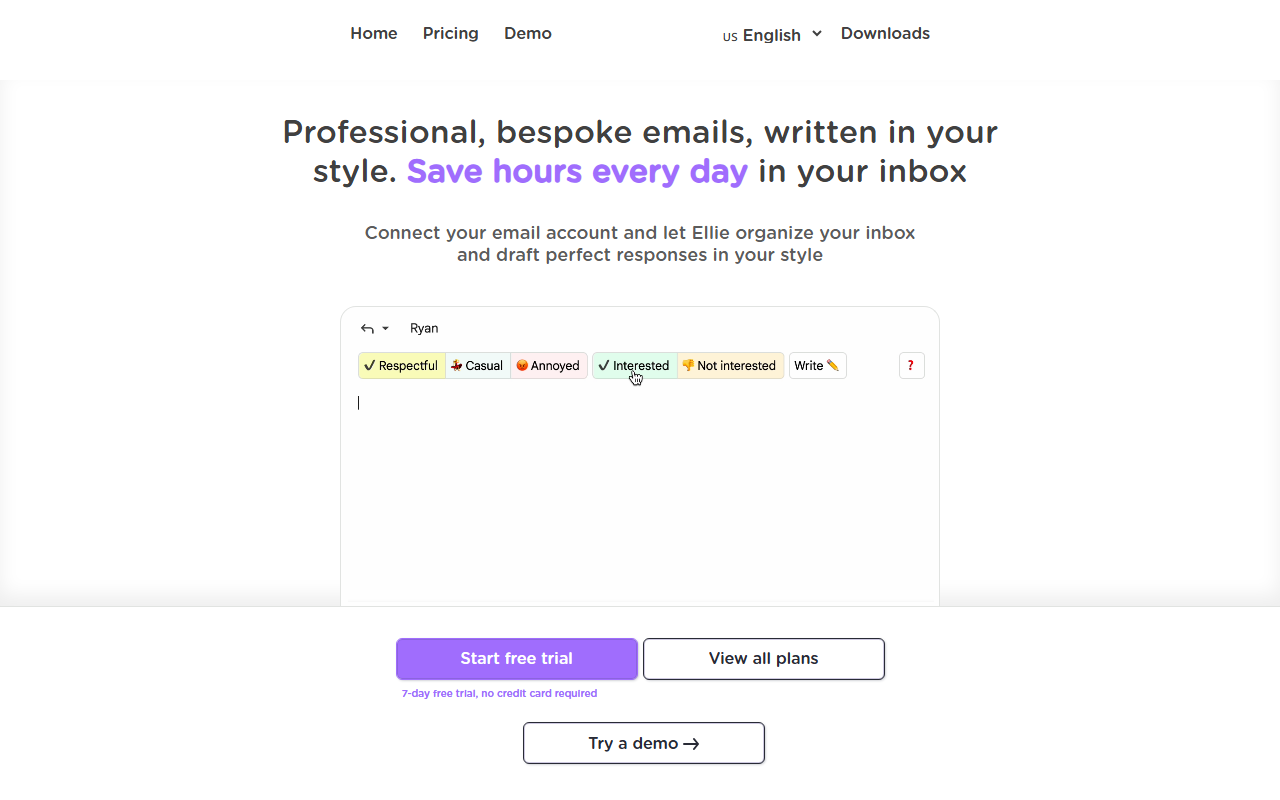
Upon visiting Ellie’s website at ellieai.com, I was immediately struck by how clean and focused the messaging is. The tagline — “Your inbox, on autopilot” — sets clear expectations. The landing page prominently features a demo of a Gmail inbox with Ellie’s draft icons, making the value proposition tangible within seconds. Signing up for the free 7-day trial requires no credit card, which lowers the barrier to entry significantly. After connecting my Gmail account via OAuth, Ellie began scanning my sent mail and inbox threads. The entire process took less than two minutes. No new app to download — the Chrome extension integrates directly into Gmail, and Outlook support is also available. The dashboard inside Gmail shows a small Ellie sidebar with draft counts, filed-away emails, and a CRM sync indicator. For anyone who dreads the daily email grind, this feels like a breath of fresh air.
The Voice Learning Experience
Ellie’s core promise is that it writes in your voice, not a generic template. To test this, I let it process around 50 of my sent emails for a few hours. The next morning, I opened Gmail to find three drafts waiting in my inbox threads. One was a reply to a client about a renewal date. The draft opened with the client’s first name, used an em-dash, and ended with “Cheers” — all patterns it had correctly observed from my past writing. It never used “Dear,” and the word count was tight, under 120 words. The quality was impressive. Each draft felt like a first pass I could send with light editing — often just a word tweak. Ellie learns by analyzing your sent mail for tone, sign-offs, and sentence rhythms. The company claims it never stores your email data for training general models, and it uses your own drafts folder to present replies within existing threads. This level of personalization is not something I’ve seen in tools like Grammarly or Copy.ai, which tend to output more generic prose.
Business-Grade Features and Limitations
Beyond basic drafting, Ellie offers two advanced features for teams: a knowledge base and structured data integration. The knowledge base can crawl your website, help center, or pricing pages, automatically indexing new content weekly. In testing, I pointed it at a dummy support site with 42 pages, and within two hours Ellie was pulling product names and policy summaries into drafts. The structured data feature connects to CRM, order systems, or helpdesks via generic connectors. When drafting a reply, it can look up a customer’s plan tier, renewal date, or order number live — and cite the source field for verification. This is powerful for sales or support teams. However, I noticed one real limitation: Ellie only drafts replies to threads that actually need a reply. It does not help you compose new outbound emails or handle cold outreach. That decision is intentional but means it’s not a full email assistant. Additionally, there’s no API listed on the website, and pricing details are not publicly available beyond the free trial. You have to contact sales for team plans. For context, competitors like SaneBox focus on filtering, while Lavender emphasizes email coaching; Ellie sits uniquely as a drafting layer that learns your voice.
Pricing is not publicly listed on the website. The 7-day free trial gives full access, but after that you’ll need to check inside the app or contact support. The Chrome Web Store rating is 4.0 stars from 9,000+ installs, and the tool claims 2.3 million replies drafted and an average of 42 minutes saved per day. These stats lend credibility. Strengths include seamless integration, genuine voice replication, and the overnight auto-draft workflow. The main weakness is the lack of outbound composition and no transparent pricing for paid plans. This tool is best suited for busy professionals — sales reps, executives, or customer success managers — who send 20+ replies daily and want to cut email time. It is less useful for writers, marketers, or anyone who needs to craft cold emails or newsletters.
If you live in Gmail or Outlook and spend too much time on replies, Ellie is worth the free trial. The overnight workflow is genuinely time-saving, and the voice learning is more sophisticated than most AI writers I’ve tested. Visit Ellie at https://ellieai.com/ to explore it yourself.













Comments