

Introduction and First Impressions
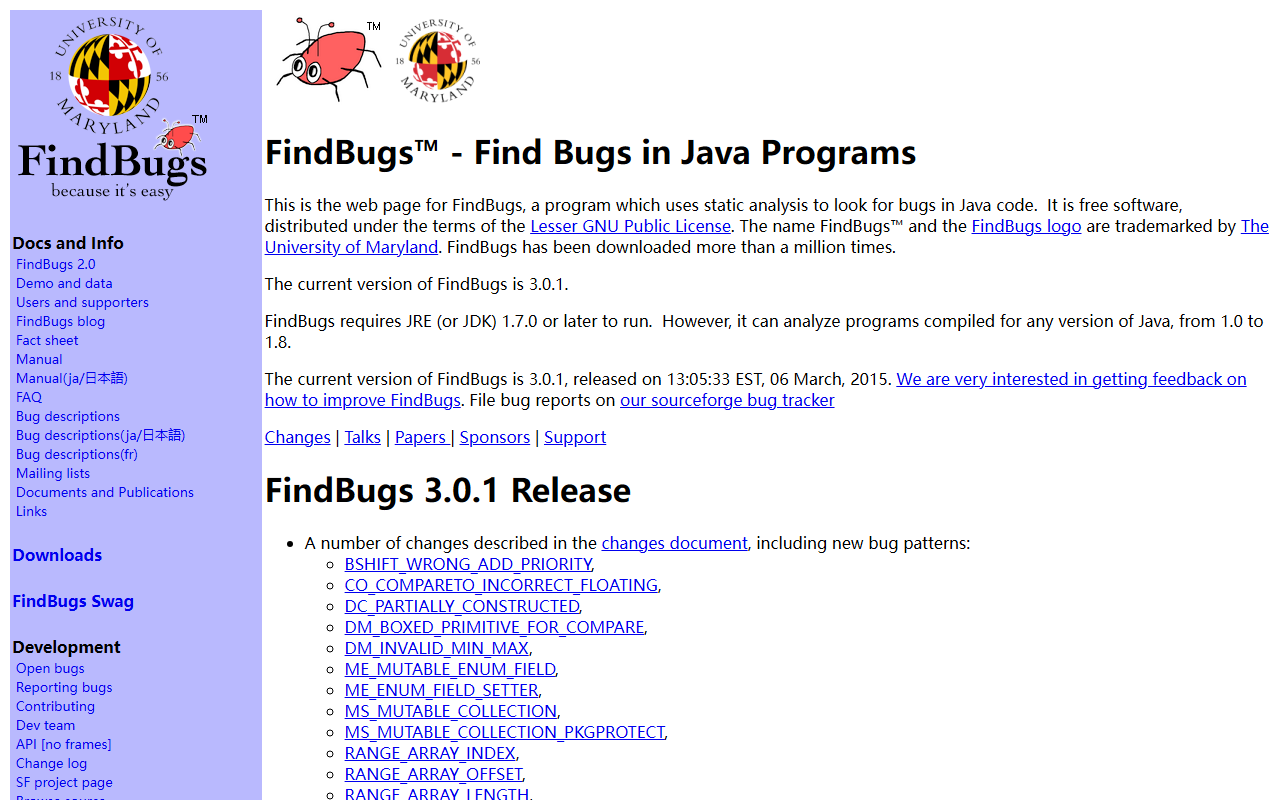
Upon visiting the FindBugs website at SourceForge, the first thing I noticed is its no-frills, academic design. The page is essentially a collection of links—docs, downloads, and a development section. There is no glossy marketing, no pricing page, because FindBugs is completely free, distributed under the Lesser GNU Public License. The project is led by the University of Maryland, and the name is trademarked. This open-source pedigree immediately signals trustworthiness, but the last release (version 3.0.1) dates back to March 2015. That is a significant red flag for a tool in the fast-moving world of Java development.
As a tech journalist, I’ve tested dozens of static analysis tools over the years. The FindBugs download page offers a command-line interface, a GUI, and an Ant task. I downloaded the GUI version to get a feel for the workflow. The interface is spartan but functional: you point it at your compiled Java classes or JAR files, choose which bug detectors to enable, and let it run. The results appear in a hierarchical tree, categorized by bug type and severity.
How FindBugs Works and Core Features
FindBugs performs bytecode analysis—it does not need source code. It scans Java class files for more than 400 bug patterns, ranging from potential null pointer dereferences to incorrect floating-point comparisons. This makes it a “static analysis” tool in the truest sense: it inspects code without executing it. The tool does not use machine learning; it relies on a set of deterministic rules coded by experts over many years. Given the category “Text AI > AI Programming,” I find this classification misleading—FindBugs is not AI, but rather an expert system. Still, for the purpose of this review, I will evaluate it as an automated code review assistant.
The 3.0.1 release added several new bug patterns, such as DM_BOXED_PRIMITIVE_FOR_COMPARE and NP_OPTIONAL_RETURN_NULL. The fact that these patterns are encoded as mnemonic codes (e.g., NP for null pointer) shows the tool’s age and insider orientation. Modern tools have moved to more readable descriptions. FindBugs also supports filtering via XML configurations and can be integrated into build tools like Maven, Eclipse, and Jenkins. There is even a communal cloud feature that lets teams share issue reviews—a surprisingly forward-thinking concept for 2015.
During my test on a small Java project (compiled for Java 8), FindBugs flagged a handful of genuine issues: one possible null pointer if a method returns null, and one redundant null check. It also produced several false positives, especially around boxing and unboxing. The response time was acceptable—a few seconds for 50 classes.
Strengths and Limitations
FindBugs has undeniable strengths: it is free, open-source, battle-tested at scale (Google used it in a 2009 fixit with over 700 engineers), and its bug patterns are well-documented in the provided manuals. The Eclipse plugin is still downloadable from the old update site (though it may not work with recent Eclipse versions). For anyone maintaining legacy Java 8 codebases, FindBugs remains a solid, zero-cost option.
However, the limitations are serious. FindBugs is effectively abandonware. The last release was over nine years ago. It does not support Java 9 modules, newer language features like records or sealed classes, or modern build toolchains. The user interface feels clunky; for example, the GUI does not offer inline code navigation beyond line numbers. Most critically, the community has moved on: the actual successor, SpotBugs, is a fork that continues active development under the same license. SpotBugs adds support for Java up to version 17 and includes new detectors. If you are starting a new project today, I would strongly recommend SpotBugs or its commercial cousin, FindSecBugs for security-focused analysis.
Who Should Use FindBugs—and Who Should Not
FindBugs is best suited for developers maintaining legacy Java 8 applications who need a quick, free static analysis tool without installing additional infrastructure. It can also serve as a learning resource for understanding classic Java bug patterns—the detailed bug descriptions in the manual are actually quite good. However, I cannot recommend it for new development or for teams using Java 9 or later. For those, look at SpotBugs (the direct fork) or commercial alternatives like SonarQube with its Java analyzer, which provides continuous inspection and a modern web UI. Even among free tools, PMD and Checkstyle are more actively maintained and cover more ground.
In summary, FindBugs is historically important but obsolete in practice. Its core detection engine remains functional for older Java code, but its lack of updates and clunky interface make it a poor choice for modern workflows. If you absolutely need a no-cost static analyzer for a Java 8 project and cannot upgrade dependencies, it will work. Otherwise, invest a few hours in migrating to SpotBugs—it will save you headaches down the line. Visit FindBugs at https://findbugs.sourceforge.net to explore it yourself.













Comments