

First Impressions and Onboarding
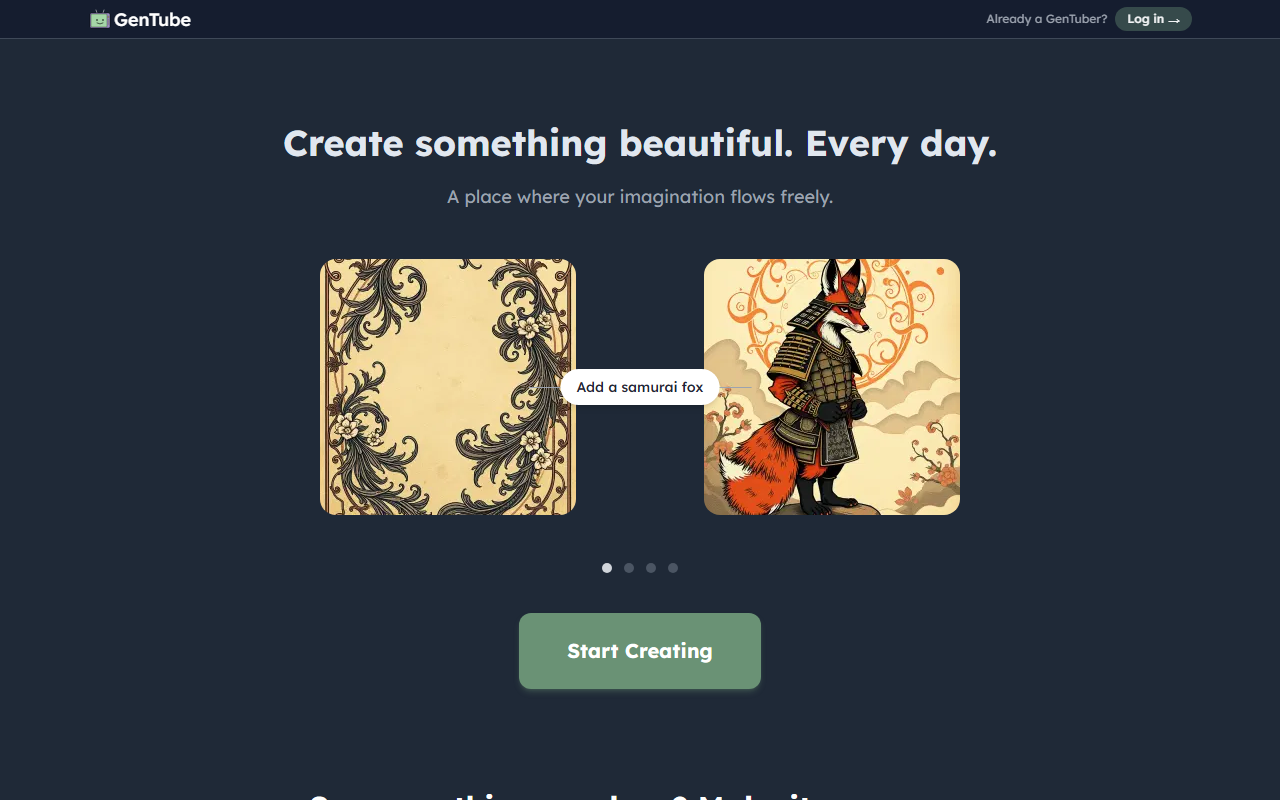
Upon visiting GenTube, the landing page is clean and minimal, immediately emphasizing the core value proposition: “free • unlimited • instant.” A large call-to-action button invites sign-up or login, and below it a grid of user-generated thumbnails showcases what people are making today. The interface lists usernames like “streak_girl” and “Melolou,” giving a sense of an active community. I signed up in seconds — no email verification required initially — and was taken directly to a creation dashboard. The dashboard shows a prompt input field, a few style presets (e.g., “fantasy creature,” “portrait,” “landscape”), and a gallery of recent public creations. The onboarding flow is frictionless, making it ideal for casual users.
Core Functionality and Technology
GenTube is an AI painting tool that generates images from text prompts. The technology behind it is not disclosed on the website, but based on output quality and speed, it likely uses a diffusion model similar to Stable Diffusion or a fine-tuned variant. The tool specializes in fantasy and artistic imagery — I tested the free tier by typing “a dragon made of crystal, floating in a cosmic nebula.” Within about five seconds, it produced a vibrant, stylized image with decent coherence. The result was not photorealistic but had a painterly, whimsical aesthetic. No model selection or negative prompting is visible; you simply type a prompt and click generate. The “unlimited” claim holds during my test: I generated ten images without hitting a rate limit. There is no API mentioned on the site, so integration into other workflows is not currently supported.
Pricing and Community Features
GenTube is entirely free — no pricing tiers, no credits, no subscriptions. The website repeatedly states “free • unlimited • instant” across the page, and I found no upsells or hidden costs. This is a major differentiator from competitors like Midjourney (paid plans starting at $10/month) or DALL·E 3 (requires OpenAI API credits). The trade-off is that GenTube appears to monetize through community engagement rather than direct payments. The homepage shows over 100 million creations, and users can browse a public feed, follow creators, and remix or “continue” others’ works (the small “→” arrows on thumbnails suggest a continuation feature). This social loop encourages sharing and reuse, but it also means all creations are public by default; there is no privacy option for generated images.
Strengths and Limitations
Strengths: GenTube’s biggest advantage is its zero-cost, unlimited access. It removes all barriers to entry for casual users who want to generate fun fantasy art without financial commitment. The creation speed is impressive, and the community aspect adds discoverability and inspiration. The lack of sign-up friction is a plus for first-time AI users.
Limitations: The tool is extremely limited in customization. There are no advanced controls: no negative prompts, no image-to-image upload, no inpainting, no fine-tuning of style strength. Output resolution appears fixed at 1024×1024 pixels, and you cannot download images at higher resolution. Additionally, the absence of any model information or content filtering raises concerns about copyright and safety. For professional artists or power users, GenTube will feel too restrictive. The public-by-default gallery may also deter those who need privacy.
Conclusion: Who Should Use GenTube?
GenTube is best suited for hobbyists, social media creators, and anyone looking to quickly explore AI-generated fantasy art for fun or inspiration. It is not designed for commercial-grade work, detailed customization, or private projects. If you need high-resolution outputs, prompt engineering, or model selection, look to Midjourney or Leonardo AI instead. But if you want a free, instant, no-strings-attached way to create creatures and characters, GenTube delivers exactly that. I recommend giving it a try — it takes less than a minute to start.
Visit GenTube at https://gentube.app/ to explore it yourself.










Comments