

First impressions and core concept
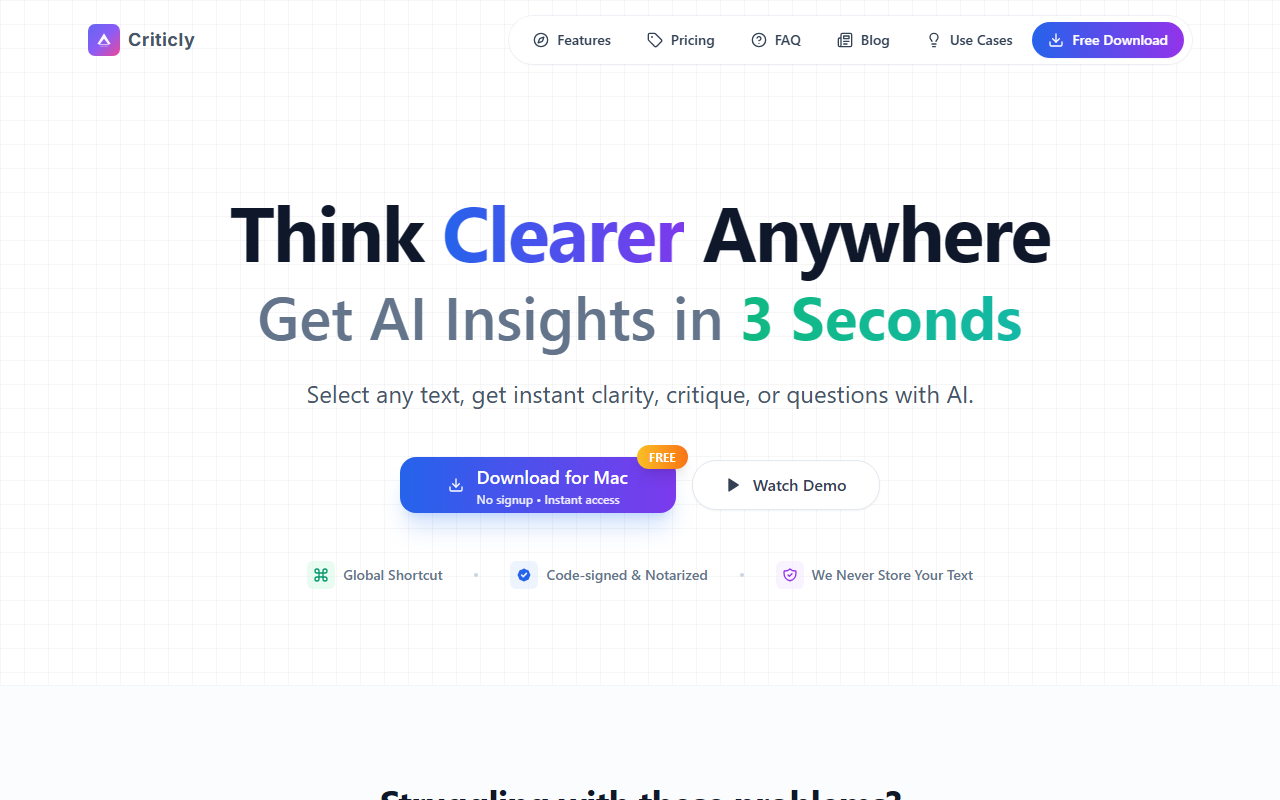
Upon visiting the Criticly website, the messaging is instantly clear: this tool is built for people who feel overwhelmed by information and want to think more critically. The homepage lists common pain points — too much info, difficulty verifying facts, scattered notes — and promises to solve them with a simple global shortcut. I downloaded the Mac version (the site also lists Windows 10+ support) and was impressed that no signup is required to start.
The app lives in your menu bar and waits for you to select text in any application — Word, Outlook, Gmail, Slack, VS Code, and more. Once you highlight text and press the default shortcut (⌘⇧M on Mac), a small overlay appears with eight thinking tools. I tested it on a dense paragraph from a news article and selected the “Distill” tool. Within seconds, it returned a core idea statement, highlighted key evidence, and outlined the essential logic. The response was concise and felt like a second opinion from a sharp editor.
Criticly positions itself as a shortcut to clearer thinking, not just a writing assistant. Unlike tools like Grammarly that focus on grammar or style, Criticly targets reasoning: it can evaluate correctness, generate clarifying questions, offer counterarguments, and even create flashcards from any block of text. This makes it a unique addition to the Text AI category, bridging the gap between reading comprehension tools and AI-powered debaters.
Features, technology, and pricing details
Criticly offers eight instant tools: Distill (extract core reasoning), Evaluate (critique correctness and logic), Question (generate clarifying questions), Counter (opposing viewpoint), Expand (add depth and examples), Summary (capture core ideas), Explain (first-principles explanation), and Quiz (flashcard generation). I found the Evaluate tool particularly interesting — it highlighted potential logical fallacies in a blog post I was reading and offered alternative interpretations. The Counter tool also helped me see blind spots in my own writing during a draft review.
Under the hood, Criticly supports multiple AI providers: GPT, Claude, Gemini, and OpenRouter. While the free tier uses a default model, paying users can bring their own API keys for full privacy and control. The app also supports 10+ languages and three visual themes. The response time was under three seconds for most queries, and the overlay stays out of your way until dismissed. Criticly explicitly states it never stores your text — a privacy win for sensitive content.
Pricing is refreshingly straightforward. The Free tier gives you 10 tools per day with no credit card needed. The Monthly plan costs $8.90/month for unlimited calls, custom AI providers, and priority support. The Lifetime plan is a one-time $25 payment and allows you to bring your own API key for full privacy and future updates. Compared to services like Jasper or Copy.ai that charge $39+/month for unlimited generation, Criticly’s pricing is extremely competitive for what it does. However, it’s worth noting that the free tier’s daily limit may feel restrictive for heavy users, and the app is currently limited to desktop (no mobile or web version).
Who should use Criticly — and who should skip it
Criticly is best suited for students, researchers, writers, and professionals who regularly consume dense text and need help extracting key insights or interrogating arguments. It’s also excellent for anyone preparing for debates, analyzing news articles, or writing critical essays. The ability to instantly generate flashcards from any selection makes it a hidden gem for learners using active recall. On the other hand, if you are looking for a full-featured writing assistant that rewrites paragraphs or generates long-form content, Criticly is not that. It focuses on analysis, not generation. Also, if you work primarily on mobile devices or web-only environments, the lack of a browser extension or mobile app is a limitation — though the shortcut works inside Chrome and Safari on desktop.
One genuine weakness is the dependency on the global shortcut: on some locked-down corporate machines or virtual desktops, the shortcut may conflict with system settings. I experienced a minor clash with a screenshot tool, but reassigning the shortcut inside Criticly’s settings was straightforward. Another limitation is the free tier’s daily cap — once you hit 10 uses, you need to wait or upgrade. For casual use this is fine, but power users will quickly feel the need for a paid plan.
In summary, Criticly delivers on its promise of “think clearer from anywhere” at a very attractive price point. The combination of instant access, privacy-first design, and multi-model support makes it a standout tool for critical thinking. I recommend trying the free version — no signup needed — to see if the workflow fits your reading habits. Visit Criticly at https://getcriticly.app to explore it yourself.













Comments