

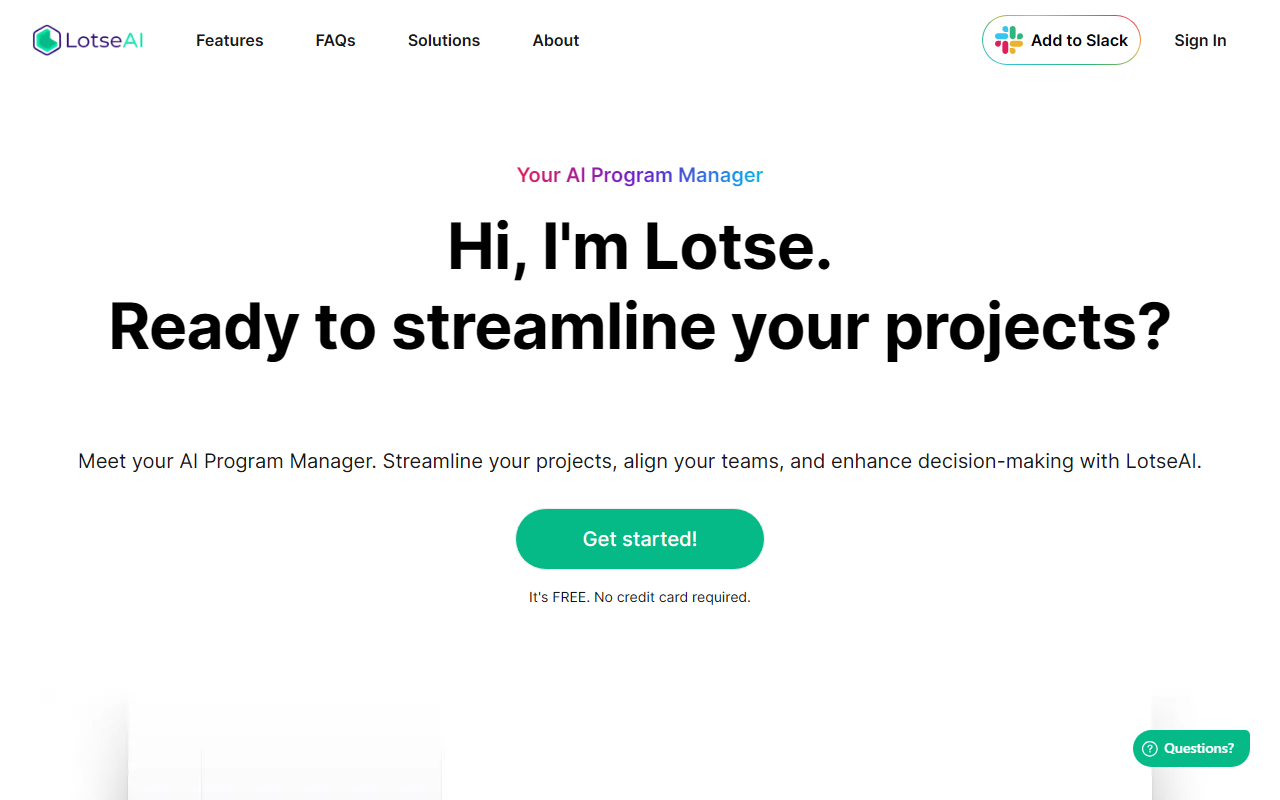
First Impressions: Slick Onboarding and Slack-First Design
Upon visiting the LotseAI website, I was greeted by a clean, modern interface that immediately positioned the tool as a conversational program manager. The headline “Hi, I’m Lotse” and the Slack-centric call-to-action (“Add to Slack”) made it clear that this is an AI assistant designed to live inside your team’s communication hub. I clicked “Get started,” and the sign-up flow was refreshingly frictionless: no credit card required, just a workspace authorisation. Within two minutes, Lotse was installed in my Slack and ready to answer questions.
The dashboard shows a simple chat interface, but the real magic happens in the background. Lotse syncs with your connected tools — the list includes Notion, Google Docs, Jira, Trello, Asana, Slack, Monday.com, HubSpot, and Figma. I tested the free tier by asking, “Where’s the design spec for the Q3 launch?” Lotse responded within seconds, citing the exact Figma file and linking to the relevant Jira ticket. The experience felt like having a tireless program manager who never forgets where anything is stored.
Core Capabilities: Information Retrieval, Reporting, and Risk Insights
LotseAI’s primary value is eliminating the “hunting for documents” problem. It indexes your connected apps and provides real-time answers with source citations. For example, I asked it to list all overdue tasks across Asana and Jira, and it returned a consolidated view with assignees and due dates. This retrieval function is more than just search — it understands context and can handle complex queries like “Show me all risks flagged in the last sprint.”
Beyond retrieval, Lotse offers AI-powered reporting. You can prompt it to generate a weekly stakeholder summary, and it will compile updates from your project boards, noting completed items and upcoming milestones. The risk analysis feature uses pattern detection to flag potential blockers, such as an overdue dependency that might delay a critical path. While I didn’t have a long enough test timeline to verify proactive issue detection, the responsive answers to risk-based questions were accurate.
Integration depth is a standout. Unlike some AI tools that limit you to one or two platforms, Lotse connects to eight major tools out of the box. The company claims the sync is “full and bidirectional,” meaning any update in your project management tool is reflected instantly in Lotse’s knowledge base. For teams using multiple SaaS products, this centralisation is a huge time-saver.
Pricing, Privacy, and Market Positioning
LotseAI is currently free with no credit card required. The website does not mention any paid tiers or usage caps, though the “Get started – It’s FREE” banner suggests the company may introduce premium features later. For now, an individual user or small team can access all advertised features at no cost — an aggressive move that undercuts competitors like Asana Intelligence (part of paid plans) or ClickUp Brain (starting at $5/month per user).
Data privacy is a valid concern when an AI tool accesses your project files and documents. The FAQs address this: Lotse states that responses are generated from your own data and that it adheres to industry security standards. However, I could not find a detailed data processing agreement or details on whether data stays within your cloud environment. For most startups, this is likely acceptable, but enterprises may need assurances beyond the generic “Security” page.
Positioning-wise, LotseAI targets startup program managers who need quick answers and automated reporting without overhead. It competes directly with similar Slack-native bots like Gistify or Knoetic, but its broader integration list and reporting capabilities give it an edge. Notably, it lacks a standalone web or mobile app — all interactions happen via Slack. This is both a strength (keeps you in one place) and a limitation (if your team doesn’t use Slack, you’re out of luck).
Strengths, Limitations, and Verdict
Strengths: The free price point, deep integration across eight popular tools, and real-time, cited answers are genuinely useful. The reporting and risk insight features handle what a junior program manager would typically spend hours compiling. I also appreciate the “source citation” — you always know where the information came from, which builds trust in the AI’s outputs.
Limitations: Lotse is exclusively Slack-based. No web interface, no Microsoft Teams support, and no mobile app outside Slack. This dependency can be a deal-breaker for non-Slack users. Additionally, I noticed occasional latency when the tool had to sync across multiple apps simultaneously — answers took about 5–8 seconds, which is acceptable but not instant. There’s no API currently listed, so you cannot extend or automate Lotse with custom workflows. Finally, the risk detection feature seems promising but needs more testing to validate its accuracy in a real project setting.
Who should try LotseAI? Small to mid-size startup teams that live in Slack and use tools like Jira, Asana, or Notion. If your workflow involves constant “Where is X document?” questions, Lotse will save your team hours weekly. Who should look elsewhere? Large enterprises with strict data residency requirements, teams not on Slack, or those needing a full project management suite (Lotse is an overlay, not a replacement).
Visit LotseAI at https://getlotse.ai/ to explore it yourself.













Comments