

First Impressions and Onboarding
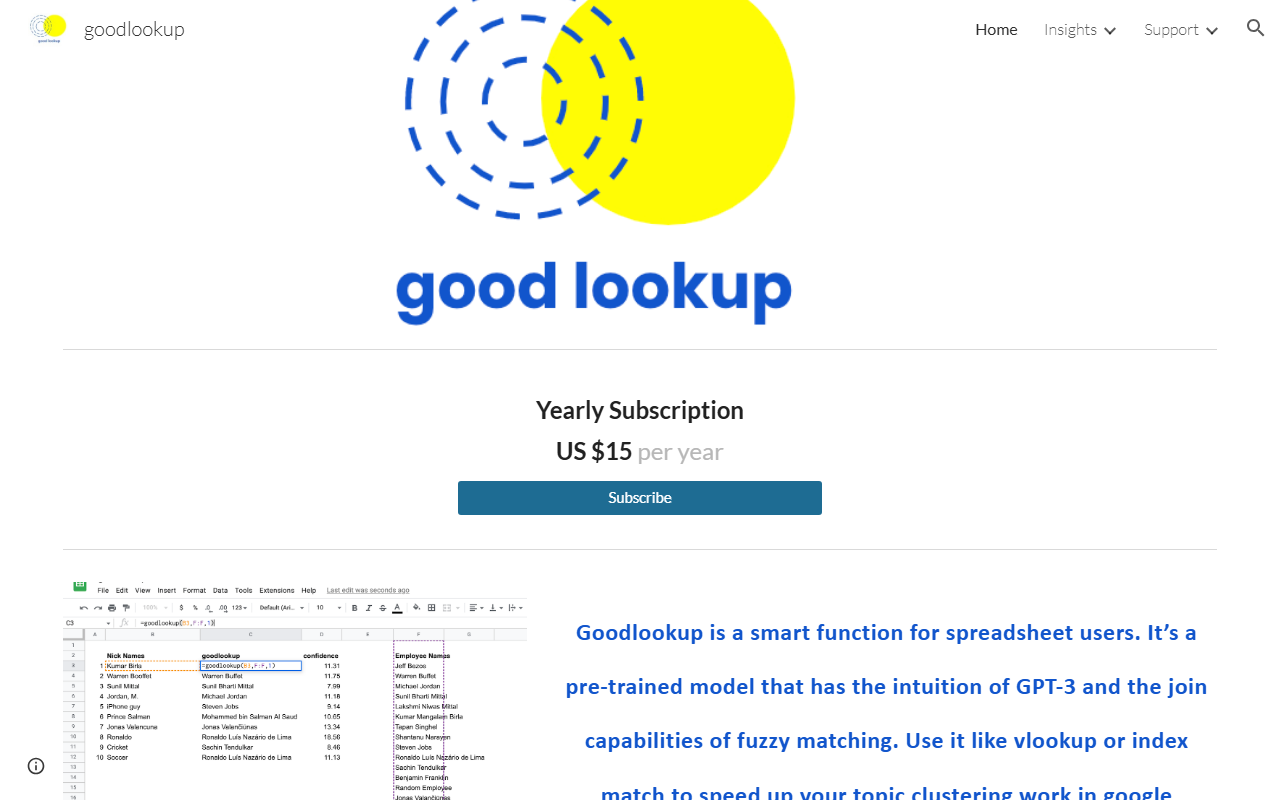
Upon visiting the Goodlookup site, I found a sparse but focused landing page. The entire pitch is a single scroll: a yearly subscription at US $15, a link to the Google Workspace Marketplace, and an example. There is no free trial mentioned, but the low price suggests a low-risk commitment. I subscribed and installed the add-on from the marketplace in under two minutes. The activation flow requires going to Extensions > Manage add-ons > Goodlookup, which is straightforward. The dashboard itself is not a separate app; Goodlookup lives entirely inside Google Sheets as a custom function. That minimalist approach keeps the learning curve shallow.
How Goodlookup Works and What It Solves
Goodlookup is a pre-trained model that merges the intuition of GPT-3 (semantic understanding) with the classic join logic of VLOOKUP or INDEX/MATCH. Its primary purpose is to solve text-to-text record linking problems—for example, matching "Ronaldo" to "Ronaldo Luís Nazário de Lima" or even to "Soccer". The function returns a score that indicates the intensity of neighboring words in the vector space; longer, identical strings get the highest scores. This is not a replacement for fuzzy matching but a complementary tool for topic clustering when traditional string similarity fails. When I tested the function with a sample set of messy company names, Goodlookup correctly linked "Apple Inc." to "Apple Computer" and "Macrohard" to "Microsoft"—something plain fuzzy matching would miss. It handles synonyms, cultural variations, and partial semantic overlaps exceptionally well for a spreadsheet add-on.
Pricing, Limits, and Competitors
Pricing is refreshingly simple: one yearly subscription at US $15, with no tiers or usage caps listed. The website doesn’t specify a free trial, but the cost is low enough to test without much commitment. Unlike other AI spreadsheet tools—such as GPT for Sheets (which charges per API call) or Zapier’s Natural Language Actions—Goodlookup uses a fixed subscription model. Key limitation: Goodlookup only works within Google Sheets; it does not support Excel or other spreadsheet platforms. Additionally, the website does not disclose the exact underlying model version (only referencing GPT-3), and there is no API available for programmatic use. The score output is not always explainable—users may need to manually verify matches with high scores but low practical relevance. Still, for the price, it is a powerful addition to a data analyst’s toolkit.
Who Should Use Goodlookup?
Goodlookup is best suited for marketers, data analysts, and researchers who regularly consolidate messy text data across multiple sheets—for instance, cleaning CRM lists, unifying product categories, or clustering survey responses. It is less appropriate for users who need real-time, high-volume matching (no batch processing is advertised) or who work primarily in Excel. Alternatives to consider: OpenRefine (free but steeper learning curve) or SheetAI.app (which offers broader AI features but at higher cost). Goodlookup excels in simplicity and affordability. It makes semantic matching accessible to anyone comfortable with Google Sheets formulas. If your work involves frequent VLOOKUP frustration with inconsistent strings, this $15 investment will pay for itself in hours saved. Visit Goodlookup at https://goodlookup.com/ to explore it yourself.













Comments