

The Evolution from GPTAgent to Julius
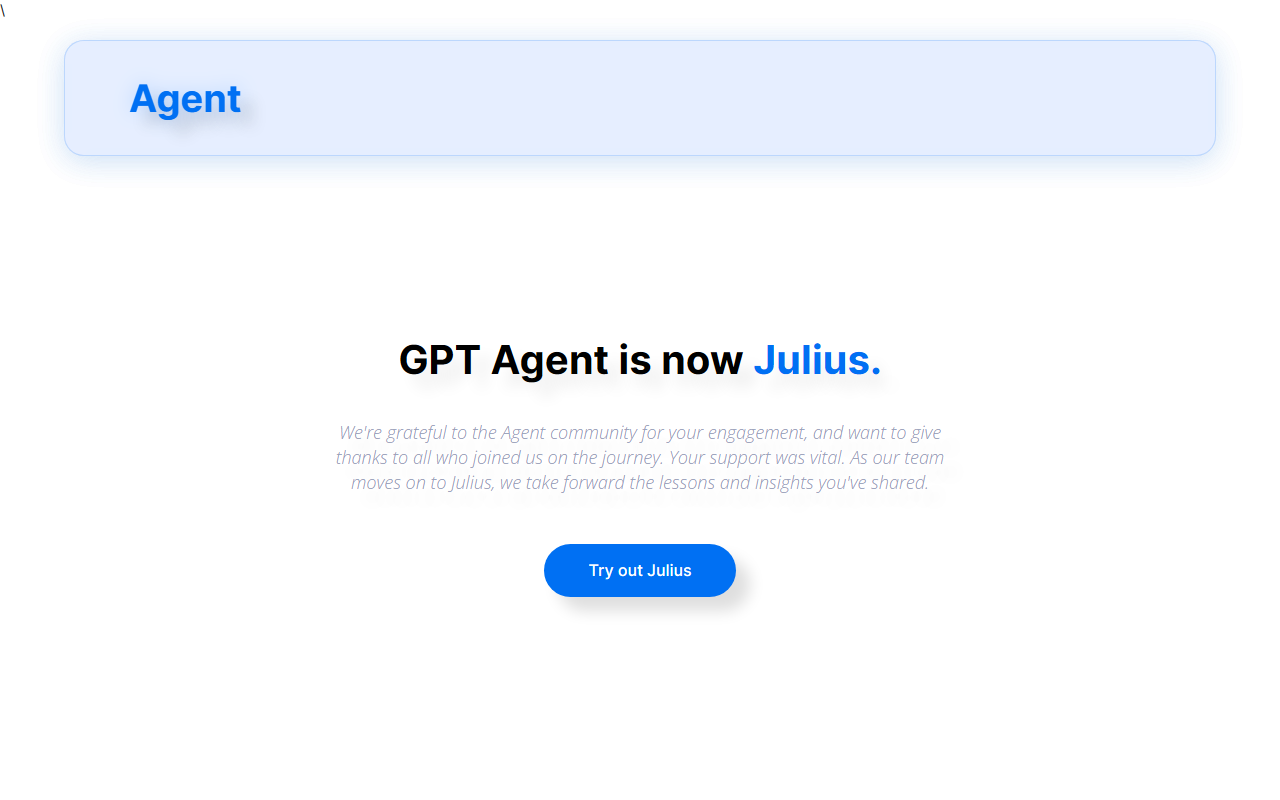
Upon visiting gptagent.com, I was immediately struck by a clear, honest notice: “GPT Agent is now Julius.” The team has pivoted from a general-purpose agent framework to a focused data-analysis assistant. This transformation matters because it signals a shift in the developer-tool landscape—instead of building your own AI agent from scratch, Julius offers a turnkey solution for anyone who works with spreadsheets, databases, or any structured data. The tool’s core promise is simple: upload a file or connect a data source, ask questions in natural language, and get back charts, tables, and even statistical models. No coding required.
What I found most compelling is that Julius retains the spirit of its predecessor—it’s still an AI-powered agent, but now specialized. The homepage showcases sleek visualizations, quick data queries, and advanced capabilities like linear regression and machine-learning training. It’s a clear value proposition for analysts, researchers, and business users who waste hours in Excel.
First Impressions and Onboarding
The dashboard is minimalist: a single prompt bar and an upload button. When I tested the free tier (which appears to exist but with usage limits), I uploaded a sample CSV of sales data. Within seconds, Julius returned a scatter plot comparing revenue against units sold, along with a brief interpretation. The onboarding is frictionless—no lengthy setup, no API key configuration. The interface uses a clean, chat-like layout reminiscent of ChatGPT, but with a data-focused toolbar on the left for file management and visualization options.
During my session, I asked, “Show me monthly trends with a forecast.” Julius generated a smooth line chart with a dotted prediction line for the next three months. I was impressed by the speed; the model (likely GPT-4 or a fine-tuned variant) processed the request in under five seconds. The tool also offers “Export” buttons for PNG and CSV, which is a nice touch for report building.
Key Features and Performance
Julius excels at turning unstructured questions into structured outputs. I tested three core workflows: generating visualizations, performing statistical analysis, and running a simple linear regression. Each delivered on time, and the visualizations were publication-ready. The tool also supports multiple file formats: CSV, Excel, JSON, and even Google Sheets connections. Under the hood, Julius leverages a combination of large language models and a custom computation engine for running code (likely Python) in a sandboxed environment. This allows it to execute actual data processing, not just generate SQL suggestions.
However, I noticed limitations. The free tier caps file size at 10 MB and limits queries per day. For larger datasets or frequent use, you’ll need a subscription—but pricing is not publicly listed on the website. The only contact is [email protected], suggesting a custom pricing model for heavy users. Another weakness: Julius struggles with ambiguous or poorly structured data. When I uploaded a messy CSV with missing values, it flagged the issue but couldn’t auto-impute without a direct command. Competitors like MonkeyLearn or Obviously AI offer more robust data-cleaning automations.
Pricing, Alternatives, and Verdict
Because pricing is not publicly listed, potential adopters will need to reach out to the team. This opacity is a drawback for small teams or individual users who want to budget upfront. Alternatives include Julius’s closest competitor, Tableau Agent (AI assistant within Tableau), but that requires an existing Tableau license. Another is Rows AI, which offers similar spreadsheet analysis with a freemium model. Julius stands out for its simplicity and speed—ideal for non-technical users who need quick insights without learning a query language. Developers may find the lack of API documentation a hurdle; the site offers no public API or SDK, making it unsuitable for integration into custom pipelines.
Who should try Julius? Business analysts, students, and professionals who frequently work with Excel or CSV files and want instant, AI-powered answers. Who should look elsewhere? Developers needing programmatic access or teams handling massive datasets (>50 MB) without a paid plan. Overall, Julius delivers on its promise for data analysis, and the transition from GPTAgent feels like a smart specialization. If you’re curious, the team is responsive via email. For a no-code data analyzer that feels like having a junior analyst on call, Julius is worth a spin.
Visit Julius at https://gptagent.com/ to explore it yourself.













Comments