

First Impressions and Onboarding
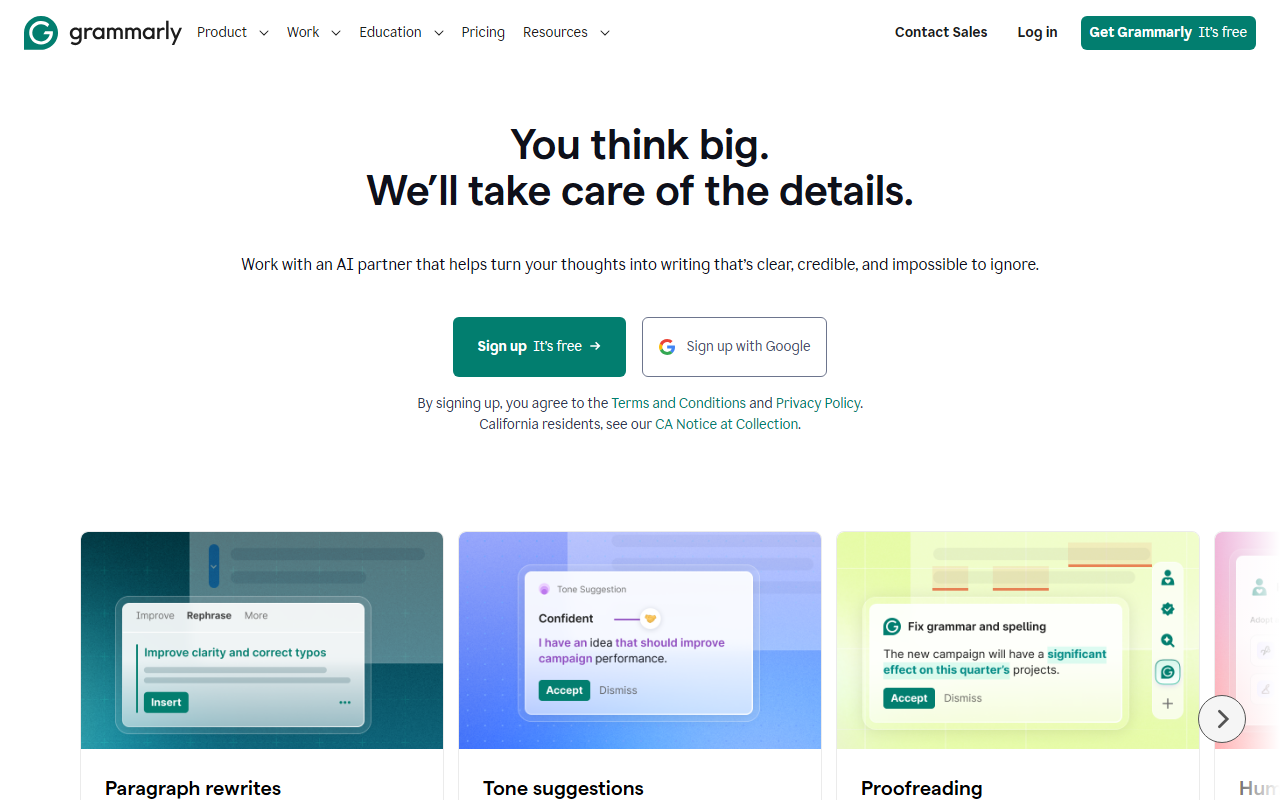
Upon visiting Grammarly's website, I was immediately struck by the clean, inviting design. The headline — "You think big. We’ll take care of the details." — sets the right tone. Signing up is frictionless: a single click via Google account or email. The free tier requires no credit card. Within minutes, I had the browser extension installed and active across Gmail, Google Docs, and Slack. The dashboard is minimal, focusing on a central text editor where you can paste or write content. The onboarding flow highlights key features: spelling and grammar checks, tone detection, and a generative AI prompt box. I noticed that the free plan offers 100 AI prompts per month — a generous starting point for casual users.
Core Features and Performance
Grammarly's core strength is its real-time writing suggestions. As I typed a sample email, it flagged a typo within seconds and suggested a more concise phrasing. The tone detector is impressively nuanced: it correctly identified my draft as "confident" but pointed out a phrase that could sound "too direct." For deeper editing, the Pro plan unlocks full-sentence rewrites. I tested this on a clunky business paragraph, and Grammarly offered three alternatives, each preserving my original meaning while tightening the prose. The generative AI feature allows you to prompt for text creation — I requested a short project proposal, and it returned a coherent draft in seconds. Beyond the editor, Grammarly integrates deeply with other apps via its browser extension and native desktop app. It now sits within Zendesk, Slack, and even Google Slides. Security is a stated priority: Grammarly claims it does not sell user content or allow third parties to train on it, with SOC 2 and ISO 27001 certifications visible in the animations on their site. That said, enterprise users who need strict data residency should verify their specific requirements.
Pricing and Target Audience
Grammarly offers three tiers. Free includes basic corrections, tone detection, and 100 generative AI prompts per month. Pro costs $12 per member per month (billed annually) or $30 month-to-month, adding full-sentence rewrites, tone adjustments, brand tones, and 2,000 AI prompts. Enterprise requires contacting sales; it includes unlimited prompts, data loss prevention, and dedicated support — now delivered through Superhuman after Grammarly's acquisition. Organizations referencing a 17x ROI and savings of $5,000 per employee per year, though those figures come from their own case studies. This tool is best suited for professionals who write extensively — marketers, executives, customer support teams. Students will find the free tier sufficient for basic error catches. Writers looking for style analysis beyond grammar (like pacing or overused words) may prefer alternatives like ProWritingAid. Freelancers on a tight budget might hesitate at the Pro subscription, but the time savings often justify the cost.
Final Verdict and Alternatives
Grammarly remains the most polished all-in-one AI writing assistant I have tested. Its biggest strength is the breadth of integrations and the consistency of its suggestions across platforms. The generative text feature, while limited in prompts on the free plan, works reliably for short-form content. However, users who need deep creative story editing or advanced stylistic feedback may find ProWritingAid more comprehensive. Hemingway App is a lighter, free alternative for clarity only. Grammarly's limitations include a lack of offline desktop mode and occasional over-suggestiveness — it sometimes flags informal phrasing that may be intentional in dialogue or casual writing. Overall, if you want to reduce editing time and improve clarity across every app you type in, Grammarly is worth adopting. Start with the free tier to gauge its fit. Visit Grammarly at https://grammarly.com/ to explore it yourself.











Comments