

First Impressions and Onboarding
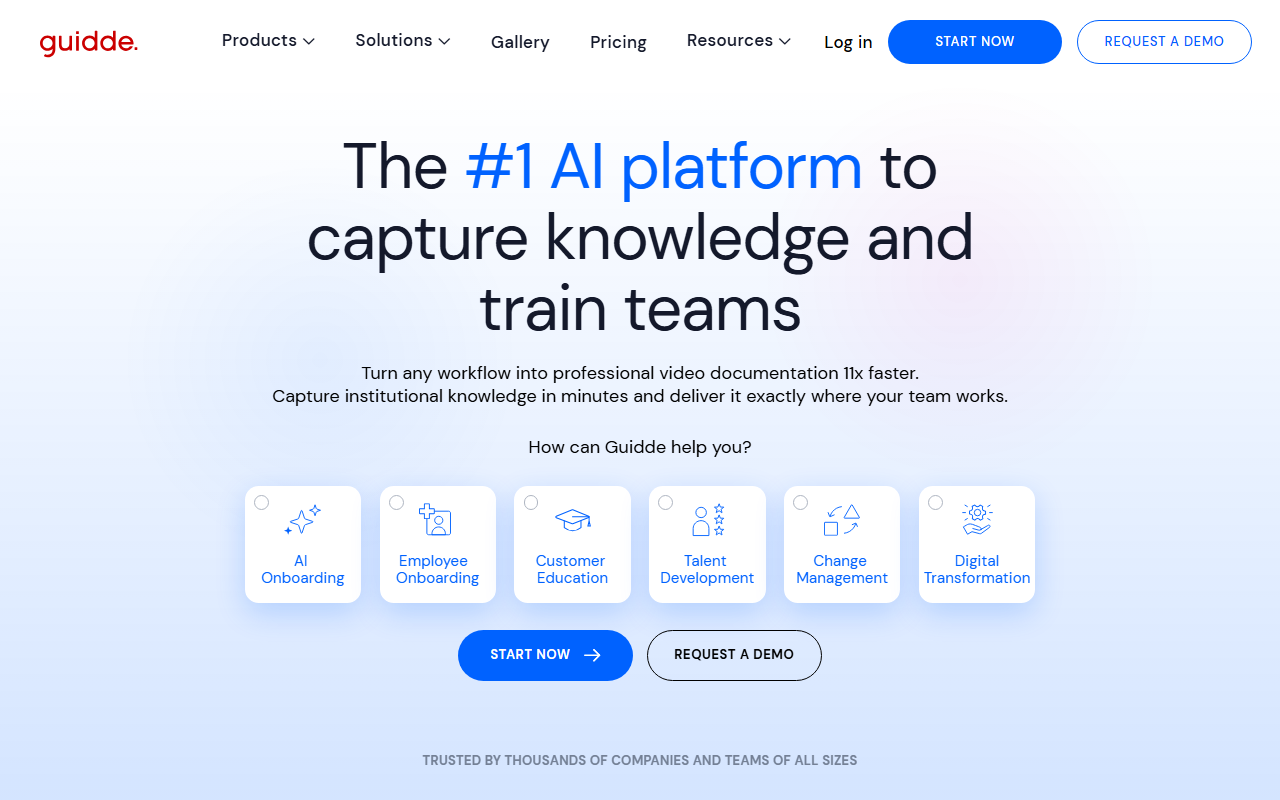
Upon visiting guidde.com, I was greeted with a clean, modern dashboard that immediately highlights the core value proposition: turning any workflow into professional video documentation in minutes. The site prominently features a "Magic Mic" badge, noting it's #1 on Product Hunt, which adds a layer of credibility. Sign-up is frictionless—no credit card required—and within seconds I was inside the platform. The onboarding flow is intuitive: a browser extension is suggested for capturing screen recordings, and the AI-powered storyboarding tool is front and center. I tested the free tier by recording a simple software workflow, and the AI automatically generated a script with clear step-by-step narration. The voiceover selection includes over 200 voices and languages, which I found impressive for a free offering.
Key Features and Workflow
Guidde’s feature set revolves around four pillars: Magic Capture, AI-Generated Voiceover, an Advanced Editor, and Smart Sharing. The Magic Capture tool records via a browser extension or desktop app, and after stopping, the AI auto-generates a structured script—powered by GPT. During my test, the script was accurate but occasionally missed minor UI details; still, it saved significant editing time. The voiceover offers a wide variety of realistic voices, and the editor allows tweaking of script, audio, and visual highlights. What stood out was Smart Sharing: you can embed guides directly into knowledge bases or share via links, making it easy to deliver training exactly where teams work. For enterprise users, Guidde supports HIPAA-aligned workflows, which is a strong differentiator for regulated industries. However, the reliance on a browser extension may be a barrier in locked-down corporate environments.
Pricing and Market Position
Pricing is not publicly listed on the website, which suggests a sales-led model, likely with tiered plans for teams and enterprises. A free tier exists with limited features, but to unlock advanced analytics, custom branding, and higher storage, you need to request a demo. In the market, Guidde competes with Loom (for quick recordings) and Synthesia (for fully AI-generated avatars), but it differentiates by focusing on video documentation from captured workflows—not just talking-head videos. It positions itself as an AI Digital Adoption Platform (ADAP), a niche that helps enterprises roll out new tools faster by embedding video guides inside apps. Trust indicators like "Trusted by thousands of companies" and HIPAA compliance add authority, but the lack of transparent pricing may frustrate smaller teams.
Who Should Use Guidde?
Guidde is best suited for L&D teams, customer support managers, and operations leaders who need to create scalable, multilingual training content quickly. It excels at onboarding, creating SOPs, and reducing support tickets by embedding help inside the tools employees use. If you're a solo creator or a small startup, the free tier is a good start, but the enterprise focus means advanced features may require a significant investment. A real limitation is the quality of AI-generated voiceovers: while good, they lack the emotional nuance of a human narrator. Also, the automatic script generation can sometimes produce overly robotic phrasing. That said, for teams drowning in documentation backlogs, Guidde offers a genuine 11x speed improvement. I recommend trying the free tier to see if the AI captures your workflows accurately, especially if you need to support multiple languages.
Visit guidde at https://guidde.com/ to explore it yourself.













Comments