

First Impressions and Onboarding
Upon visiting GuidedTrack, the landing page immediately communicates its core promise: build apps, surveys, studies, and prototypes without hiring a programmer. The design is clean, with clear calls to action for different user types — agencies, researchers, educators, entrepreneurs, and anyone with an idea. I signed up for the free plan without needing a credit card, which took less than a minute. The dashboard presents a project gallery with pre-built templates, such as a brand health tracker, a longitudinal study, and an interactive lesson. I selected the “Researcher” template to test the waters. The editor opens to a split-pane interface: a code-like script on the left and a live preview on the right. GuidedTrack uses a custom scripting language that resembles simplified Python or pseudocode. For example, defining a multiple‑choice question takes one line: Ask “What is your age group?” with options “18-24”, “25-34”, etc. The platform immediately parsed my input and rendered a working survey. The onboarding includes a quick tutorial video and a link to a comprehensive help guide. I appreciated the lack of time limit on the free plan — no pressure to upgrade immediately.
Core Capabilities and User Experience
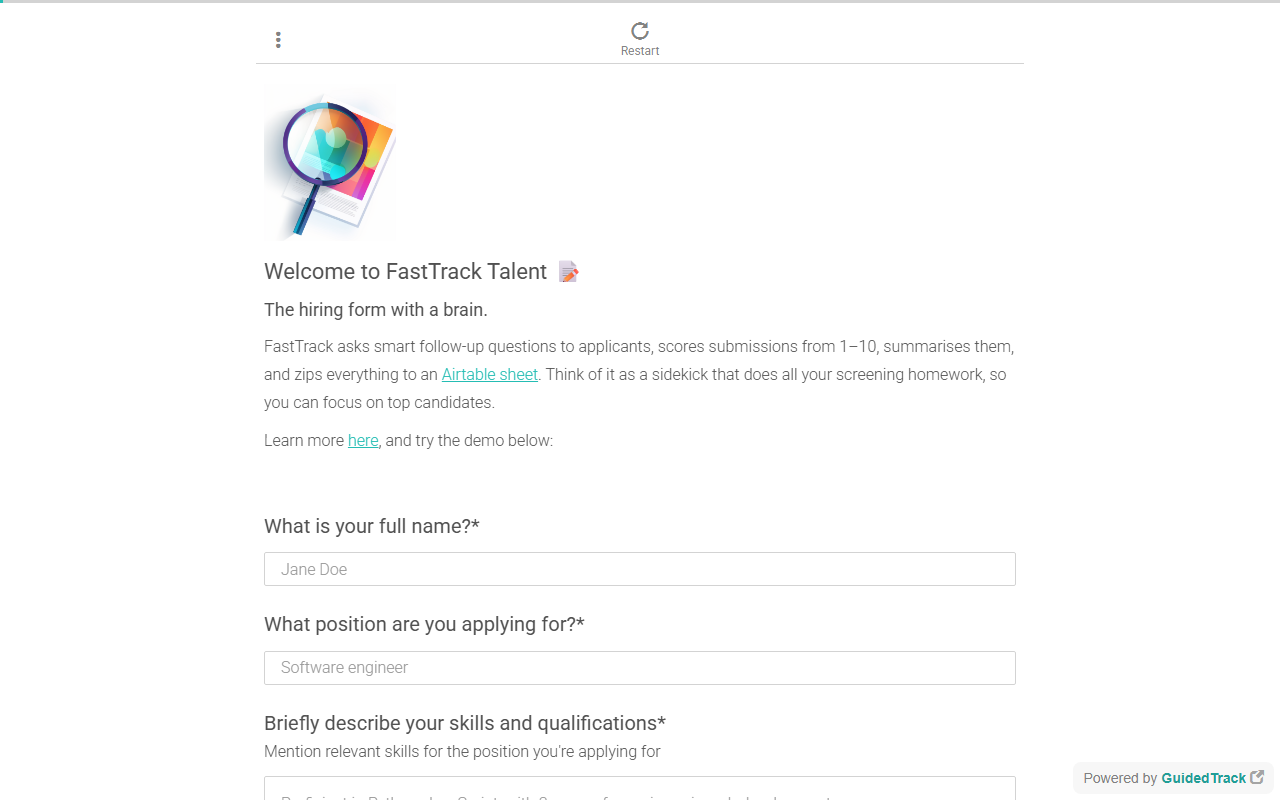
GuidedTrack excels at creating interactive, logic‑driven content. During my test, I added skip logic: if a respondent selected “Student”, a follow‑up question about their major appeared. This required only a few extra lines of script. The platform also supports randomisation of questions, looping, email follow‑ups, and multimedia embedding. For longitudinal studies, you can schedule automated email reminders — a feature that many survey tools either lack or charge extra for. The data viewer collects responses in real time and allows CSV export. I also tried the “Make a tool” template, which let me build a simple ROI calculator using variables and arithmetic. The editor’s learning curve is moderate. If you have never written any kind of script, the syntax might take an hour or two to get comfortable with, but the help guide and community forum are robust. Compared to Google Forms, GuidedTrack offers dramatically more flexibility. Compared to Typeform, it feels less polished visually but far more powerful in terms of logic and reusability. One limitation I observed: the generated interfaces look utilitarian — white screens with minimal styling. If you need branded, polished UIs for client‑facing tools, you may want to layer on custom CSS or consider alternative platforms.
Pricing, Integrations, and Market Position
GuidedTrack does not publicly list pricing beyond the free plan. On the website, the only option shown is “Sign up for free — no time limit, no credit card”. I searched the site and found no pricing page or upgrade tiers. This suggests that the free tier is quite generous, and paid plans (likely based on usage or team size) are offered directly after contact. For integrations, GuidedTrack supports connecting to external apps via Zapier and a generic API. You can also embed your creations into existing websites. In terms of market positioning, GuidedTrack directly competes with Qualtrics, SurveyMonkey, and dedicated low‑code platforms like Glide. However, unlike those tools, GuidedTrack focuses on a script‑first approach that rewards repeatability and complex branching. It is best suited for researchers, educators, and entrepreneurs who need to build interactive content quickly without a programmer. Agencies can use it for market research screeners and A/B tests. It is less suitable for teams that require highly branded, custom‑designed surveys or full‑blown mobile apps. The user base appears strong in academic and social science circles — several testimonials from PhD researchers reinforce this.
Final Verdict and Recommendations
GuidedTrack is a genuine gem for anyone who needs to build interactive, logic‑heavy surveys or prototypes without writing traditional code. Its strengths lie in flexibility, extensive logic options, and a free tier that does not expire. However, the minimalistic output and scripting learning curve may deter those seeking a purely drag‑and‑drop experience. I recommend it wholeheartedly to social scientists, educators designing adaptive lessons, and entrepreneurs validating ideas. If you need a quick, polished customer feedback form, stick with Typeform or Google Forms. But if your project requires conditional branching, randomisation, or longitudinal follow‑ups, GuidedTrack delivers exceptional value. Visit GuidedTrack at https://guidedtrack.com/ to explore it yourself.













Comments