

First Impressions and Onboarding
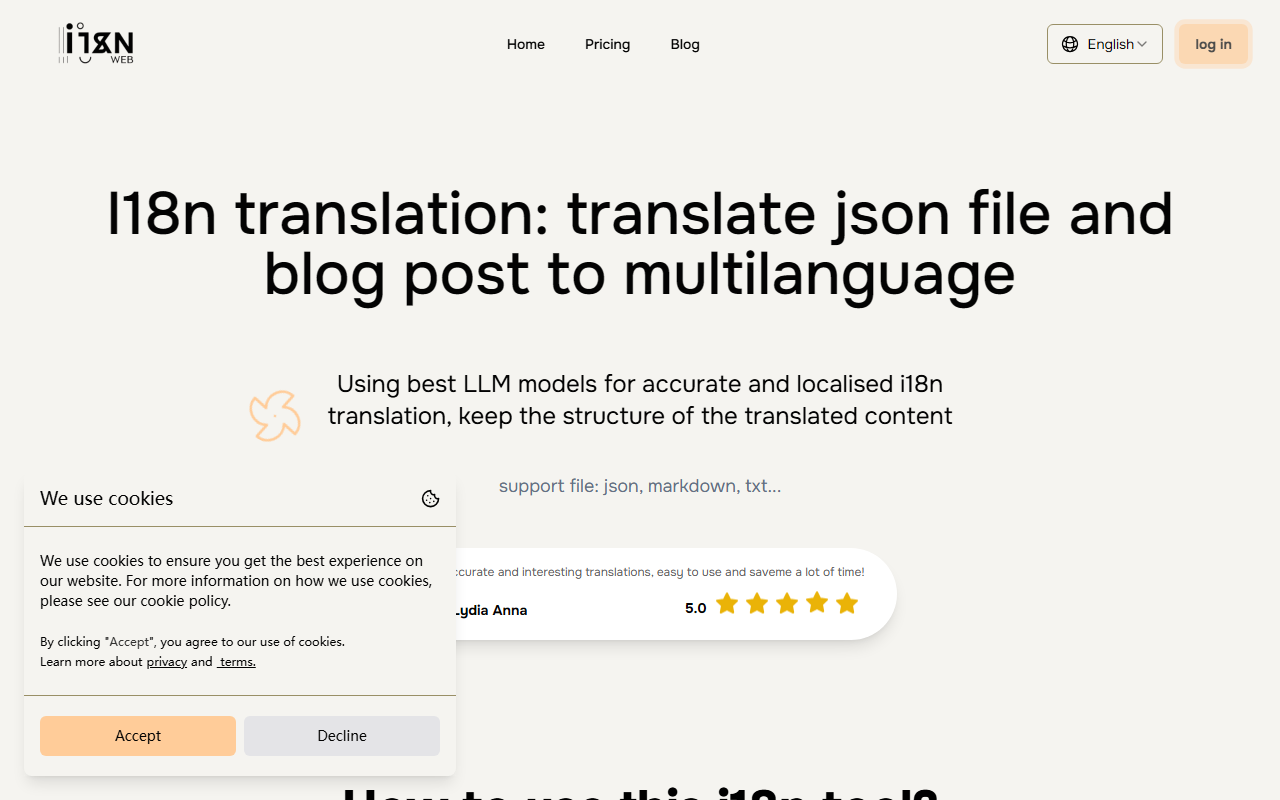
Upon visiting i18n Web, I encountered a clean, minimal interface that immediately communicates its purpose: translate JSON and Markdown files for multilingual websites. The homepage features a file upload area with a clear four-step workflow: upload, select languages, check/edit, and download. I signed up quickly with a Google account, and the dashboard appeared with a prominent upload box and a credit display showing 10 free credits. The onboarding is virtually frictionless—no tutorial pop-ups or complex setup. I appreciate that the tool explicitly explains on the same page why it uses LLMs instead of machine translation: better context preservation and batch processing for structured files.
Core Features and Translation Workflow
The tool supports JSON, Markdown, and TXT files, which covers the major i18n formats in Next.js, React, and Vite ecosystems. I uploaded a sample JSON file with 50 keys. After selecting English as source and targeting Spanish and French, I noticed an optional field for “Object keys to skip” (e.g., keys you want to keep untranslated like brand names). There is also an “Additional Information” box where you can give context—e.g., “casual tone for a blog.” Clicking “Translate” triggered a progress bar, and within 20 seconds the results appeared in an in-browser editor. The editor highlights batch segments, and you can click any line to edit manually. I found the translations accurate, with proper localization (e.g., dates formatted for Spanish locale). The free tier translated my 5KB file without issues, though the site warns about limits for larger files due to API costs. Pricing details are transparent: each character costs 0.00004 credits, and each translation batch costs 0.0045 credits. You can top up credits through the dashboard, but a subscription option is also available with cancellable at any time.
Strengths, Limitations, and Best-Fit Users
The biggest strength of i18n Web is its laser focus: it solves a specific pain point for developers who need to localize structured files without losing formatting. Unlike generic translation APIs (Google Translate, DeepL), this tool preserves JSON structure and Markdown syntax perfectly. The batch translation with context also delivers more coherent results than line-by-line translation. A genuine limitation is that the free tier is capped by file size and batch count—the site states “the size of files that can be translated at the free tier is limited,” and I noticed it refused to translate a 200KB JSON file. Also, credit-based pricing can be confusing: although the cost is low, you cannot easily estimate total cost upfront. The tool also has no direct API for integration (no endpoint mentioned), so you must use the web interface. This tool is best for solo developers and small teams building multilingual Next.js or React apps. For large-scale enterprises needing API access or batch automation, alternatives like Lokalise or Crowdin offer more robust workflows.
One more limitation: the tool handles Markdown and JSON but not .yml, .po, or other i18n formats. If your project uses gettext or Android strings, look elsewhere. However, for the targeted use cases, i18n Web delivers exceptional value.
Visit i18n Web at https://i18nweb.com/ to explore it yourself.













Comments