

First Impressions and Onboarding
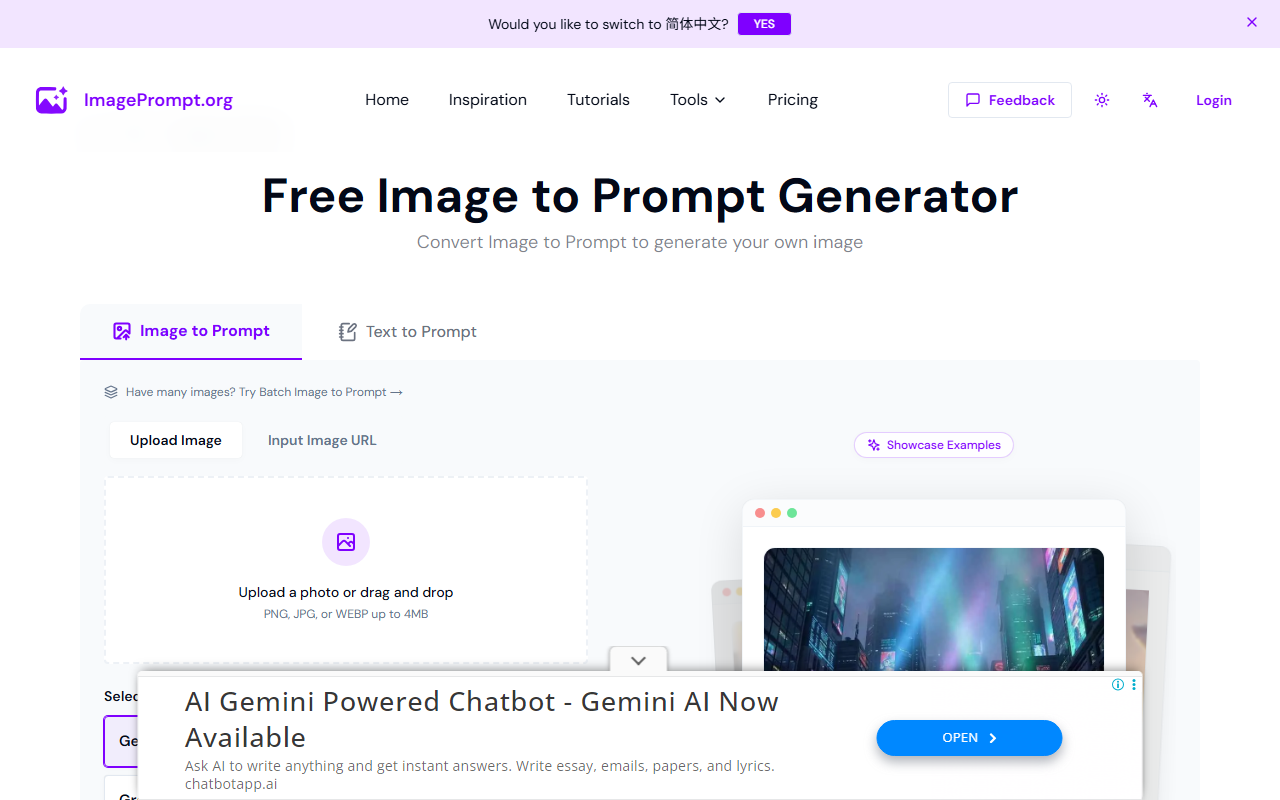
Upon visiting ImagePrompt.org, I was greeted by a well-organized homepage that immediately highlights the four core tools: Image to Prompt, Image Prompt Generator, AI Image Generator, and AI Image Describer. The design is clean and uncluttered, making it easy to navigate even for first-time users. No sign-up was required to test the free tier, which lowered the barrier to entry. I decided to try the Image to Prompt feature by uploading a simple photograph of a mountain landscape. Within seconds, the tool returned a detailed prompt: "A photorealistic image of a majestic mountain range with snow-capped peaks, under a clear blue sky with fluffy white clouds, in the style of National Geographic photography." The prompt was impressively accurate and well-structured, suggesting the tool uses a robust language model behind the scenes. Below the tools, the homepage features an inspiration gallery with categorized styles like 3D Animation, Bauhaus, and Anime. Clicking on these reveals a grid of AI-generated images, each presumably created with prompts from the tool. This is a nice touch for sparking ideas, though the selection is limited and not searchable.
Core Features and Performance
The toolset covers the entire image creation workflow. The Image Prompt Generator allows you to type a basic idea — for example, "a futuristic city at night" — and it expands it into a detailed prompt optimized for AI image generators. During my tests, the generator consistently produced prompts that were both descriptive and adaptable. I tried "a cute cat wearing a wizard hat" – the output was "A cute cat with large expressive eyes, wearing a pointed wizard hat covered in stars, sitting on a dusty spellbook, in a dimly lit library with candles, digital art style." This level of detail is particularly helpful for non-native English speakers or those unfamiliar with prompt engineering. The AI Image Generator itself creates images directly from prompts; however, on the free tier, you only get two credits for image generation per day. I tested it with the generated cat prompt, and the output was a decent 512x512 image, but not as refined as what you'd get from dedicated tools like Midjourney or DALL-E. The AI Image Describer is a reverse feature: upload an image and get a description or ask questions. I tested it with a portrait photo and asked about the lighting. The tool accurately noted "Rembrandt lighting with a dark background," showing good understanding of photographic terms. All text-to-prompt tools are completely free with no daily limit, which is a generous offering. The only limitation is the image-to-text tool (Image to Prompt) capped at 5 uses per day for free users, which should suffice for casual experimentation.
Pricing, Privacy, and Verdict
ImagePrompt.org takes a privacy-first stance: uploaded images are processed in real-time and never stored, which is a big plus for users concerned about data security. Pricing is not fully transparent on the website; the FAQ mentions "upgrade to one of our premium plans or purchase credits separately" without listing specific tiers or prices. This lack of clarity could be a drawback for users who need to budget for higher usage. The free tier is quite generous for prompt generation, but the image generation credits are very limited. For context, competitors like Lexica offer more generous free tiers for image generation, while PromptBase provides a dedicated marketplace for prompts. ChatGPT can also generate prompts but doesn't offer the image-to-prompt or describer functionality. ImagePrompt.org's strength lies in its all-in-one approach — it combines prompt generation, image description, and image creation in one platform. However, the image quality of its own generator is not top-tier, so power users may prefer to use the prompts with external tools like Stable Diffusion. Who should use it? Beginners and hobbyists who want to learn prompt engineering without spending money, and anyone who values a unified workflow. Avoid if you need high-volume image generation or advanced customization capabilities. Professionals requiring consistent high-quality images should look toward Midjourney or Adobe Firefly. Despite these limitations, the tool excels at its core purpose: helping users craft effective prompts. For that alone, it deserves a look from anyone starting in AI art. Visit ImagePrompt.org at https://imageprompt.org/ to explore it yourself.













Comments