

First Impressions and Interface
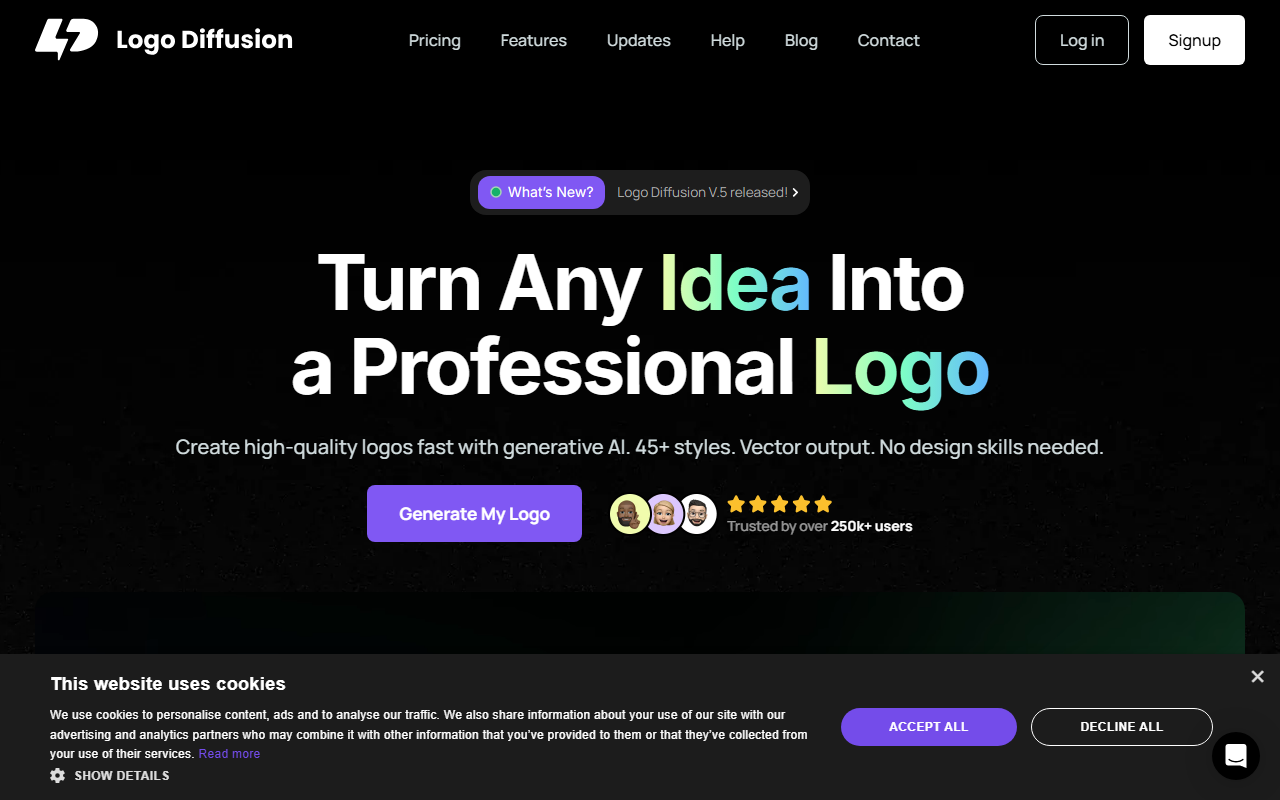
Upon visiting the Logo Diffusion site, a clean landing page greets you with a bold call-to-action: "Generate My Logo." The dashboard is intuitive, with tabs for text-to-logo, logo-to-logo, and sketch-to-logo workflows. I tested the free tier first, which grants 20 credits per month—roughly 10 designs. The interface offers 45+ curated design styles, from minimalist mascots to ornate crests. Each prompt generates four variations, and you can iterate endlessly until satisfied. The onboarding flow is smooth: no lengthy signup process, just an email or Google login.
The real highlight is the in-app editor. After generating a logo, you can tweak colors, adjust spacing, and apply style transfers. Background removal and vector export are one-click actions. The “Magic Editor” allows fine control over details, though high-quality edits consume more credits. Overall, the user experience feels more like a professional design suite than a simple logo generator.
Core Features and Workflow
Logo Diffusion’s core strength is its versatility. The text-to-logo feature accepts plain prompts (e.g., “a sleek geometric lion head”) and delivers scalable vectors. The logo-to-logo mode lets you upload an existing mark and reimagine it with text prompts—great for rebranding. Sketch-to-logo is a standout: you draw a rough shape, and the AI refines it into a polished concept. I tried uploading a crude star sketch, and within seconds I had several usable vector options with clean lines.
Additional tools include the Creative Upscaler (up to 4x with detail enhancement), 2D-to-3D conversion for social media assets, and Style Transfer—which can apply the look of any image to your logo. All exports are watermark-free on paid plans. The platform uses generative AI models (likely a fine-tuned diffusion model) and outputs SVG vectors. There is no mention of an API or direct integration with design software, but the vector files work seamlessly with Illustrator or Figma.
Pricing and Value
Logo Diffusion offers four subscription tiers. The Free plan includes 20 monthly credits, no commercial license, and watermarked exports. Basic ($X/month) provides 1,000 credits, full commercial use, and up to 2 concurrent jobs. Pro ($X/month) bumps to 2,500 credits, 4X upscaler access, and 3 concurrent generations. Elite ($X/month) gives 6,000 credits and 4 concurrent jobs. An Enterprise plan ($199/month) is “coming Soon” with 15,000 credits. Monthly and yearly billing are available, with yearly offering 2 months free. The site currently promotes a 40% annual discount for Cyber Monday and a 25% lifetime discount code (BF50).
Compared to alternatives like Looka or Hatchful, Logo Diffusion’s credit-based system offers more granularity—you pay per design, not per seat. However, the free tier is very limited (only ~10 designs per month) and lacks commercial rights, making it unsuitable for freelance work. The Pro tier, around $20–30/month, is competitive for freelancers. The Elite tier targets agencies producing hundreds of logos monthly. No public API or team collaboration features were visible.
Who Should Use Logo Diffusion?
Logo Diffusion is best suited for entrepreneurs, small business owners, and freelance designers who need quick, high-quality vector logos without hiring a designer. The 45+ styles and vector output set it apart from many AI logo tools that only generate raster images. The sketch-to-logo workflow is a genuine differentiator for hands-on creators.
However, limitations exist. The credit system can feel restrictive if you need many iterations—each variation consumes credits, and high-quality edits cost more. The tool lacks advanced vector editing (you can’t manually edit paths within the app), and there is no API for bulk generation. For enterprises needing custom branding at scale, a tool like Brandmark might be more flexible. Still, for its price and feature set, Logo Diffusion is a strong contender in the AI design space. I recommend trying the free tier to evaluate its speed and output quality.
Visit Logo Diffusion at https://logodiffusion.com/ to explore it yourself.













Comments