

First Impressions and Onboarding
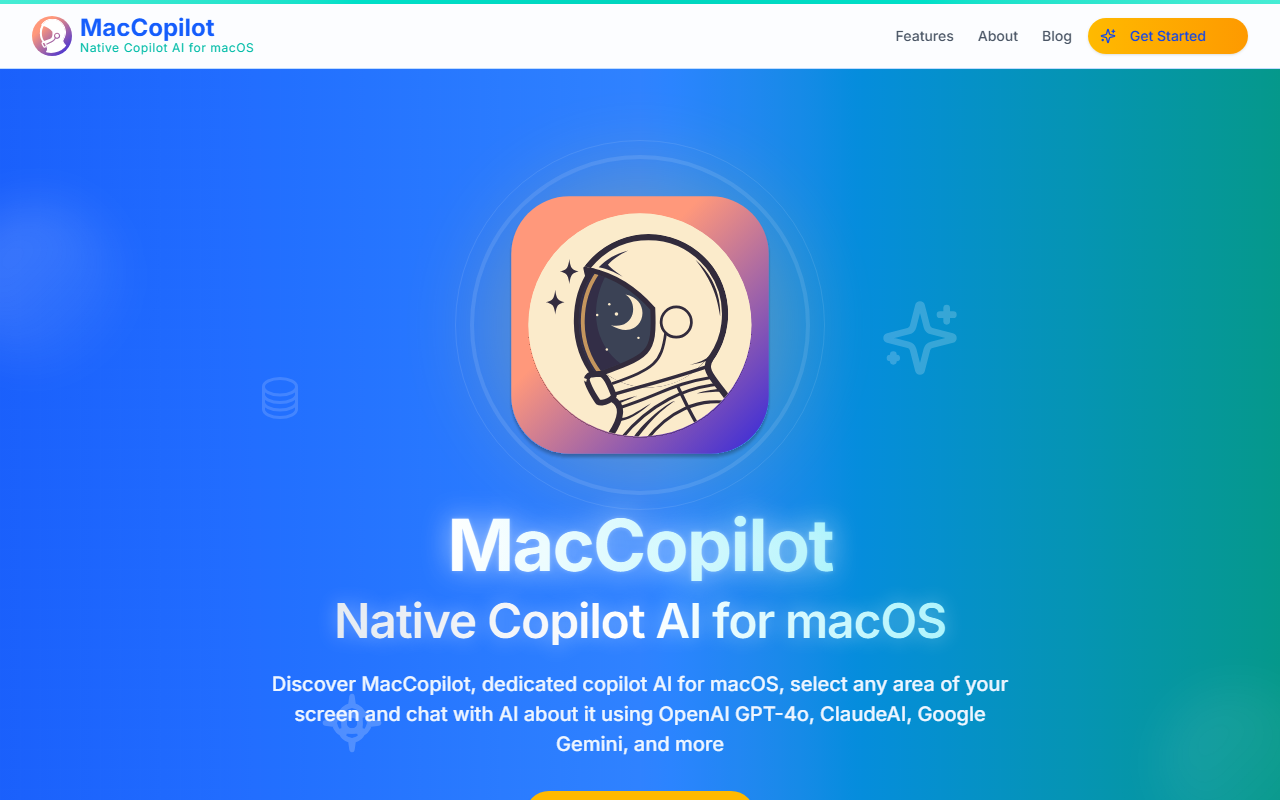
Upon visiting the MacCopilot website, I immediately noticed the clean, macOS-consistent design. The landing page promises a native copilot experience tightly integrated with the operating system. After downloading the app (a small DMG), the onboarding walked me through granting screen recording permissions—a necessary step for the tool to capture selected areas. The menu bar icon is unobtrusive, and the interface feels familiar to anyone who uses macOS built-in screenshot tools. The initial setup asks you to configure your preferred AI models; you can bring your own API keys or use the built-in models included in subscription plans. I found the process straightforward, though users unfamiliar with API keys might need a moment to set up their own accounts with OpenAI or Anthropic.
Core Features and Workflow
The standout feature is the ability to select any portion of your screen—say, a code snippet, a chart, or an email—and instantly ask an AI about it. The app supports multiple AI backends: OpenAI’s GPT-4o, 4.1, and 4.5; Anthropic’s Claude 3.5 Sonnet, 3.7 Sonnet, and Opus; Google Gemini series; and even local models via Ollama. When I tested the free tier (which requires your own API keys), I selected a complex React component and asked GPT-4o to explain it. The response was accurate and context-aware, with the AI interpreting only the visible portion of the screen. The built-in models (for subscribers) include GPT-4o and Claude 3.5 Sonnet, which work without extra keys. A handy feature is the “last selected region” recall, letting you capture the same area repeatedly. However, I noticed that switching between models takes a few clicks; there’s no quick shortcut for toggling, as one user review pointed out. Also missing is a chat history—each session starts fresh, which is fine for isolated tasks but inconvenient for ongoing analysis.
Pricing and Market Positioning
MacCopilot offers a rare one-time payment of $19.99 for lifetime access (bring-your-own-key model). For those who want built-in AI credits, monthly plans start at $14.99 (100 requests/day) up to $39.99 (500 requests/day). This is competitive compared to standalone AI desktop tools like Superwhisper (for voice) or Maccy (clipboard manager). Unlike Raycast’s AI, which is subscription-only, MacCopilot gives you a perpetual ownership option. It also differs from browser-based ChatGPT by being screen-aware—no need to copy-paste text. The app uses your own API keys if you go the one-time route, meaning you pay only for the API usage. This is ideal for developers and power users who already have OpenAI or Anthropic accounts. Casual users may prefer the monthly plans to avoid managing keys. Notably, the website lists no free trial, but the one-time price is low enough to test risk-free.
Verdict: Who Should Use MacCopilot?
MacCopilot excels for anyone who frequently works with on-screen content—developers reading code, analysts examining charts, students studying PDFs, or writers editing text. Its screen-select-and-ask workflow is genuinely time-saving. The support for local models via Ollama is a strong privacy-minded plus. However, the lack of chat history and a quick model switcher are real limitations. Also, if you rely on the built-in models, the daily request caps on paid plans may feel restrictive for heavy users. Overall, I recommend MacCopilot for macOS users who want a fast, native AI assistant without leaving their current workflow. The one-time pricing is a steal for developers. Casual users should start with the monthly Basic plan to see if it fits their habits. Visit MacCopilot at https://maccopilot.co/ to explore it yourself.












Comments