

First Impressions and Onboarding
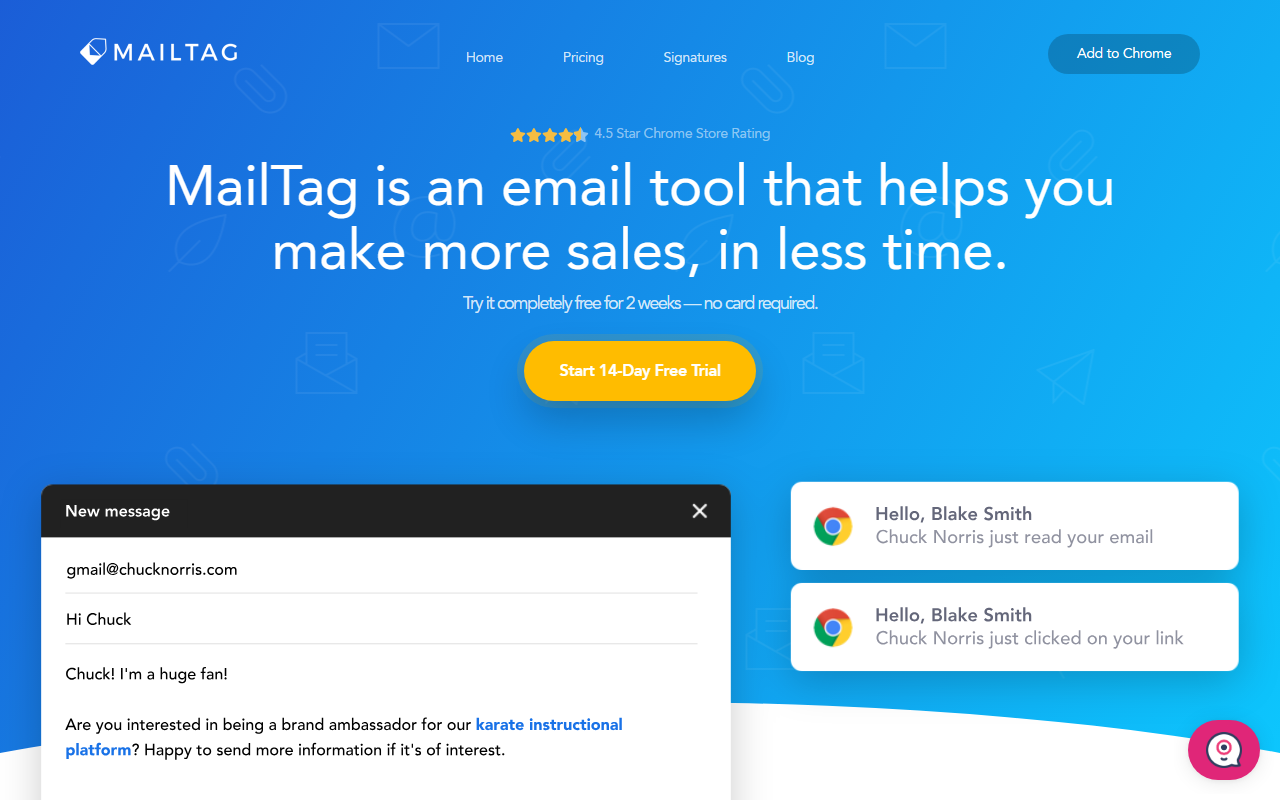
Upon visiting MailTag's website, I was greeted with a clean, modern layout that immediately highlights the core value proposition: making more sales in less time. The call-to-action to "Add to Chrome" is prominent, and the site boasts a 4.5-star Chrome Store rating. Clicking through, I installed the extension in seconds. The free 14-day trial requires no credit card, so I was testing tracking on my outbound emails within minutes.
After installation, a small MailTag icon appears inside Gmail's compose window and in sent messages. The dashboard—accessible from the extension popup or a web interface—shows straightforward analytics: open rates, link clicks, and a timeline of events. The onboarding flow is minimalist; a brief tutorial walks you through enabling tracking per email or setting it as default. I appreciated that there's no feature overload—just the essentials for a sales workflow.
Core Features and Workflow
MailTag's primary function is real-time email tracking. When I sent a test email, I received a desktop notification within seconds of the recipient opening it. The dashboard then logged the open event with a timestamp. For link-click tracking, hovering over the MailTag icon in my sent folder shows a tooltip indicating whether any links were clicked. This is a simple but effective way to qualify leads without leaving Gmail.
The scheduling tracking feature is a nice differentiator. I scheduled a few emails for delivery at a later time using Gmail's native “Schedule send.” MailTag still tracked when the email was eventually opened and where it was opened (city-level geolocation). This is particularly useful for outreach campaigns where timing is critical. Another standout is the “Pings” system: automated follow-up sequences. I created a three-email sequence that triggers if the recipient doesn't reply after 2, 5, and 10 days. The setup was intuitive—no code, just condition and delay settings. User Ron from Michigan mentioned that the software is “neat,” and I agree.
Beyond tracking, MailTag offers a built-in signature generator. I tested it by inputting my contact details and choosing a template. The output was clean and responsive across devices. For teams, the admin dashboard provides per-user productivity stats and simple invitations. This is a lightweight alternative to full CRM integrations. Notably, MailTag auto-BCCs to Salesforce without coding, a feature that enterprise users will appreciate.
Pricing and Value
MailTag's Pro plan is priced at $9.99 per user per month (billed annually) or $12.99 billed monthly. The annual plan saves about 30%. This is competitive compared to alternatives like HubSpot Sales Hub's free tier (which has limited tracking) or Mixmax (which starts at $24/month for tracking). MailTag does not offer a free tier beyond the trial, but the Pro plan includes unlimited email tracking, scheduling, pings, link-click tracking, real-time notifications, and a signature generator. Team pricing is available by emailing the sales team, which suggests custom negotiations for larger deployments. The value proposition is clear: for $10/month per user, you get a focused set of features without the bloat of a full CRM extension.
Strengths, Limitations, and Verdict
Strengths: MailTag's lightweight design is its biggest asset. Unlike many similar extensions that slow down Gmail, MailTag runs smoothly. The real-time notifications are genuinely useful for sales pros who want to call prospects the moment their email is opened. The signature generator is a nice bonus that replaces a separate tool. The team management dashboard provides insights without the complexity of a sales engagement platform.
Limitations: The tool is exclusively for Gmail (or G Suite/Gmail accounts). There is no Outlook or email client support. While the Chrome extension works well, there's no desktop app or standalone web interface for composing—everything runs inside the Gmail UI. Additionally, the free trial is only 14 days, which may be short for testing a full sales cycle. Some features like CRM auto-BCC are limited to Salesforce (no mention of HubSpot or others). The mobile app, mentioned on the site, is primarily for push notifications and dashboard viewing, not for composing tracked emails.
Who should try it: Solo entrepreneurs and small sales teams who are heavy Gmail users and need a reliable, low-friction way to track emails and automate follow-ups. For larger enterprises needing deep CRM integrations or multi-channel outreach, tools like SalesLoft or Outreach.io would be more suitable. But for a simple, effective, and affordable sales acceleration tool, MailTag delivers.
Visit MailTag at https://mailtag.io/ to explore it yourself.










Comments