

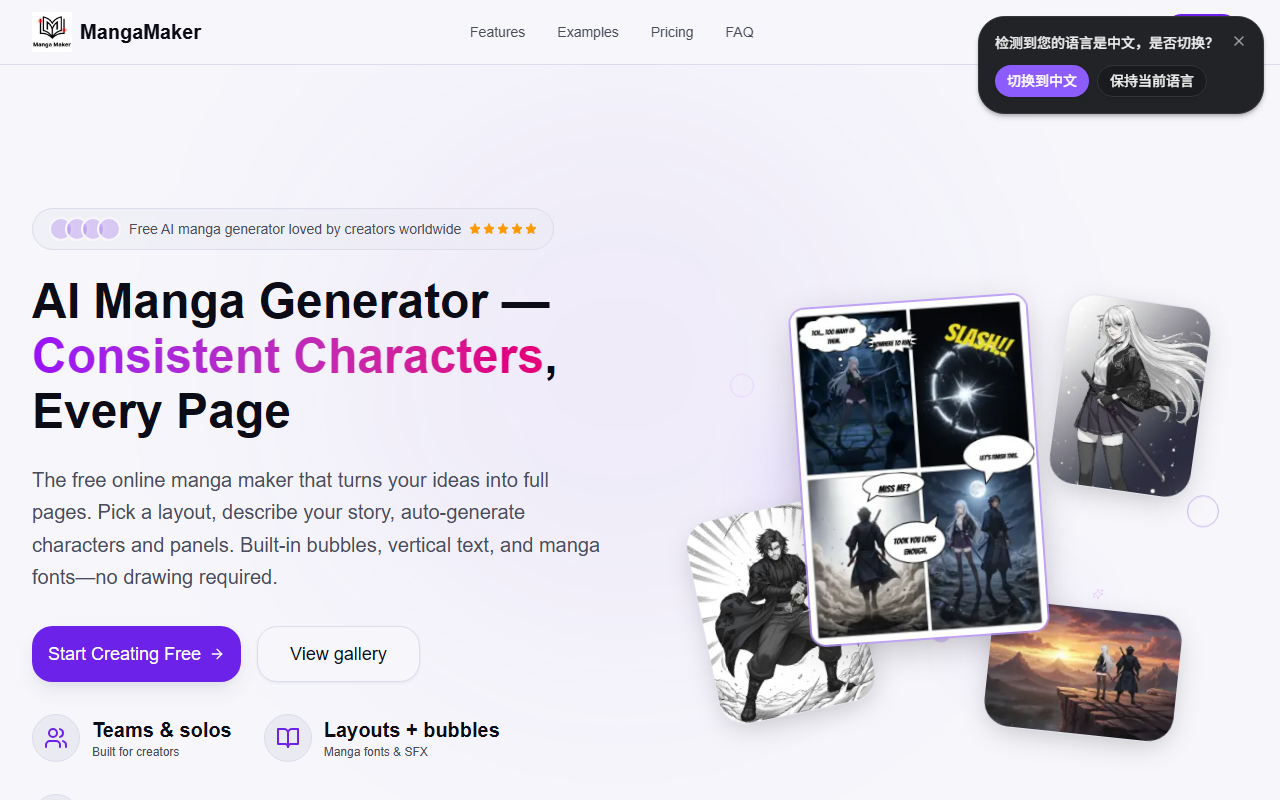
First Impressions: A No-Draw Manga Studio
Upon visiting MangaMaker's site, the clean, modern interface immediately signals a tool built for creators who don't draw. The dashboard greets you with a choice: start from a layout template or jump straight into AI generation. The free tier requires no credit card, and within minutes I was able to pick a four-panel grid, type a short story prompt, and watch the AI generate consistent characters across all panels. The onboarding is smooth—tooltips explain the three-step workflow: choose layout, generate with AI, edit and export. The entire experience feels like a stripped-down manga production pipeline, averaging about five minutes per page as claimed.
Core Features: Consistency Is King
The standout feature is the Character System. You define a character once—face, outfit, expression—and the AI maintains that look across every subsequent panel. When testing the free tier, I created a fantasy character with blue armor and a scar; the AI kept these details consistent even when scenes changed from a forest to a castle. The editor includes 31 bubble styles, 28 manga fonts, and drag-and-resize panels. The text-to-manga generation supports per-panel prompts or batch-generation of an entire page. The AI uses a library of 700+ models and 20+ art styles, though specific model names aren't disclosed.
Other tools include an AI Art Generator for standalone images and a layout tool with 10+ preset grids. The export options cover PNG and print-ready files. For creators who need to iterate, the re-roll and upscale functions work without leaving the editing canvas.
Pricing and Accessibility
The website proudly states '100% Free to Start' and allows immediate use without payment. However, no specific pricing tiers are publicly listed beyond that. Based on the feature set and the absence of a paywall during my test, it appears the free tier is generous—likely with limits on page count or resolution. For comparison, tools like Canva’s comic maker or Pixton focus on drag-and-drop assets rather than AI generation, while Clip Studio Paint remains the industry standard for manual artists. MangaMaker fills the gap for non-artists who want story-first manga creation.
A limitation I observed: the free tier’s output resolution might be lower than premium versions, and advanced editing features (like custom SFX fonts) may be locked. The site doesn't mention API availability, so integration with other workflows isn't straightforward. Also, the AI's character consistency, while impressive, can sometimes break with complex poses or unusual angles—a note echoed in community forums.
Who Should Use MangaMaker?
This tool is ideal for hobbyists, indie comic creators, and content producers who want quick manga pages without learning to draw. The 10,000+ creator community and glowing testimonials from non-artists confirm its appeal. Artists who already use professional software like Clip Studio Paint may find the AI generation too limiting for custom work. MangaMaker’s real strength is in lowering the barrier to entry: anyone with a story idea can produce shareable manga in minutes. I recommend it for rapid prototyping, social media comics, or for writers who want visual storytelling without the steep learning curve of traditional art tools.
Visit MangaMaker at https://mangamaker.app/ to explore it yourself.













Comments