

First Impressions and Interface
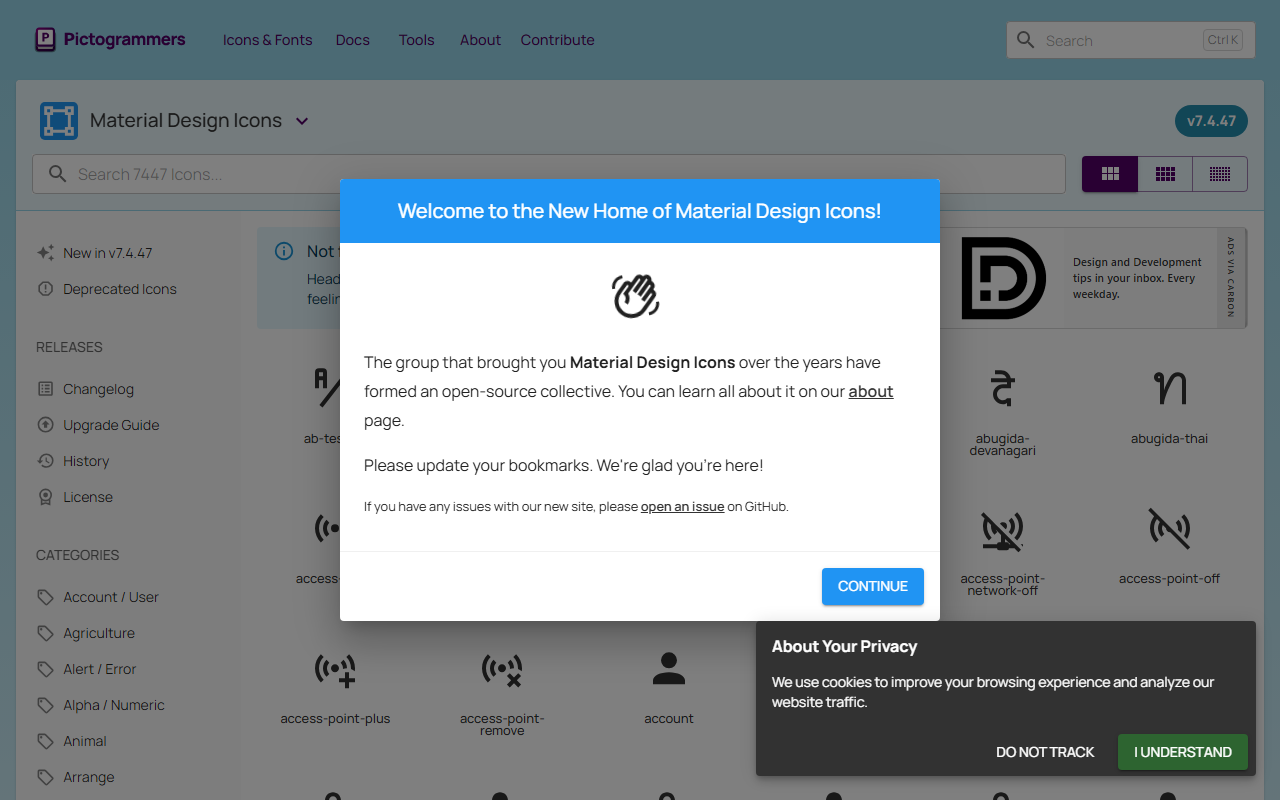
Upon visiting the Material Design Icons website, the first thing I noticed was a clean, almost spartan layout. A prominent search bar sits at the top, flanked by a version indicator (v7.4.47) and navigation links. The homepage loads a continuously scrolling grid of icons, all rendered as crisp SVG outlines. I tested the search by typing “home” and instantly saw hundreds of home-related icons, each displaying a label and a small color palette icon for customization. The interface is fast, with no pagination lag, and the whole experience feels like browsing a native app rather than a static library. The dashboard is essentially the search and filter system; there is no user dashboard or account management, which keeps the focus squarely on the icons themselves.
What Makes It Different and Who It Serves
Material Design Icons is a community-driven icon library curated by Pictogrammers. It offers over 7,000 icons, all following Google’s Material Design guidelines. Unlike commercial icon sets such as Font Awesome Pro or Nucleo, this library is completely free with no paid tiers or credit requirements. Icons can be downloaded as SVG, PNG, or as vector code for direct use in design tools like Figma or Sketch. The library also provides a web font version for easy embedding in web projects. During testing, I downloaded an SVG of a “cloud” icon and imported it into a test project. The file was clean, well-structured, and scaled perfectly. This makes the tool ideal for developers and designers who need a consistent, open-source icon set for UI prototypes, websites, and app interfaces. For teams that require icon customization beyond color and size (such as unique strokes or asymmetric designs), this library may feel restrictive. Its strength is breadth and consistency, not novelty.
Pricing, Technology, and Integrations
Pricing is not publicly listed on the website because the entire library is free. There are no paid tiers, no watermarking, and no usage limits. Icons are distributed under the Apache License 2.0, meaning you can use, modify, and redistribute them commercially without attribution (though it’s appreciated). The underlying technology relies on SVG files stored in a GitHub repository, and the website itself is built with Vue.js for fast reactivity. For developers, there is an official NPM package and a CDN link for embedding the icon font. The API is not documented separately, but the GitHub repo provides a JSON file with all icon metadata, which advanced users can query programmatically. Compared to Google’s official Material Icons library, this community version offers more frequent updates, a larger selection, and a built-in search filter by icon category (e.g., “social”, “navigation”, “communication”). There is also an optional browser extension for quick access.
Strengths, Limitations, and Final Verdict
The strongest appeal of Material Design Icons is its sheer quantity and zero-cost entry. The search functionality is excellent, and the ability to preview icons in different sizes and colors before download saves time. The community behind Pictogrammers maintains a changelog and deprecation list, so you can trust the library to stay up-to-date with design trends. However, a clear limitation is the lack of icon animation or dynamic styling options. Unlike Iconscout or Streamline, you cannot generate animated SVG or custom icon sets without manual editing. Also, because the icons adhere strictly to Material Design, they may feel out of place in projects with a completely different visual language (e.g., skeuomorphic or gradient-heavy designs). Another minor issue is that the website does not offer a direct “copy SVG code” button; you must download the file or open it in a new tab. Despite these drawbacks, for any front-end developer, UI designer, or product team looking for a free, reliable, and extensive icon set, Material Design Icons is a top recommendation. Visit Material Design Icons at https://materialdesignicons.com/ to explore it yourself.













Comments