

First Impressions and Onboarding
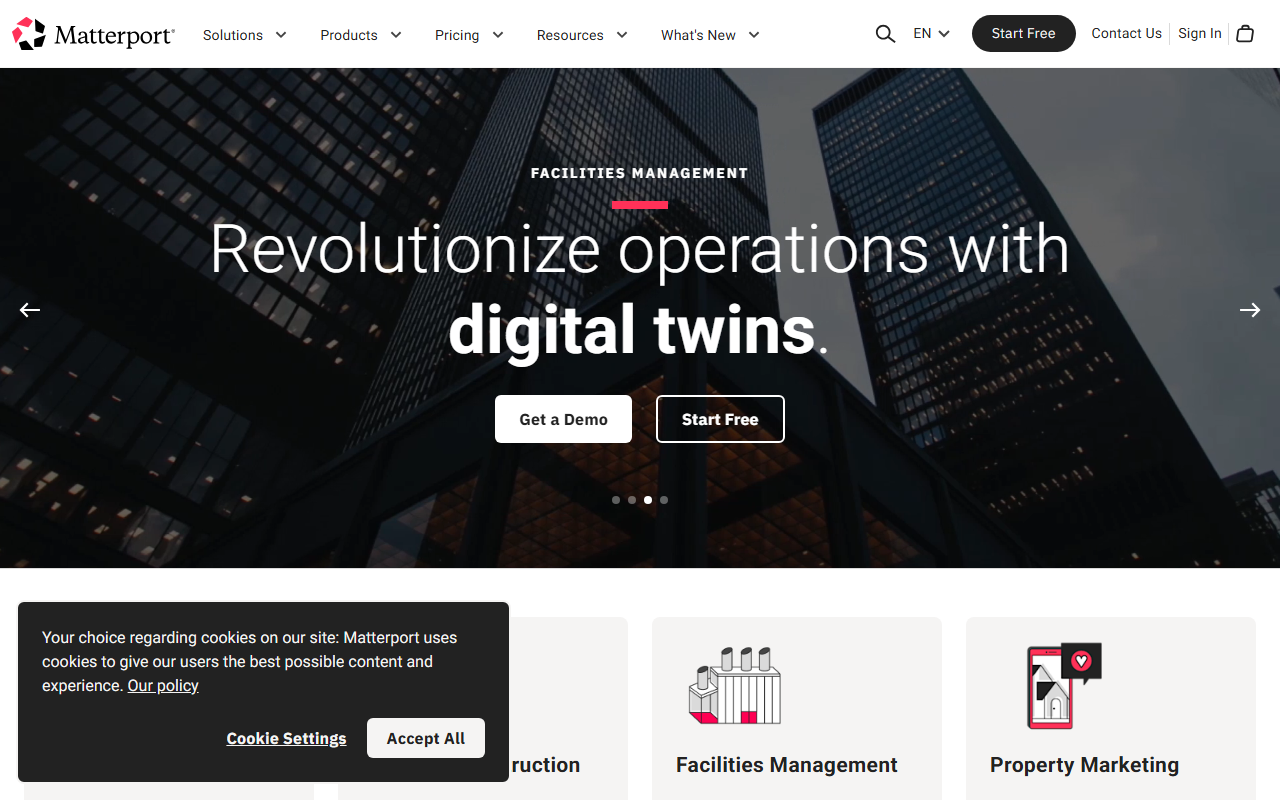
Upon visiting the Matterport website, the landing page immediately communicates the company's core value: turning physical spaces into immersive 3D digital twins. The layout is clean and navigation is straightforward, with clear calls-to-action for different verticals such as Corporate Real Estate, Property Marketing, Facilities Management, and Design & Construction. I was prompted to either sign in or start a free trial. The free tier, which I tested, allows you to create a limited number of 3D captures with basic sharing options. The onboarding process guided me through downloading the Matterport Capture app and connecting a compatible camera (a 360-degree camera or an iPhone with LiDAR). The app itself is intuitive: you simply walk through a space while the app stitches everything together. After capture, the cloud processing took about 20 minutes for a small apartment—reasonable for the quality of the output.
Core Features and Technology
Matterport’s technology is built around creating “digital twins”—highly accurate 3D models of real-world spaces. The core capture process uses either the Matterport Pro2 camera (available for purchase) or a compatible smartphone with LiDAR. The resulting model is not just a 3D tour; it includes accurate measurements, floor plans, and even BIM-compatible data. During my test of a furnished office, I was able to add tags, annotate features, and share a private link with stakeholders. The dashboard shows all your models in a gallery view, with options to edit, export, or embed. For enterprise users, Matterport integrates with AWS (for real-time IoT data), Procore, and Autodesk—making it a powerful tool for construction and facility management workflows. The platform also offers a “Matterport Axis” accessory that automates capture for larger spaces. One standout feature is the “Dollhouse” and “Floor Plan” views that Auto-Generate from your scan, which save hours of manual drafting.
Pricing and Market Position
Matterport does not publicly list full pricing tiers on its site; instead, it offers a free starter plan and prompts you to contact sales for business subscriptions. Based on industry reports, plans typically range from $9.99 per month (Starter) to $69 per month (Pro) and up to $309 per month (Business) for unlimited captures and advanced features. The free tier allows up to 5 active models and basic sharing. Compared to competitors like Zillow 3D Home (which is more consumer-focused) or LiDAR-based apps (like Canvas), Matterport stands out for its professional-grade quality, robust integrations, and collaboration tools. The company has raised over $500 million in funding and is publicly traded (NASDAQ: MTTR), which speaks to its market authority. However, the cost of hardware (the Pro2 camera costs around $3,000) and the subscription fees can be prohibitive for individual agents or small firms. Matterport is best suited for real estate agencies, facility managers, and construction firms that need high-fidelity digital twins and can justify the investment.
Strengths and Limitations
Matterport’s greatest strength is the accuracy and immersiveness of its 3D captures. The ability to generate floor plans and BIM data automatically from a single scan is a massive time saver. The platform’s integrations with AWS, Procore, and Autodesk make it a central hub for enterprise workflows. On the downside, the hardware requirement is a barrier: while you can use an iPhone with LiDAR, the quality is noticeably lower than with the Pro2 camera. Additionally, the free tier is very limited (only 5 active models), and the paid plans are expensive compared to simpler tour platforms like Kuula or Ricoh Theta tours. Another limitation is the steep learning curve for advanced features like Mattertag creation and data export—though the documentation is thorough. I also noticed that processing times can be long for large properties, especially during peak hours. For anyone needing professional-grade digital twins with measurement accuracy, Matterport is the gold standard. But if you just want a quick 360 virtual tour, a cheaper alternative like Matterport’s own Axis-free capture (via third-party services) may not be as economical.
Visit Matterport at https://matterport.com/ to explore it yourself.













Comments