

First Impressions and Onboarding
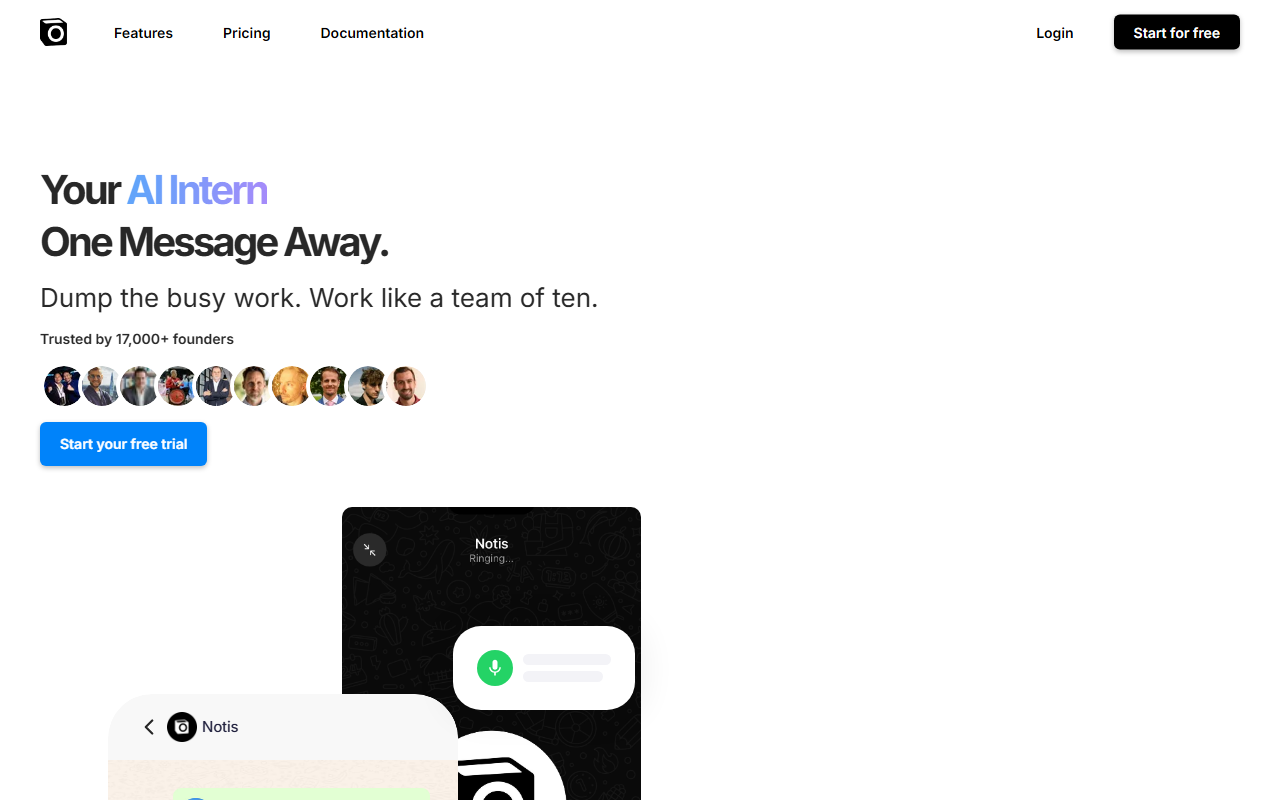
Upon visiting Notis.ai, the homepage immediately sells the concept of an "AI intern" that you can message like a teammate. The interface shows a simulated chat conversation: a user sends a voice note saying "Can you organize this into a coherent summary?" and Notis replies with a saved Notion link. The design is clean and almost playful—no dashboard to configure, no lengthy sign-up wizard. The primary call to action is "Start your free trial," and the website claims trust from 17,000+ founders. The onboarding flow is minimal: you connect Notis via Telegram, iMessage, WhatsApp, Slack, or email, and then just start chatting. There is no new app to download, which lowers the activation barrier considerably.
Core Capabilities and Workflow
Notis describes itself as a "fire and forget autonomous AI agent." Rather than requiring step-by-step instructions, you speak or type a request, and the agent carries out the task fully. During my exploration, the demo showed two concrete interactions: first, a voice note about organizing educational notes is transcribed, summarized, and saved into Notion with a live link. Second, when asked to "challenge the idea" in a voice note about a semiconductor investment thesis, Notis returned a structured document playing devil's advocate, complete with geopolitical context and a link to the saved file. The homepage lists capabilities including note taking, task management, social media posting, blog and newsletter generation, meeting management, CRM updates, bug reporting, and expense management. The agent connects to 800+ apps—Notion, Slack, CRM, calendar, and more—so it can update records, schedule follow-ups, and log expenses from receipt photos. Unlike tools like Otter.ai which focus on transcription, Notis executes end-to-end workflows: from "I want to brainstorm blog topics" to a fully formatted draft with images. This positions it as an executive assistant rather than a simple voice-to-text tool.
Pricing and Integration
Pricing is not publicly listed on the website. The only option visible is a free trial, which suggests subscription tiers are available but hidden behind the sign-up flow. This lack of transparency is a limitation for budget-conscious professionals and teams. In terms of integrations, Notis claims to work with 800+ apps, but the website does not provide a detailed list—users likely need to test connectivity within the trial. It connects to major platforms like Notion, Slack, Calendly, and popular CRMs. For those who rely on niche tools, it is worth verifying compatibility before committing. Compared to competitors like Fireflies.ai (meeting-focused) or Mem (AI notes), Notis emphasizes autonomous delegation and cross-app orchestration, making it more versatile for high-volume task management.
Final Verdict
Notis is best suited for founders, solopreneurs, and small business owners who want to offload busywork without learning yet another dashboard. Its strength is the "one message away" autonomy—you speak once and it completes entire workflows. Genuine limitations include the opaque pricing model, reliance on third-party messaging platforms (privacy concerns for sensitive data), and the absence of a native interface for reviewing agent decisions. For now, the free trial is the best way to evaluate whether the AI intern fits your workflow. Visit Notis at https://notis.ai/ to explore it yourself.













Comments