

First Impressions and Interface
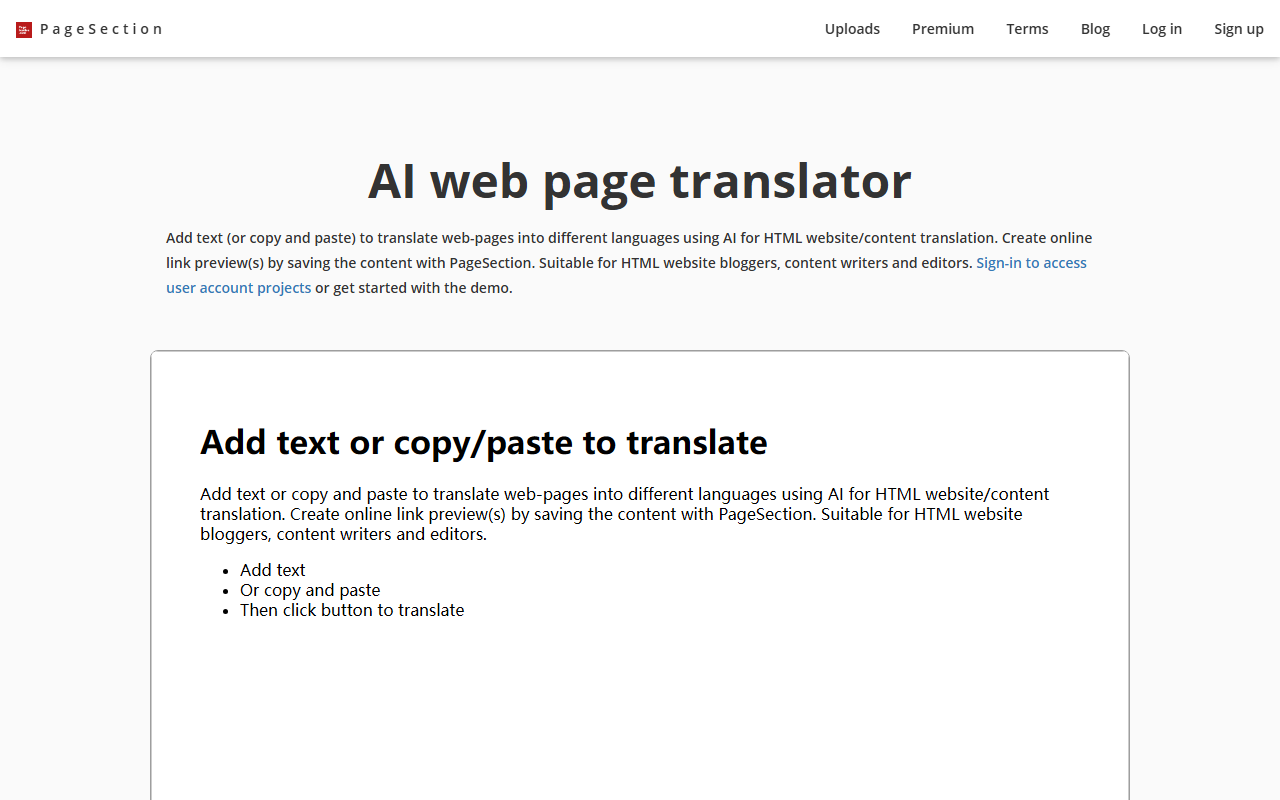
Upon visiting the PageSection website, I was greeted with a clean, straightforward layout that clearly lists three core offerings: editable templates, an HTML editor, and file upload with link creation. The homepage features demo videos (though my browser showed "Your browser does not support the HTML video tag" for a few, indicating an outdated video format – a minor but noticeable flaw). The navigation is minimal, with sections for templates, editor, upload, and pricing. Registering for the free Starter account was quick and required only an email and password. Once logged in, the dashboard presents a simple menu to access each service.
The interface feels functional rather than polished. It uses a basic CSS framework (w3.css and Bootstrap) which keeps everything responsive but not visually modern. For a tool aimed at web creators, the lack of a dark mode or advanced customization of the UI itself is a letdown. However, the core functionality works as advertised. I tested the free tier by uploading a zip file containing an HTML project with CSS and JS. The upload process was smooth: I selected a zip, waited a few seconds, and received a live URL preview link. The link worked perfectly in a browser, rendering the project just as if it were hosted on a server.
Key Features and Workflow
PageSection combines three distinct features that serve different but overlapping needs. The first is a collection of editable HTML templates. Categories include Tailwind CSS, Bootstrap, and Bulma, among others. You can select a template, open it in the online editor, modify text and styles, then copy-paste or download the HTML. This is handy for rapid prototyping or when you need a clean starting point for a landing page. The second feature is the online HTML editor itself. It’s a basic code editor with syntax highlighting, preview pane, and save functionality. During my test, I edited a template’s header colors and added a paragraph. The changes reflected in real time in the preview pane. You can save projects online or export as a zip file. The third feature is the file upload system. You can upload any web files (HTML, CSS, JS, images) in a zip and receive a shareable live link. This is ideal for showcasing sample work to clients or sharing educational projects with students. PageSection also offers a text-to-HTML converter and download link controls (enable/disable). The editor supports basic editing but lacks advanced features like autocomplete, linting, or version history. For professional coders, this will feel limiting, but for beginners or quick fixes, it’s sufficient.
Pricing and Value Proposition
PageSection offers three pricing tiers. Starter (Free) includes temporary preview links, 1 GB storage, limited uploads/saves, and basic email support. This is generous for casual use or testing. Premium costs $20/month per user and unlocks unlimited preview links, 100 GB storage, unlimited uploads and saves, and priority support. There is also a Student plan for $10/month. Custom plans are available on request for large organizations. Notably, the pricing page also mentions a one-time payment option and annual billing for those who prefer non-subscription. For the features offered, the Premium price feels slightly high compared to similar services (e.g., CodePen Pro at $12/month or JSFiddle’s paid plan). However, PageSection’s unique value is the ability to upload entire projects and generate live URLs, which is closer to a static hosting service like Netlify or GitHub Pages (both of which offer free plans with more capabilities). PageSection does not mention any API, nor does it integrate with version control or CI/CD pipelines, limiting its use for production workflows.
Who Should Use PageSection?
PageSection is best suited for students learning HTML/CSS/JS who need a playground to practice with instant previews and shareable links. It’s also useful for copywriters and marketing teams who need to quickly edit web content without touching backend code. Bloggers can use it to draft and preview posts before publishing. However, professional front-end developers will likely prefer more robust tools like CodePen, VS Code with Live Server, or dedicated hosting services. A major limitation is that PageSection is not an AI tool despite being categorized under "Text AI > Cross-border AI". The site contains no AI features – no intelligent code generation, no suggestions, no natural language processing. It’s purely a manual HTML editor and file hosting service. This mislabeling could confuse users searching for AI-powered solutions. On the positive side, the free tier is genuinely useful for light tasks, and the upload-and-link feature is elegant for sharing temporary web projects. If you need a quick way to show an HTML prototype to a client without setting up hosting, PageSection works fine. If you need AI assistance, look elsewhere. In summary, PageSection is a decent utility tool with a straightforward free tier, but its pricing and lack of advanced features make it a niche option.
Visit PageSection at https://pagesection.com/ to explore it yourself.










Comments