

First Impressions and Onboarding
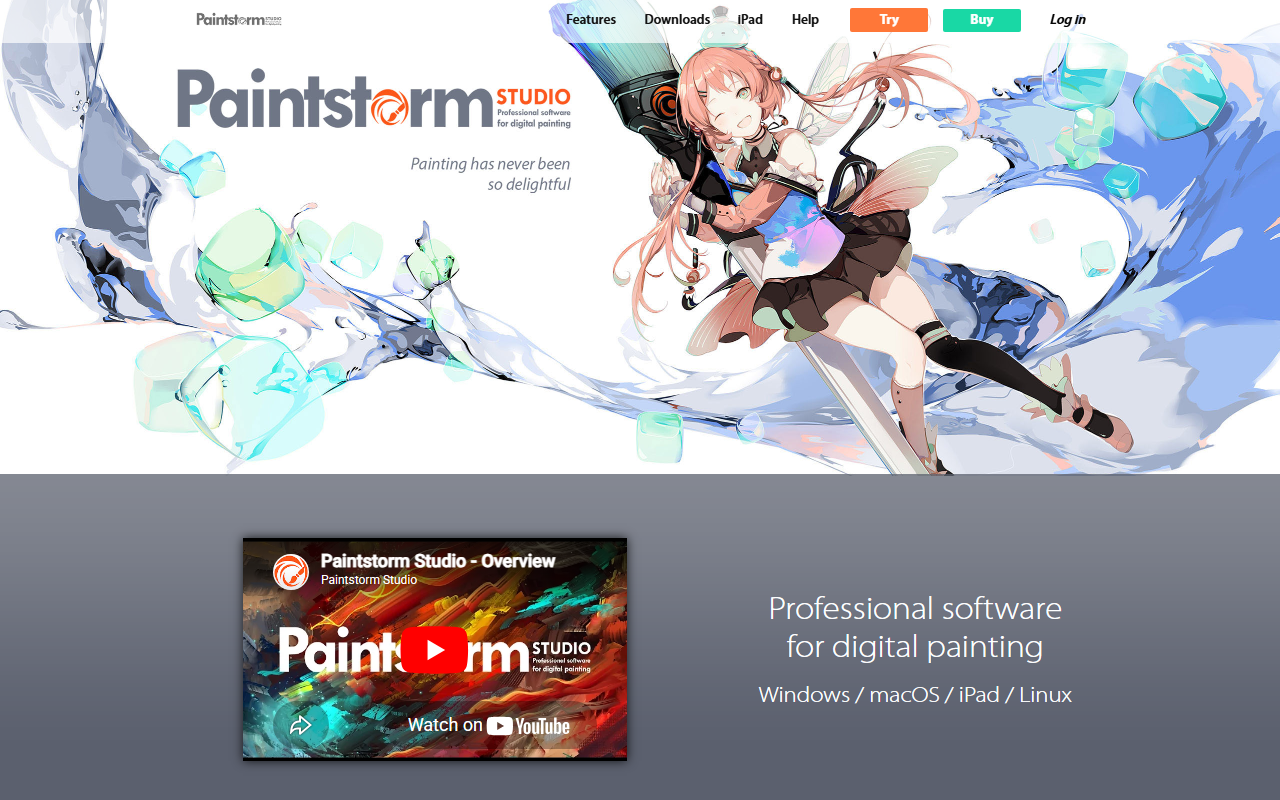
Upon visiting the Paintstorm Studio website, I was greeted by a clean, minimalistic layout that immediately emphasizes the software’s cross-platform availability and one-time pricing model. The homepage clearly lists supported platforms—Windows, macOS, iPad, and Linux—and highlights the perpetual license for $25 (down from $49.99). The download section offers trial versions, and the navigation is straightforward, with dedicated tabs for features, downloads, iPad support, and help. I clicked through the “Features” page, which uses icon-driven cards to showcase capabilities like bristle brushes, double brushes, smart “Dirty Mode,” perspective rulers, and a GPU-accelerated kaleidoscope. The absence of AI-specific mentions surprised me given the “AI Painting” category, but the tool’s focus is clearly on traditional digital painting mechanics rather than generative AI.
Core Capabilities and Technology
Paintstorm Studio is designed as a universal digital painting application, not an AI art generator. Its core strength lies in brush engine sophistication: users can create bristle brushes of any shape, leverage double brushes, enable a “Dirty Mode” that picks up the underlayer’s color while blending, and customize every brush parameter—including stroke jitter, flow, texture, and shape dynamics. The software also includes a real color palette mixer, which mimics physical paint mixing—a feature rarely seen in competitors like Procreate or Adobe Fresco. For comic and manga creators, the stroke stabilizer and post-correction tools help close gaps and create clean lines. Perspective guides support 2- and 3-point perspective with snapping, and rulers have state history for non-destructive workflow.
The symmetry and kaleidoscope tools are particularly impressive: symmetry can be set up to 100 rays with five duplication modes, and the GPU-accelerated kaleidoscope includes a pattern repeater, enabling intricate mandalas and mirrored designs in real time. I tested the free trial on macOS and found the interface highly customizable—panels can be rearranged, grouped, and auto-hidden. Layer management includes colored structures, interactive highlighting, and focus mode. The software also supports free transform and warp for multiple layers simultaneously, including selected fragments—a workflow shortcut that rivals high-end desktop applications.
Pricing and Positioning
Paintstorm Studio uses a one-time purchase model: $25 for a perpetual license with free lifetime updates. This stands in stark contrast to subscription-based alternatives like Clip Studio Paint ($4.49/month or $219 for perpetual) or Adobe Photoshop ($22.99/month). The low entry price makes it accessible for hobbyists and professionals on a budget. However, the lack of cloud sync, built-in asset stores, or AI-powered features (e.g., automatic inpainting, style transfer) may deter users seeking modern generative tools. Additionally, the iPad version is a separate purchase—it’s not a cross-platform bundle. The developer team is small, and updates, while free, appear less frequent than larger studios. But for the price, the tool offers remarkable functionality: full mask control, gradient strokes, colored brush shapes, and a large library of grunge and textured brushes designed for concept art.
Compared to Procreate ($12.99 one-time on iPad only), Paintstorm Studio provides a more extensive brush engine and desktop support, but lacks Procreate’s intuitive gesture controls and vast community. For Windows/Linux users, it’s a strong alternative to Krita (free) if you prefer a commercial tool with polished features and dedicated support.
Strengths, Limitations, and Verdict
Strengths: The brush customization is unmatched at this price point; the symmetry, kaleidoscope, and perspective tools are genuinely powerful; the interface is highly adaptable; and the perpetual license eliminates subscription fatigue. The software feels snappy thanks to GPU acceleration, and multi-layer transform options boost productivity.
Limitations: There is no AI integration—no text-to-image, no smart fill, no neural filters. The UI, while flexible, has a dated look compared to modern apps. The learning curve for brush settings is steep, and the tool lacks built-in collaboration or cloud storage. Also, the iPad version is sold separately and does not sync with desktop.
Who should try it: Digital artists who want a single-purchase, cross-platform painting tool with deep brush mechanics—especially those producing traditional-style illustrations, comics, manga, or symmetrical designs. Who should look elsewhere: users who rely on AI generation, need cloud workflows, or prefer a more streamlined, tablet-first experience like Procreate.
Visit Paintstorm Studio at https://paintstormstudio.com to explore it yourself.













Comments